







Question: 6. You can use the same Rate for all 3 car calculations. 7. Use the bank's prime rate of 3.25% as your base Prime Rate.
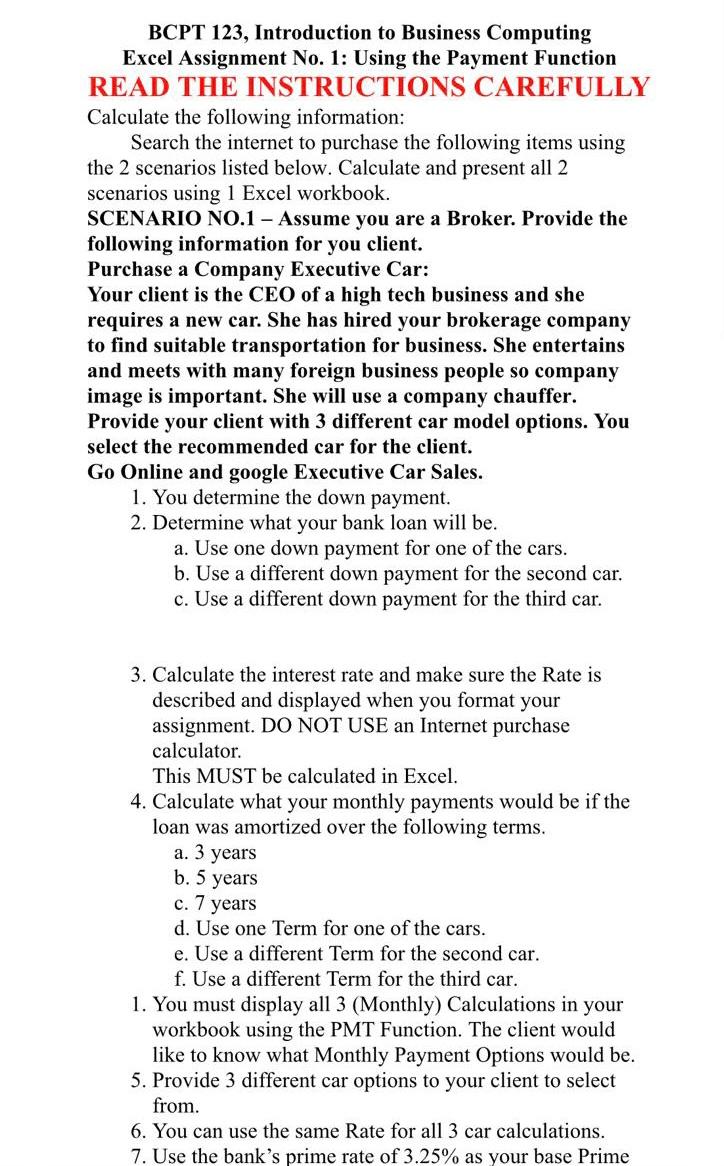
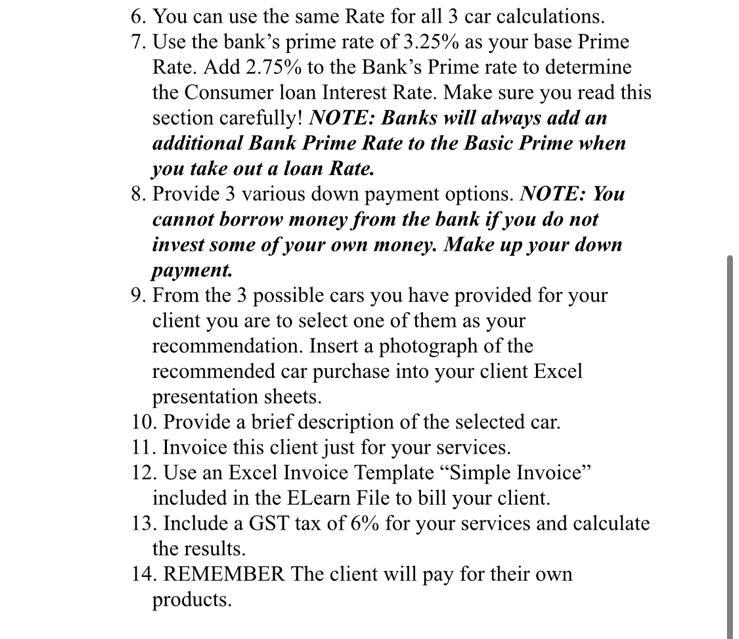
6. You can use the same Rate for all 3 car calculations. 7. Use the bank's prime rate of 3.25% as your base Prime Rate. Add 2.75% to the Bank's Prime rate to determine the Consumer loan Interest Rate. Make sure you read this section carefully! NOTE: Banks will always add an additional Bank Prime Rate to the Basic Prime when you take out a loan Rate. 8. Provide 3 various down payment options. NOTE: You cannot borrow money from the bank if you do not invest some of your own money. Make up your down payment. 9. From the 3 possible cars you have provided for your client you are to select one of them as your recommendation. Insert a photograph of the recommended car purchase into your client Excel presentation sheets. 10. Provide a brief description of the selected car. 11. Invoice this client just for your services. 12. Use an Excel Invoice Template Simple Invoice" included in the ELearn File to bill your client. 13. Include a GST tax of 6% for your services and calculate the results. 14. REMEMBER The client will pay for their own products. 6. You can use the same Rate for all 3 car calculations. 7. Use the bank's prime rate of 3.25% as your base Prime Rate. Add 2.75% to the Bank's Prime rate to determine the Consumer loan Interest Rate. Make sure you read this section carefully! NOTE: Banks will always add an additional Bank Prime Rate to the Basic Prime when you take out a loan Rate. 8. Provide 3 various down payment options. NOTE: You cannot borrow money from the bank if you do not invest some of your own money. Make up your down payment. 9. From the 3 possible cars you have provided for your client you are to select one of them as your recommendation. Insert a photograph of the recommended car purchase into your client Excel presentation sheets. 10. Provide a brief description of the selected car. 11. Invoice this client just for your services. 12. Use an Excel Invoice Template Simple Invoice" included in the ELearn File to bill your client. 13. Include a GST tax of 6% for your services and calculate the results. 14. REMEMBER The client will pay for their own products
Step by Step Solution
There are 3 Steps involved in it

Get step-by-step solutions from verified subject matter experts
 Study Help