







Question: 7 . 3 1 LAB: Copying a file Write a program that copies one file to another. Prompt the user for the input and output
LAB: Copying a file
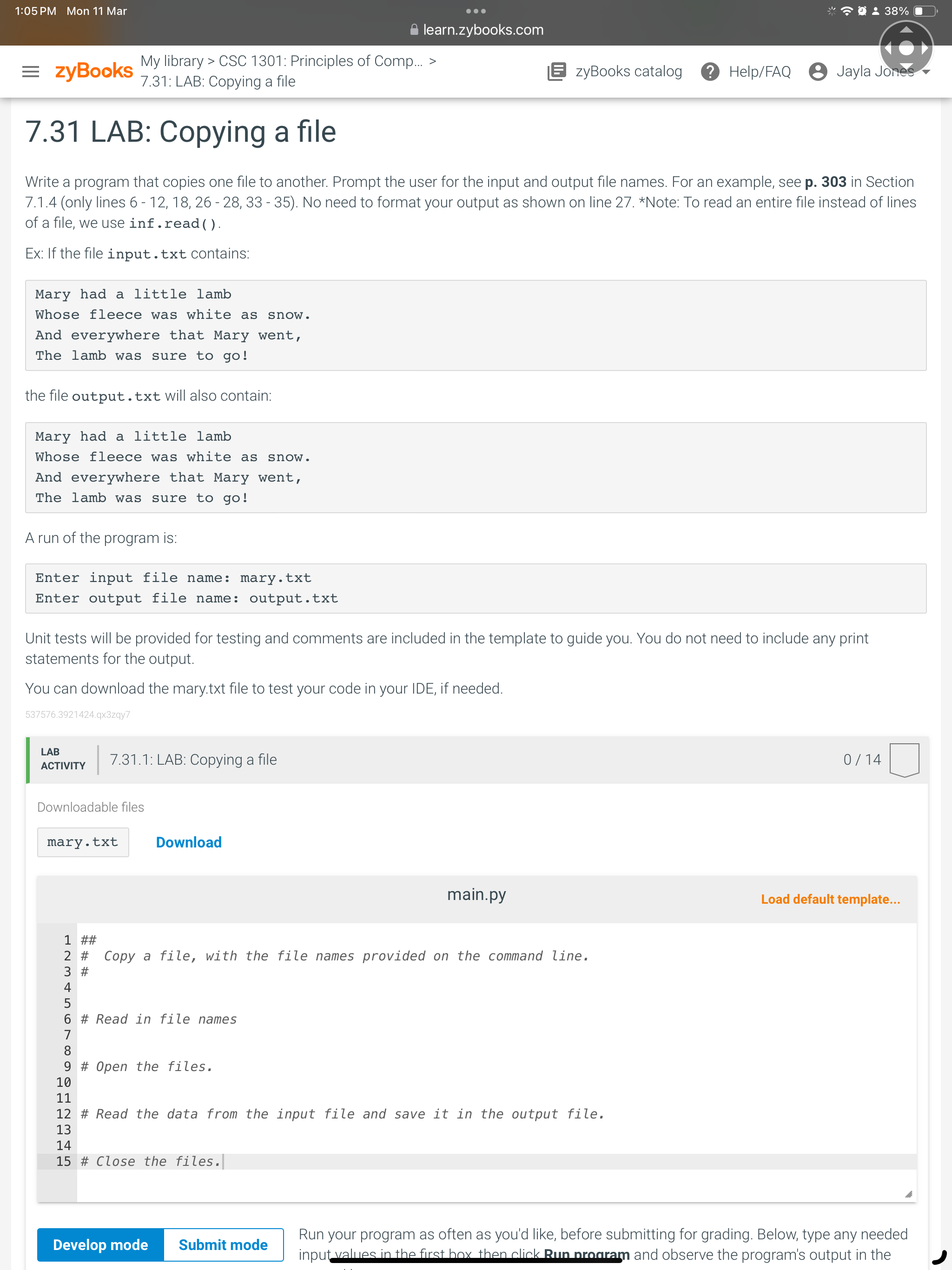
Write a program that copies one file to another. Prompt the user for the input and output file names. use inf.read
Ex: If the file input.txt contains:
Mary had a little lamb
Whose fleece was white as snow.
And everywhere that Mary went,
The lamb was sure to go
the file output txt will also contain:
Mary had a little lamb
Whose fleece was white as snow.
And everywhere that Mary went,
The lamb was sure to go
A run of the program is:
Enter input file name: mary.txt
Enter output file name: output.txt
Unit tests will be provided for testing and comments are included in the template to guide you. You do not need to include any print
statements for the output.
You can download the mary.txt file to test your code in your IDE, if needed.
qxzqy
LAB
ACTIVITY
: LAB: Copying a file
Downloadable files
Download
main.py
Load default template...
##
# Copy a file, with the file names provided on the command line.
#
# Read in file names
# Open the files.
# Read the data from the input file and save it in the output file.
# Close the files.
Run your program as often as you'd like, before submitting for grading. Below, type any needed
inputvalues in the first hox then click Run nroaram and observe the program's output in the
Step by Step Solution
There are 3 Steps involved in it
1 Expert Approved Answer
Step: 1 Unlock

Question Has Been Solved by an Expert!
Get step-by-step solutions from verified subject matter experts
Step: 2 Unlock
Step: 3 Unlock
 Study Help