





Question: 7. Add a header and page numbers to the document. a. Place the cursor at the beginning of the Overview heading. b. O Add a
7. Add a header and page numbers to the document.
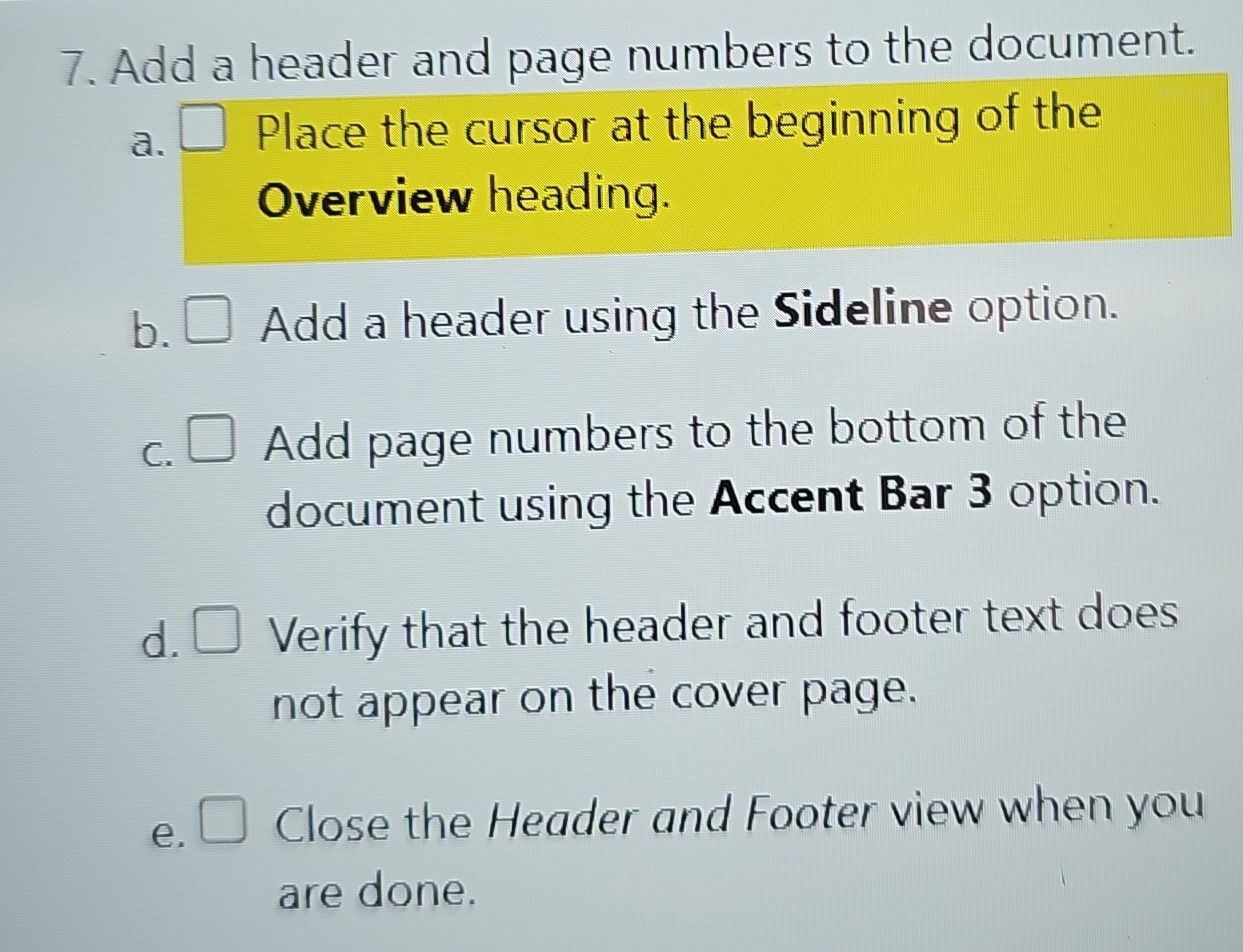
7. Add a header and page numbers to the document. a. Place the cursor at the beginning of the Overview heading. b. O Add a header using the Sideline option. c. Add page numbers to the bottom of the document using the Accent Bar 3 option. d. Verify that the header and footer text does not appear on the cover page. e . Close the Header and Footer view when you are done

Step by Step Solution

There are 3 Steps involved in it

1 Expert Approved Answer
Step: 1 Unlock blur-text-image

Question Has Been Solved by an Expert!

Get step-by-step solutions from verified subject matter experts

Step: 2 Unlock
Step: 3 Unlock

Students Have Also Explored These Related Accounting Questions!