







Question: 7. Build an IF function formula. a. Click the Fleet sheet tab and select cell G5. Rental boats with a stove in the galley must
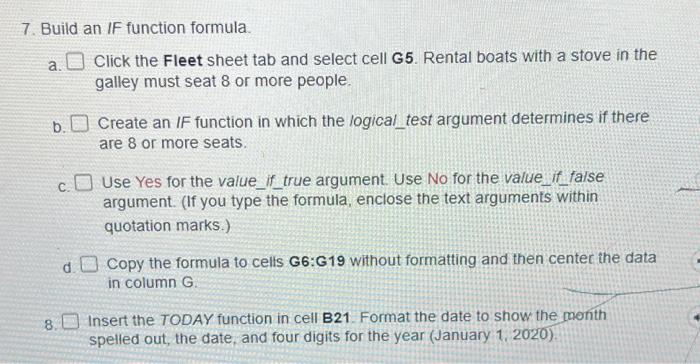
7. Build an IF function formula. a. Click the Fleet sheet tab and select cell G5. Rental boats with a stove in the galley must seat 8 or more people. b. Create an IF function in which the logical_test argument determines if there are 8 or more seats. c. Use Yes for the value if_true argument. Use No for the value_if false argument. (If you type the formula, enclose the text arguments within quotation marks.) d. Copy the formula to cells G6:G19 without formatting and then center the data in column G. 8. Insert the TODAY function in cell B21. Format the date to show the month spelled out, the date, and four digits for the year (January 1, 2020). 7. Build an IF function formula. a. Click the Fleet sheet tab and select cell G5. Rental boats with a stove in the galley must seat 8 or more people. b. Create an IF function in which the logical_test argument determines if there are 8 or more seats. c. Use Yes for the value if_true argument. Use No for the value_if false argument. (If you type the formula, enclose the text arguments within quotation marks.) d. Copy the formula to cells G6:G19 without formatting and then center the data in column G. 8. Insert the TODAY function in cell B21. Format the date to show the month spelled out, the date, and four digits for the year (January 1, 2020)
Step by Step Solution
There are 3 Steps involved in it

Get step-by-step solutions from verified subject matter experts
 Study Help