







Question: 7: How do I create a PivotTable as follows that provides the products sold by manufacturer information for Jacob? 7. Go to the Manufacturers worksheet.
7: How do I create a PivotTable as follows that provides the products sold by manufacturer information for Jacob?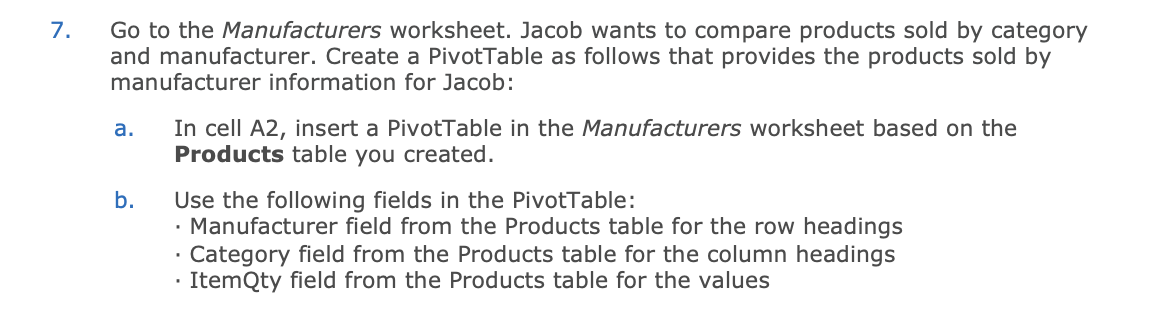
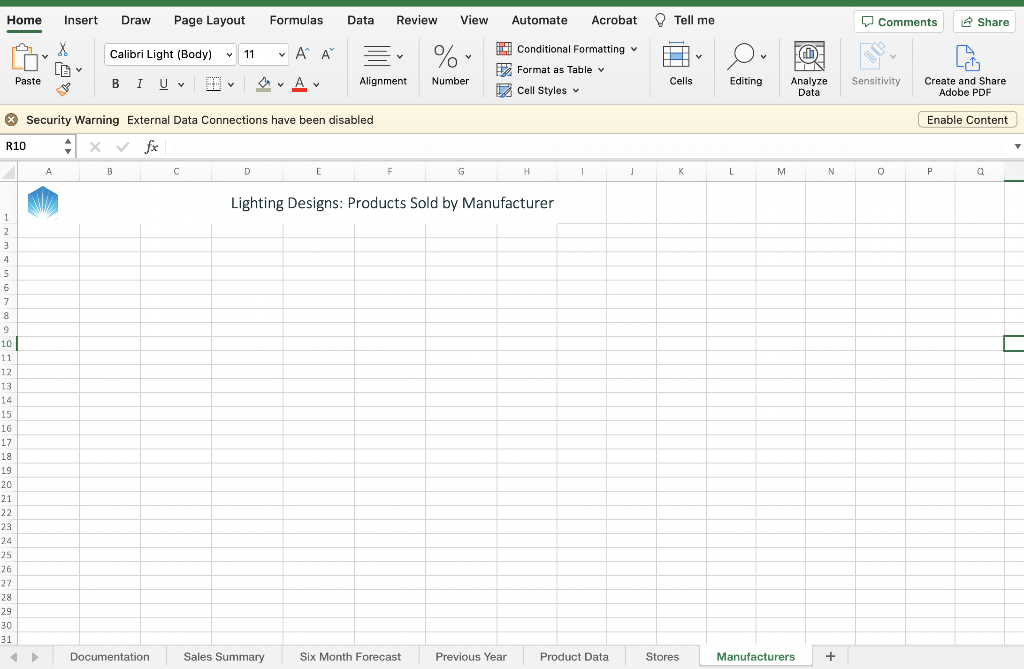
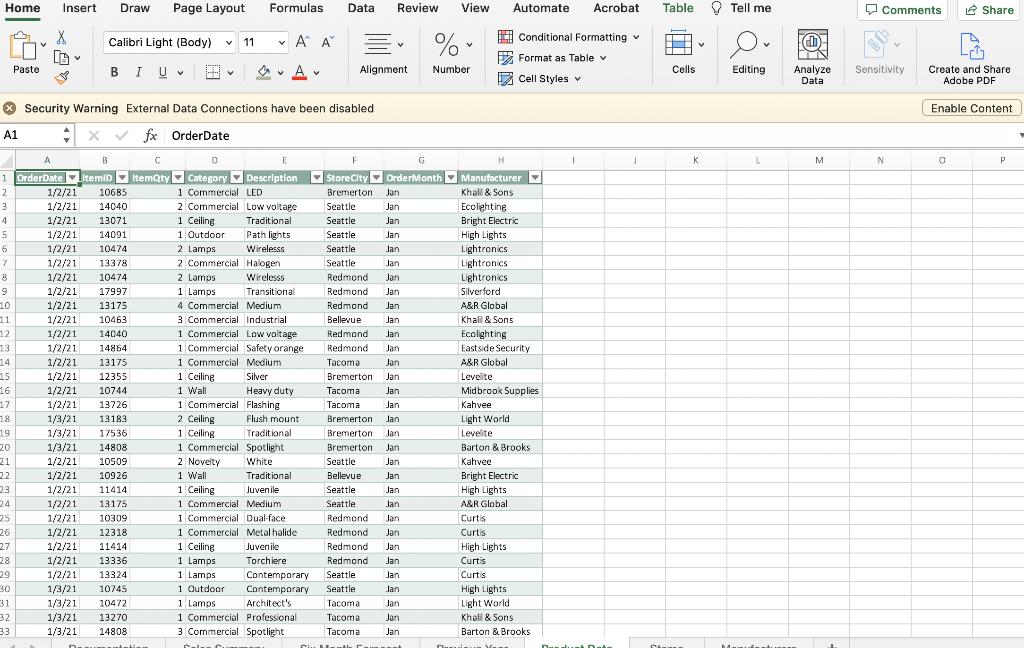
7. Go to the Manufacturers worksheet. Jacob wants to compare products sold by category and manufacturer. Create a PivotTable as follows that provides the products sold by manufacturer information for Jacob: a. In cell A2, insert a PivotTable in the Manufacturers worksheet based on the Products table you created. b. Use the following fields in the PivotTable: - Manufacturer field from the Products table for the row headings - Category field from the Products table for the column headings - ItemQty field from the Products table for the values Security Warning External Data Connections have been disabled Enable Content R10fx A c DEFG Lighting Designs: Products Sold by Manufacturer Home Insert Draw Page Layout Formulas Data Review View Automate Acrobat Table Q Tell me Comments P Security Warning External Data Connections have been disabled A1 Afx OrderDate
Step by Step Solution
There are 3 Steps involved in it

Get step-by-step solutions from verified subject matter experts
 Study Help