







Question: 9 . ) Create hierarchies for the order dates and product categories as follows so you can easily find information about a specific fabric sale
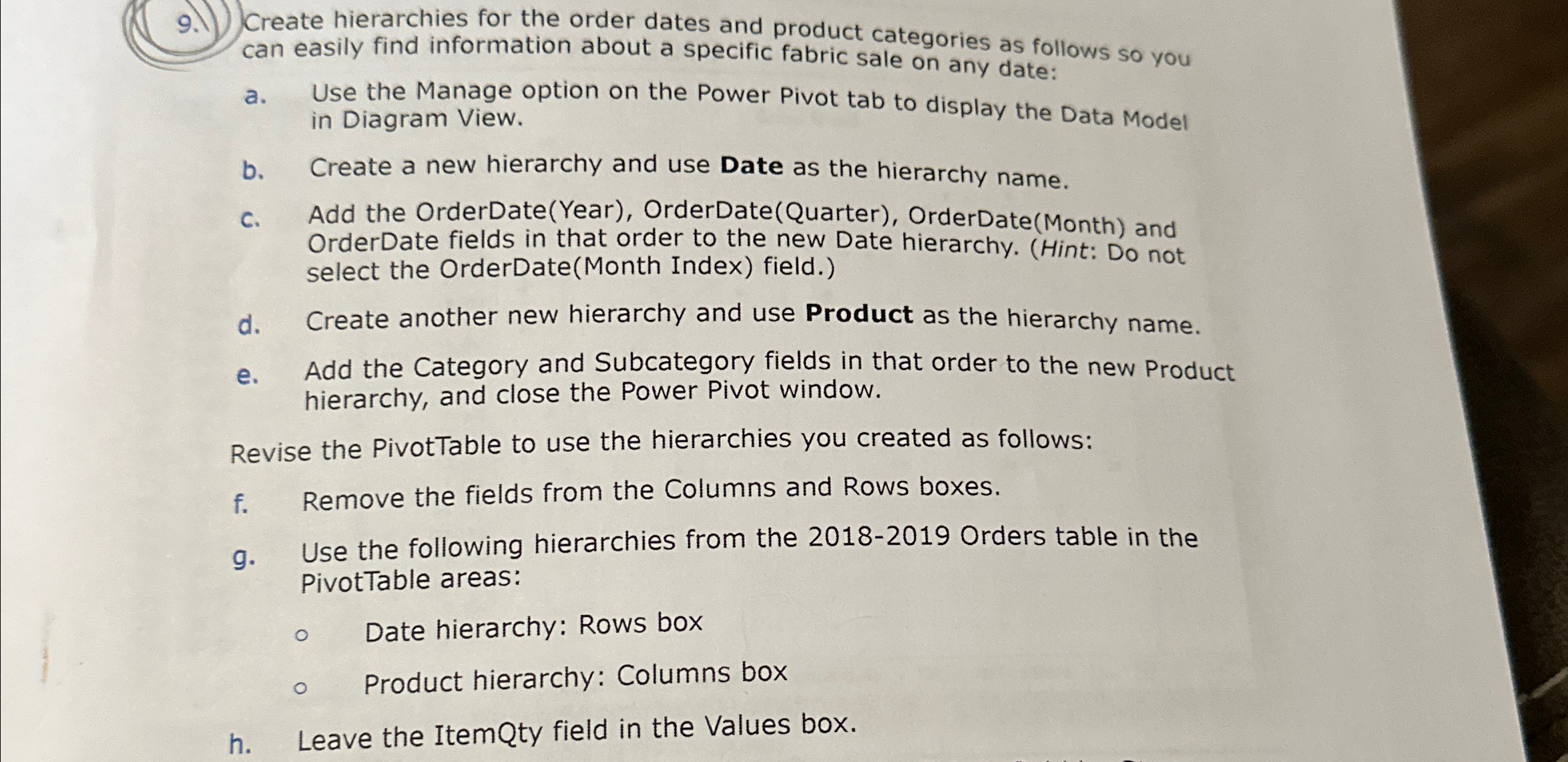
Create hierarchies for the order dates and product categories as follows so you can easily find information about a specific fabric sale on any date:
a Use the Manage option on the Power Pivot tab to display the Data Model in Diagram View.
b Create a new hierarchy and use Date as the hierarchy name.
c Add the OrderDateYear OrderDateQuarter OrderDateMonth and OrderDate fields in that order to the new Date hierarchy. Hint: Do not select the OrderDateMonth Index field.
d Create another new hierarchy and use Product as the hierarchy name.
e Add the Category and Subcategory fields in that order to the new Product hierarchy, and close the Power Pivot window.
Revise the PivotTable to use the hierarchies you created as follows:
f Remove the fields from the Columns and Rows boxes.
g Use the following hierarchies from the Orders table in the PivotTable areas:
Date hierarchy: Rows box
Product hierarchy: Columns box
h Leave the ItemQty field in the Values box.
Step by Step Solution
There are 3 Steps involved in it
1 Expert Approved Answer
Step: 1 Unlock

Question Has Been Solved by an Expert!
Get step-by-step solutions from verified subject matter experts
Step: 2 Unlock
Step: 3 Unlock
 Study Help