







Question: 2. Use the Form Wizard to create a form based on the Member table. Select all the fields for the form and the Columnar
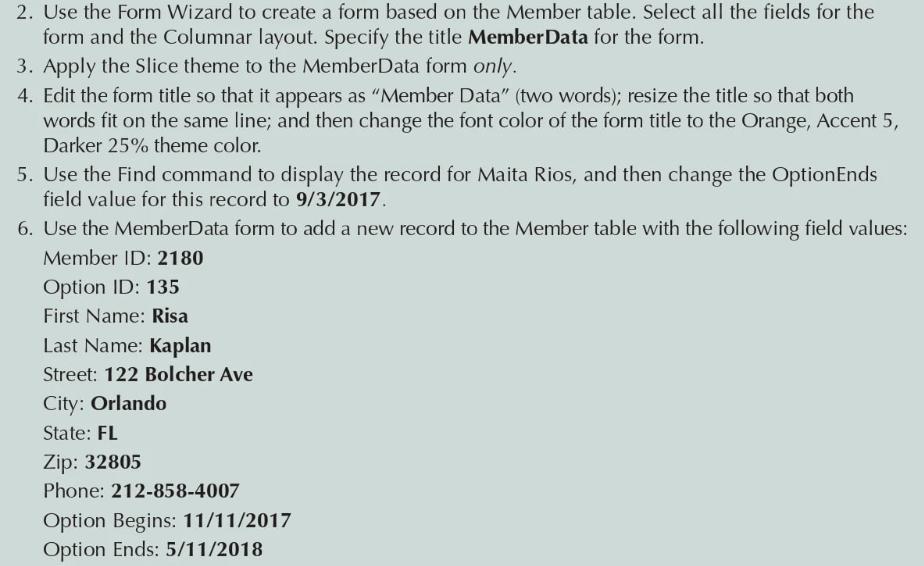
2. Use the Form Wizard to create a form based on the Member table. Select all the fields for the form and the Columnar layout. Specify the title MemberData for the form. 3. Apply the Slice theme to the MemberData form only. 4. Edit the form title so that it appears as "Member Data" (two words); resize the title so that both words fit on the same line; and then change the font color of the form title to the Orange, Accent 5, Darker 25% theme color. 5. Use the Find command to display the record for Maita Rios, and then change the OptionEnds field value for this record to 9/3/2017. 6. Use the MemberData form to add a new record to the Member table with the following field values: Member ID: 2180 Option ID: 135 First Name: Risa Last Name: Kaplan Street: 122 Bolcher Ave City: Orlando State: FL Zip: 32805 Phone: 212-858-4007 Option Begins: 11/11/2017 Option Ends: 5/11/2018
Step by Step Solution
3.42 Rating (158 Votes )
There are 3 Steps involved in it
2 1On the Create tab in the Forms group click Form Wizard The wizard startsForm Wizard 2From the Ta... View full answer

Get step-by-step solutions from verified subject matter experts
 Study Help