







Question: - A 1 Normal Strong * No Spac... Paragraph Procedure: 1 Use your web browser to go to www.link.com No I Let all for Web
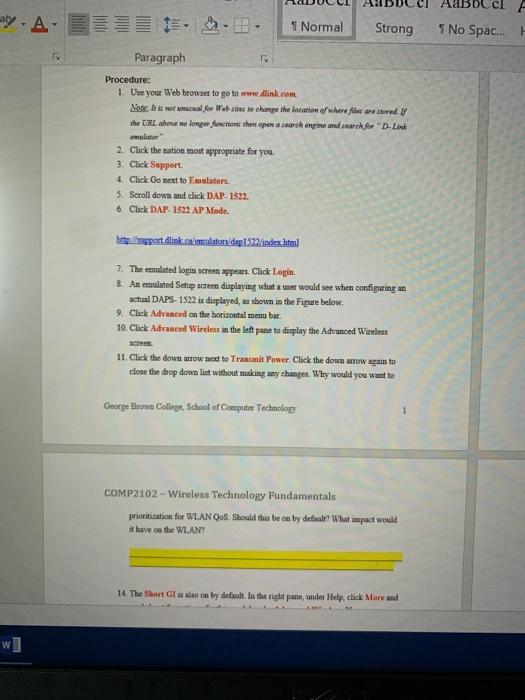
- A 1 Normal Strong * No Spac... Paragraph Procedure: 1 Use your web browser to go to www.link.com No I Let all for Web to change the location where le are stored B the URL abowe no longer faction the open search and care for D-Link " 2 Click the nation most appropriate for you 3. Click Support 4. Click Go next to Emulator 5. Scroll down and click DAP. 1522. 6. Click DAP-1522 AP Mode. http://port dlink.calemulatorsdap152/index.html 7. The emulated login screen appears. Click Login & An emulated Setup screen displaying what awer would see when configuring an actual DAPS-1522 is displayed, as shown in the Figure below. 9. Click Advanced on the borizontal menu bar. 10. Click Advanced Wireless in the left pane to display the Advanced Wireless Screen 11. Click the down tow next to Transmit Power Click the down arrow again to close the drop down list without making any changes. Why would you want to George Brown College, School of Computer Technology COMP2102 - Wireless Technology Pundamentals prioritization for WLAN Qos. Should this be ca by default? What impact would it have on the WLAN? 14 The Short GI on by defilt. In the right pane, under Help, click More and
Step by Step Solution
There are 3 Steps involved in it

Get step-by-step solutions from verified subject matter experts
 Study Help