







Question: (a) Assume you have an Excel table called CutoffTimesTable as follows: begin{tabular}{[111]r} hline CutID & FixingCentre & LocalTime & UTCTime hline ECB & Frankfurt &
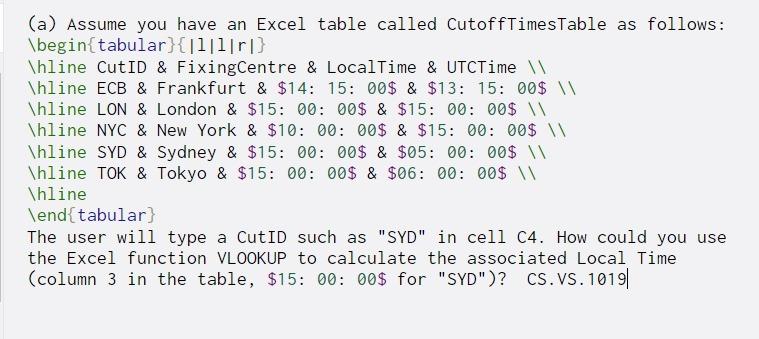
(a) Assume you have an Excel table called CutoffTimesTable as follows: \begin{tabular}{[111]r} \hline CutID & FixingCentre & LocalTime & UTCTime \hline ECB & Frankfurt & $14: 15: 00$ & $13: 15: 00$ \hline LON & London & $15: 00 : 00$ & $15: 00: 00$ \hline NYC & New York & $10: 00: 00$ & $15: 00: 00$ Thline SYD & Sydney & $15: 00: 00$ & $05: 00: 00$ \hline TOK & Tokyo & $15: 00: 00$ & $06: 00: 00$ \hline \end{tabular) The user will type a CutID such as "SYD" in cell C4. How could you use the Excel function VLOOKUP to calculate the associated Local Time (column 3 in the table, $15: 00: 00$ for "SYD")? CS.VS. 1019
Step by Step Solution
There are 3 Steps involved in it
1 Expert Approved Answer
Step: 1 Unlock

Question Has Been Solved by an Expert!
Get step-by-step solutions from verified subject matter experts
Step: 2 Unlock
Step: 3 Unlock
 Study Help