







Question: a . Click on the Show DOM Map button to Map out the structure of the page. This should give you a rough idea on
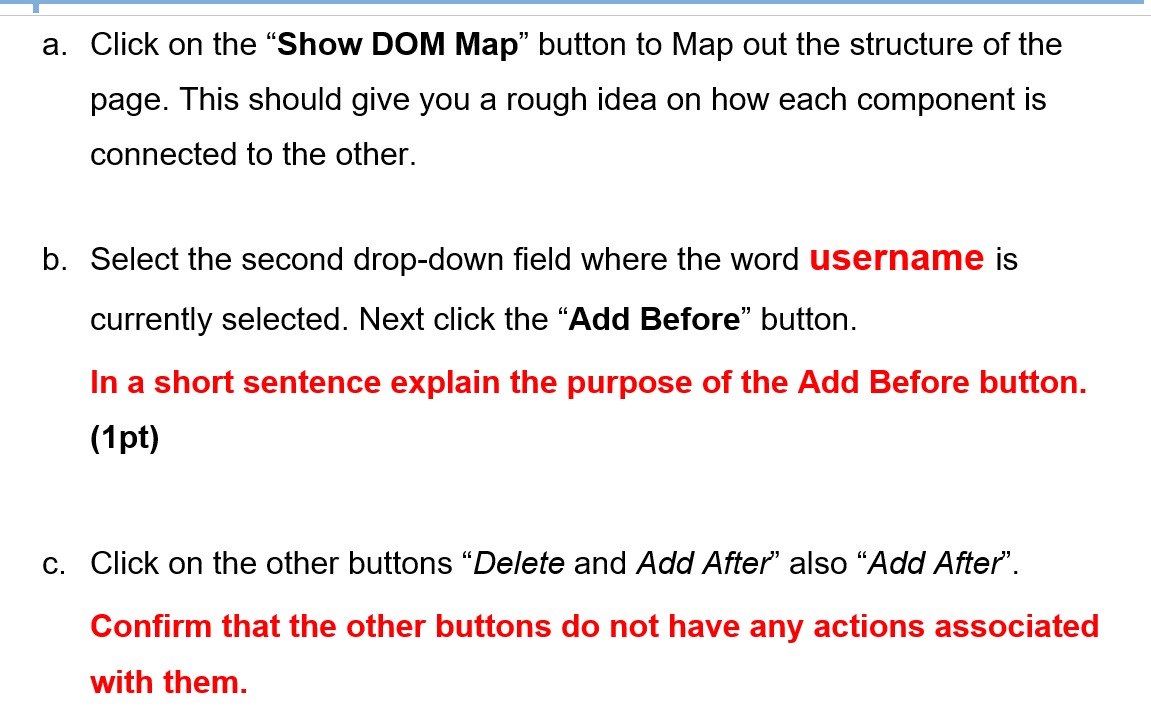
a Click on the "Show DOM Map" button to Map out the structure of the
page. This should give you a rough idea on how each component is
connected to the other.
b Select the second dropdown field where the word username is
currently selected. Next click the "Add Before" button.
In a short sentence explain the purpose of the Add Before button.
pt
c Click on the other buttons "Delete and Add After" also "Add After".
Confirm that the other buttons do not have any actions associated
with them.
Step by Step Solution
There are 3 Steps involved in it
1 Expert Approved Answer
Step: 1 Unlock

Question Has Been Solved by an Expert!
Get step-by-step solutions from verified subject matter experts
Step: 2 Unlock
Step: 3 Unlock
 Study Help