







Question: A company has a single Windows Server domain. Under the Marketing OU are three OUs: Project 1 , Project 2 , and Project 3 .
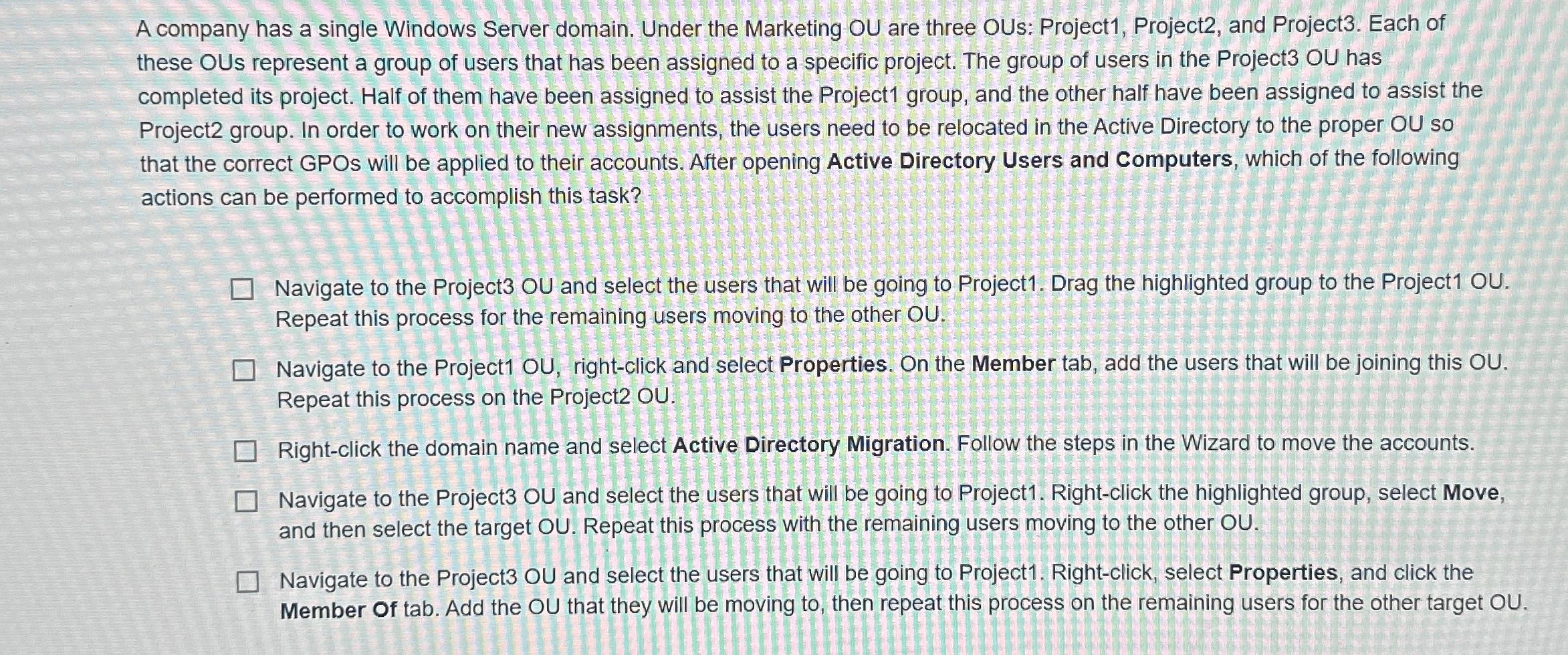
A company has a single Windows Server domain. Under the Marketing OU are three OUs: Project Project and Project Each of these OUs represent a group of users that has been assigned to a specific project. The group of users in the Project OU has completed its project. Half of them have been assigned to assist the Project group, and the other half have been assigned to assist the Project group. In order to work on their new assignments, the users need to be relocated in the Active Directory to the proper OU so that the correct GPOs will be applied to their accounts. After opening Active Directory Users and Computers, which of the following actions can be performed to accomplish this task?
Navigate to the Project OU and select the users that will be going to Project Drag the highlighted group to the Project OU Repeat this process for the remaining users moving to the other OU
Navigate to the Project OU rightclick and select Properties. On the Member tab, add the users that will be joining this OU Repeat this process on the Project OU
Rightclick the domain name and select Active Directory Migration. Follow the steps in the Wizard to move the accounts.
Navigate to the Project OU and select the users that will be going to Project Rightclick the highlighted group, select Move, and then select the target OU Repeat this process with the remaining users moving to the other OU
Navigate to the Project OU and select the users that will be going to Project Rightclick, select Properties, and click the Member Of tab. Add the OU that they will be moving to then repeat this process on the remaining users for the other target OU
Step by Step Solution
There are 3 Steps involved in it
1 Expert Approved Answer
Step: 1 Unlock

Question Has Been Solved by an Expert!
Get step-by-step solutions from verified subject matter experts
Step: 2 Unlock
Step: 3 Unlock
 Study Help