







Question: A. CREATE A FLOW CHART FOR STEPS 1 and 2: 1. Enter the needed data for calculating area of a rectangle. Calculate the area and
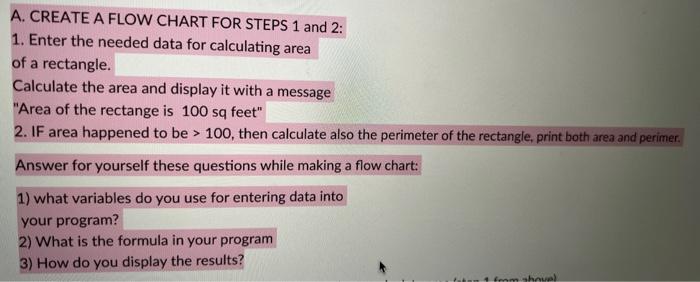
A. CREATE A FLOW CHART FOR STEPS 1 and 2: 1. Enter the needed data for calculating area of a rectangle. Calculate the area and display it with a message "Area of the rectange is 100 sq feet" 2. IF area happened to be >100, then calculate also the perimeter of the rectangle, print both area and perimer. Answer for yourself these questions while making a flow chart: 1) what variables do you use for entering data into your program? 2) What is the formula in your program 3) How do you display the results
Step by Step Solution
There are 3 Steps involved in it
1 Expert Approved Answer
Step: 1 Unlock

Question Has Been Solved by an Expert!
Get step-by-step solutions from verified subject matter experts
Step: 2 Unlock
Step: 3 Unlock
 Study Help