







Question: A customer is using a T10D client and the system board has failed. What is the repair model to resolve this issue? Whole Unit
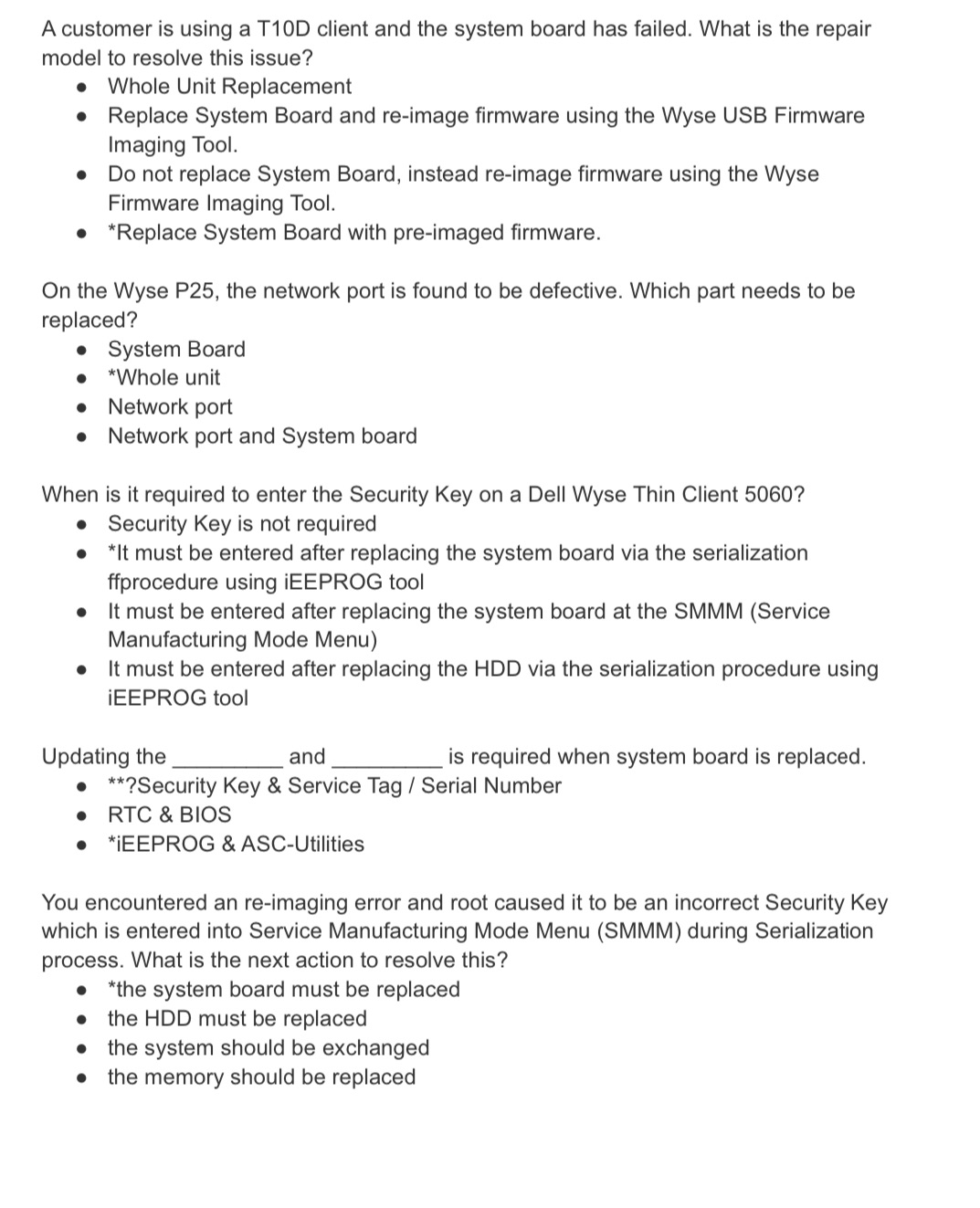
A customer is using a T10D client and the system board has failed. What is the repair model to resolve this issue? Whole Unit Replacement Replace System Board and re-image firmware using the Wyse USB Firmware Imaging Tool. Do not replace System Board, instead re-image firmware using the Wyse Firmware Imaging Tool. *Replace System Board with pre-imaged firmware. On the Wyse P25, the network port is found to be defective. Which part needs to be replaced? System Board *Whole unit Network port Network port and System board When is it required to enter the Security Key on a Dell Wyse Thin Client 5060? Security Key is not required *It must be entered after replacing the system board via the serialization ffprocedure using IEEPROG tool It must be entered after replacing the system board at the SMMM (Service Manufacturing Mode Menu) It must be entered after replacing the HDD via the serialization procedure using EEPROG tool Updating the and is required when system board is replaced. **?Security Key & Service Tag / Serial Number RTC & BIOS *IEEPROG & ASC-Utilities You encountered an re-imaging error and root caused it to be an incorrect Security Key which is entered into Service Manufacturing Mode Menu (SMMM) during Serialization process. What is the next action to resolve this? *the system board must be replaced the HDD must be replaced the system should be exchanged the memory should be replaced
Step by Step Solution
There are 3 Steps involved in it

Get step-by-step solutions from verified subject matter experts
 Study Help