



Question: A Database Application: Tracking Frequent-Fller Miles at the Campus Travel Agency 1-35. The director of sales and marketing at the travel agency would like to
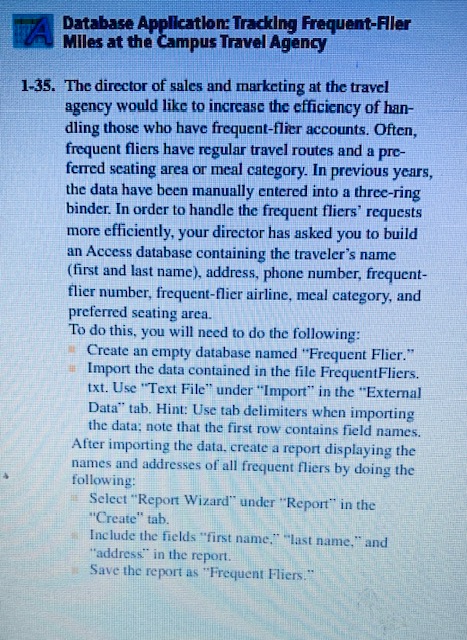
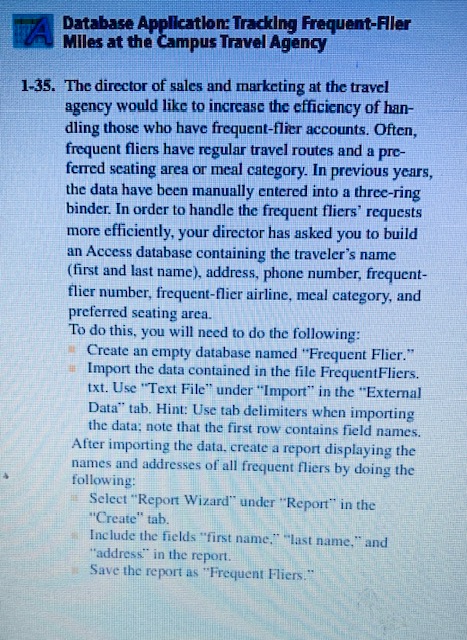
A Database Application: Tracking Frequent-Fller Miles at the Campus Travel Agency 1-35. The director of sales and marketing at the travel agency would like to increase the efficiency of han- dling those who have frequent-flier accounts. Often, frequent fliers have regular travel routes and a pre- ferred seating area or meal category. In previous years, the data have been manually entered into a three-ring binder. In order to handle the frequent fliers' requests more efficiently, your director has asked you to build an Access database containing the traveler's name ( first and last name), address, phone number, frequent- flier number, frequent-flier airline, meal category, and preferred seating area. To do this, you will need to do the following: Create an empty database named "Frequent Flier." Import the data contained in the file FrequentFliers. txt. Use "Text File" under "Import" in the "External Data" tab. Hint: Use tab delimiters when importing the data; note that the first row contains field names. After importing the data, create a report displaying the names and addresses of all frequent fliers by doing the following: Select "Report Wizard" under "Report" in the "Create" tab. Include the fields "first name." "last name, " and "address" in the report. Save the report as "Frequent Fliers."
Step by Step Solution
There are 3 Steps involved in it

Get step-by-step solutions from verified subject matter experts