Question: A DataReader Application VB.NET Programming w/ Microsoft Visual Studio 2015 Need This Answer ASAP Please Within 30 Hours EDIT: In this assignment, you will implement
A DataReader Application
VB.NET Programming w/ Microsoft Visual Studio 2015
Need This Answer ASAP Please Within 30 Hours
EDIT: In this assignment, you will implement an electronic stock trading system. Your system will accept trading orders and based on those orders, it will keep track of pending orders, and execute trades when possible.
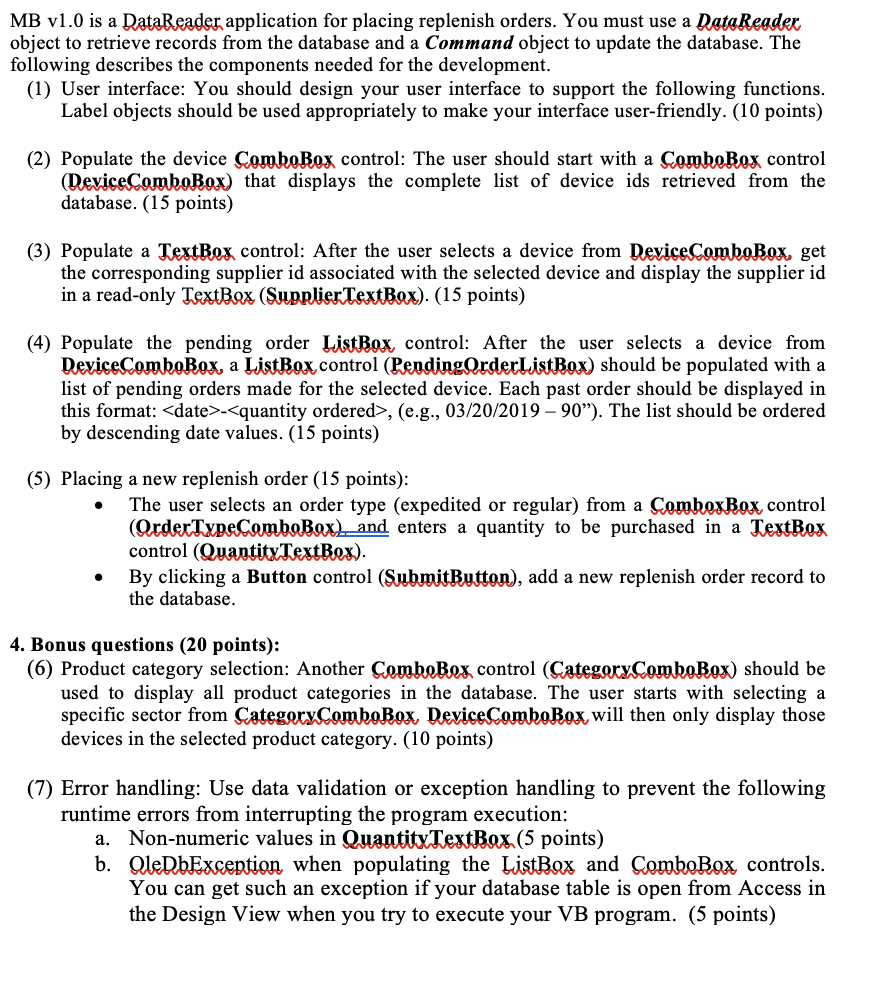
MB v1.0 is a DataReader application for placing replenish orders. You must use a Data Reader object to retrieve records from the database and a Command object to update the database. The following describes the components needed for the development. (1) User interface: You should design your user interface to support the following functions. Label objects should be used appropriately to make your interface user-friendly. (10 points) (2) Populate the device ComboBox control: The user should start with a ComboBox control (DeviceComboBox) that displays the complete list of device ids retrieved from the database. (15 points) (3) Populate a TextBox control: After the user selects a device from Device ComboBox, get the corresponding supplier id associated with the selected device and display the supplier id in a read-only TextBox (Supplier TextBox). (15 points) (4) Populate the pending order ListBox control: After the user selects a device from DeviceComboBox, a ListBox.control (PendingOrderListBox) should be populated with a list of pending orders made for the selected device. Each past order should be displayed in this format: , (e.g., 03/20/2019-90). The list should be ordered by descending date values. (15 points) (5) Placing a new replenish order (15 points): The user selects an order type (expedited or regular) from a ComboxBox control (Order TypeComboBox) and enters a quantity to be purchased in a TextBox control (QuantityTextBox). By clicking a Button control (SubmitButton), add a new replenish order record to the database. 4. Bonus questions (20 points): (6) Product category selection: Another ComboBox control (CategoryComboBox) should be used to display all product categories in the database. The user starts with selecting a specific sector from Category ComboBox DeviceComboBox will then only display those devices in the selected product category. (10 points) (7) Error handling: Use data validation or exception handling to prevent the following runtime errors from interrupting the program execution: a. Non-numeric values in Quantity TextBox. (5 points) b. OleDbException when populating the ListBox and ComboBox controls. You can get such an exception if your database table is open from Access in the Design View when you try to execute your VB program. (5 points) MB v1.0 is a DataReader application for placing replenish orders. You must use a Data Reader object to retrieve records from the database and a Command object to update the database. The following describes the components needed for the development. (1) User interface: You should design your user interface to support the following functions. Label objects should be used appropriately to make your interface user-friendly. (10 points) (2) Populate the device ComboBox control: The user should start with a ComboBox control (DeviceComboBox) that displays the complete list of device ids retrieved from the database. (15 points) (3) Populate a TextBox control: After the user selects a device from Device ComboBox, get the corresponding supplier id associated with the selected device and display the supplier id in a read-only TextBox (Supplier TextBox). (15 points) (4) Populate the pending order ListBox control: After the user selects a device from DeviceComboBox, a ListBox.control (PendingOrderListBox) should be populated with a list of pending orders made for the selected device. Each past order should be displayed in this format: , (e.g., 03/20/2019-90). The list should be ordered by descending date values. (15 points) (5) Placing a new replenish order (15 points): The user selects an order type (expedited or regular) from a ComboxBox control (Order TypeComboBox) and enters a quantity to be purchased in a TextBox control (QuantityTextBox). By clicking a Button control (SubmitButton), add a new replenish order record to the database. 4. Bonus questions (20 points): (6) Product category selection: Another ComboBox control (CategoryComboBox) should be used to display all product categories in the database. The user starts with selecting a specific sector from Category ComboBox DeviceComboBox will then only display those devices in the selected product category. (10 points) (7) Error handling: Use data validation or exception handling to prevent the following runtime errors from interrupting the program execution: a. Non-numeric values in Quantity TextBox. (5 points) b. OleDbException when populating the ListBox and ComboBox controls. You can get such an exception if your database table is open from Access in the Design View when you try to execute your VB program. (5 points)









 Study Help