







Question: a) Design a GUI for a calculator and implement the callback functions for the basic operations (addition, subtraction, multiplication, and division). Your GUI should have:
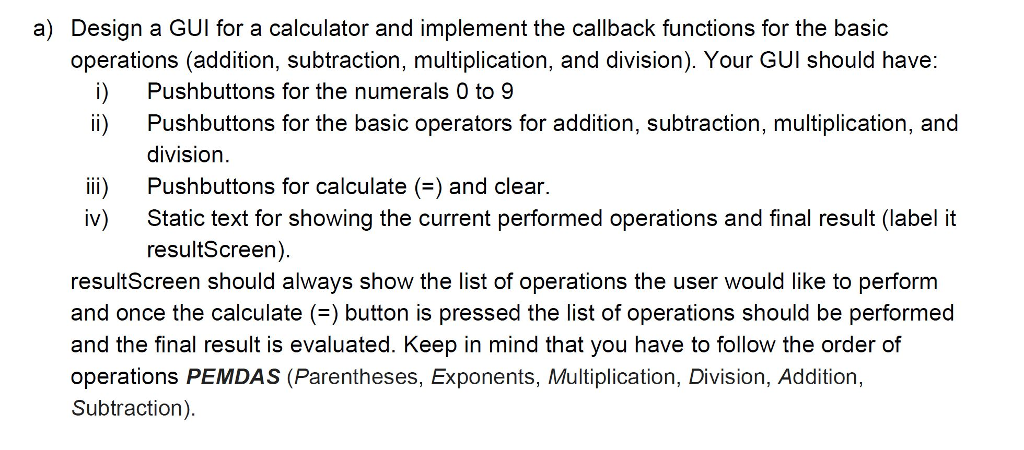
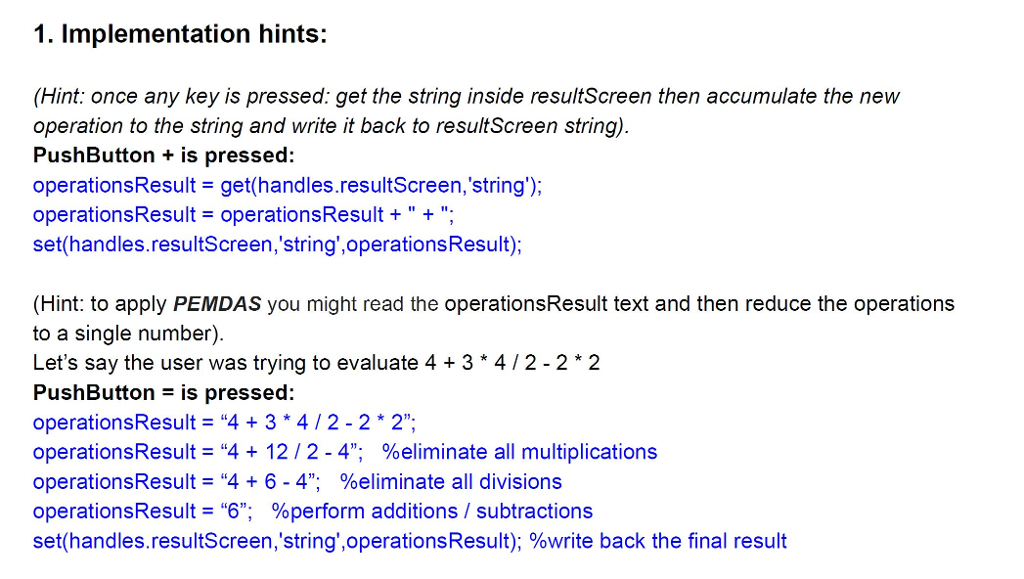
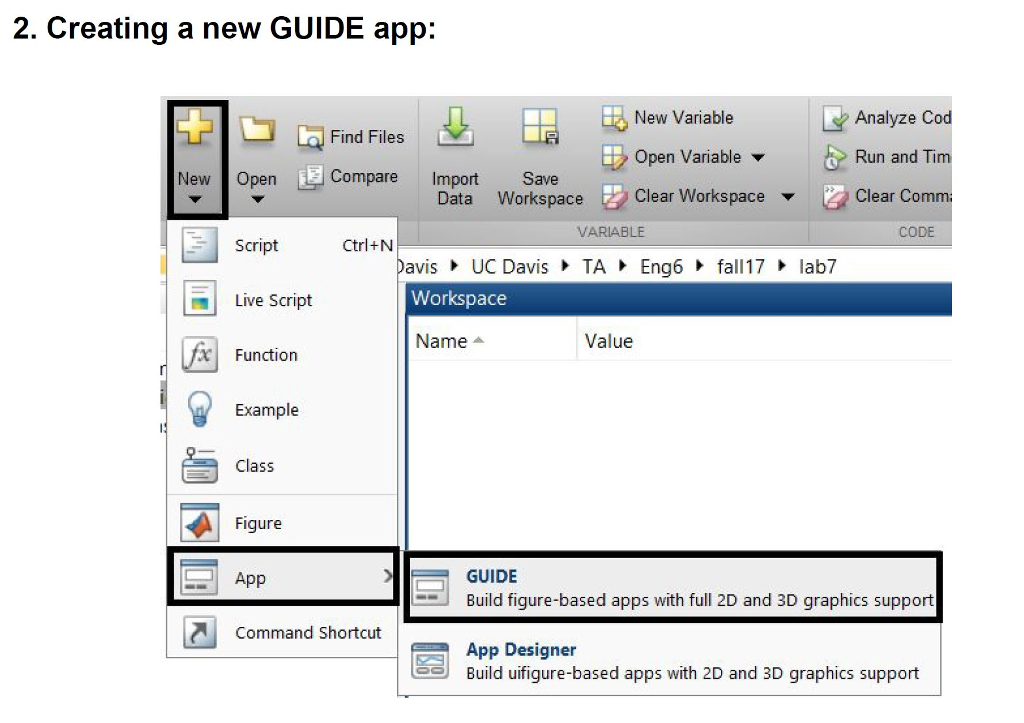
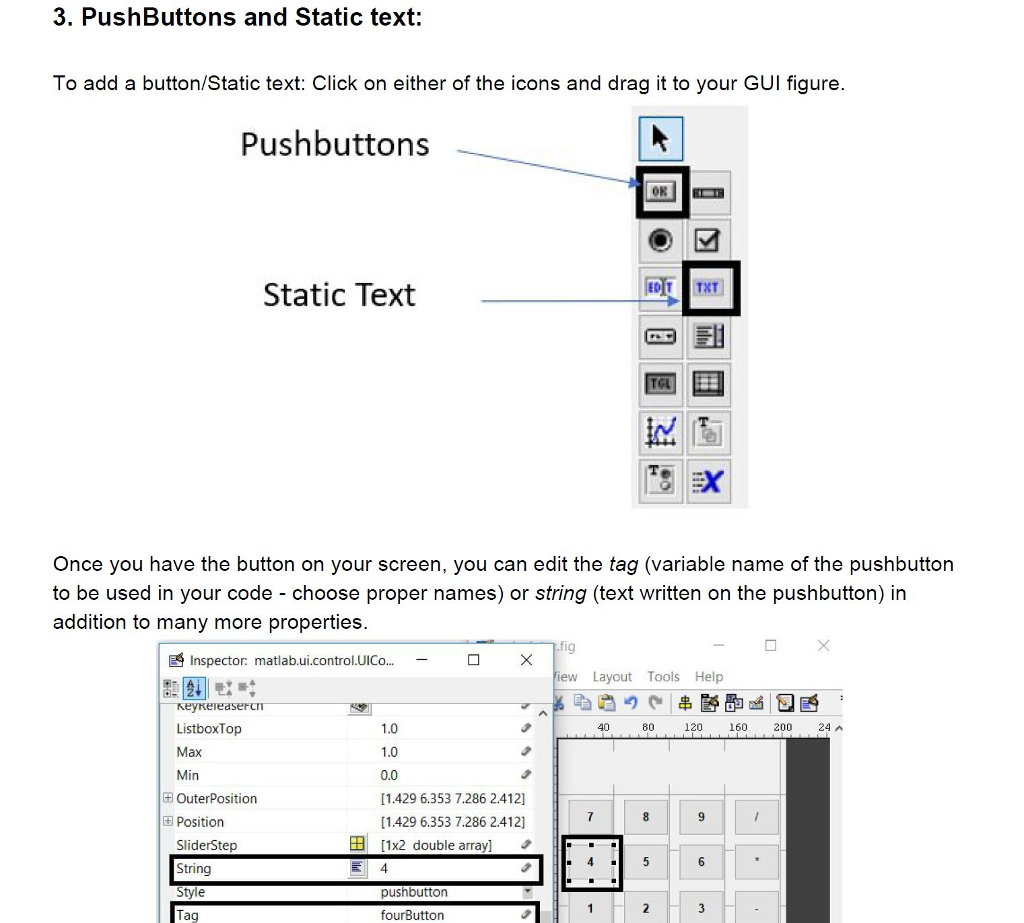
a) Design a GUI for a calculator and implement the callback functions for the basic operations (addition, subtraction, multiplication, and division). Your GUI should have: i) Pushbuttons for the numerals 0 to 9 ii) Pushbuttons for the basic operators for addition, subtraction, multiplication, and division. Pushbuttons for calculate (=) and clear. Static text for showing the current performed operations and final result (label it resultScreen). resultScreen should always show the list of operations the user would like to perform and once the calculate (=) button is pressed the list of operations should be performed and the final result is evaluated. Keep in mind that you have to follow the order of operations PEMDAS (Parentheses, Exponents, Multiplication, Division, Addition, Subtraction). iv)
Step by Step Solution
There are 3 Steps involved in it

Get step-by-step solutions from verified subject matter experts
 Study Help