







Question: a different name Project 23 These command is especially selu for preventing data loss you can use it to make backup copies of your files.
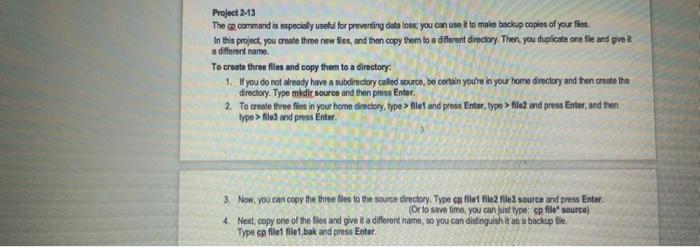
a different name Project 23 These command is especially selu for preventing data loss you can use it to make backup copies of your files. In this project, you create throw new files, and then copy them to a diferent directory. Then, you duplicate one file and give it To create three files and copy them to a directory: 1. you do not already have a subdirectory called source, bo certain you're in your home directory and then create the directory. Type medle source and then press Enter. 2. To creato three files in your home directory, type > ilot and press Enter, type > flex and press Enter, and then typo > file and press Enter 3. Now, you can copy the three files to the source directory. Type c file file2 file source and press Enter (Or to save time, you can just type: cpfilet source) 4. Next, copy one of the files and give it a different name, so you can distinguish it as a backup file Type cp file file.bak and press Enter
Step by Step Solution
There are 3 Steps involved in it

Get step-by-step solutions from verified subject matter experts
 Study Help