







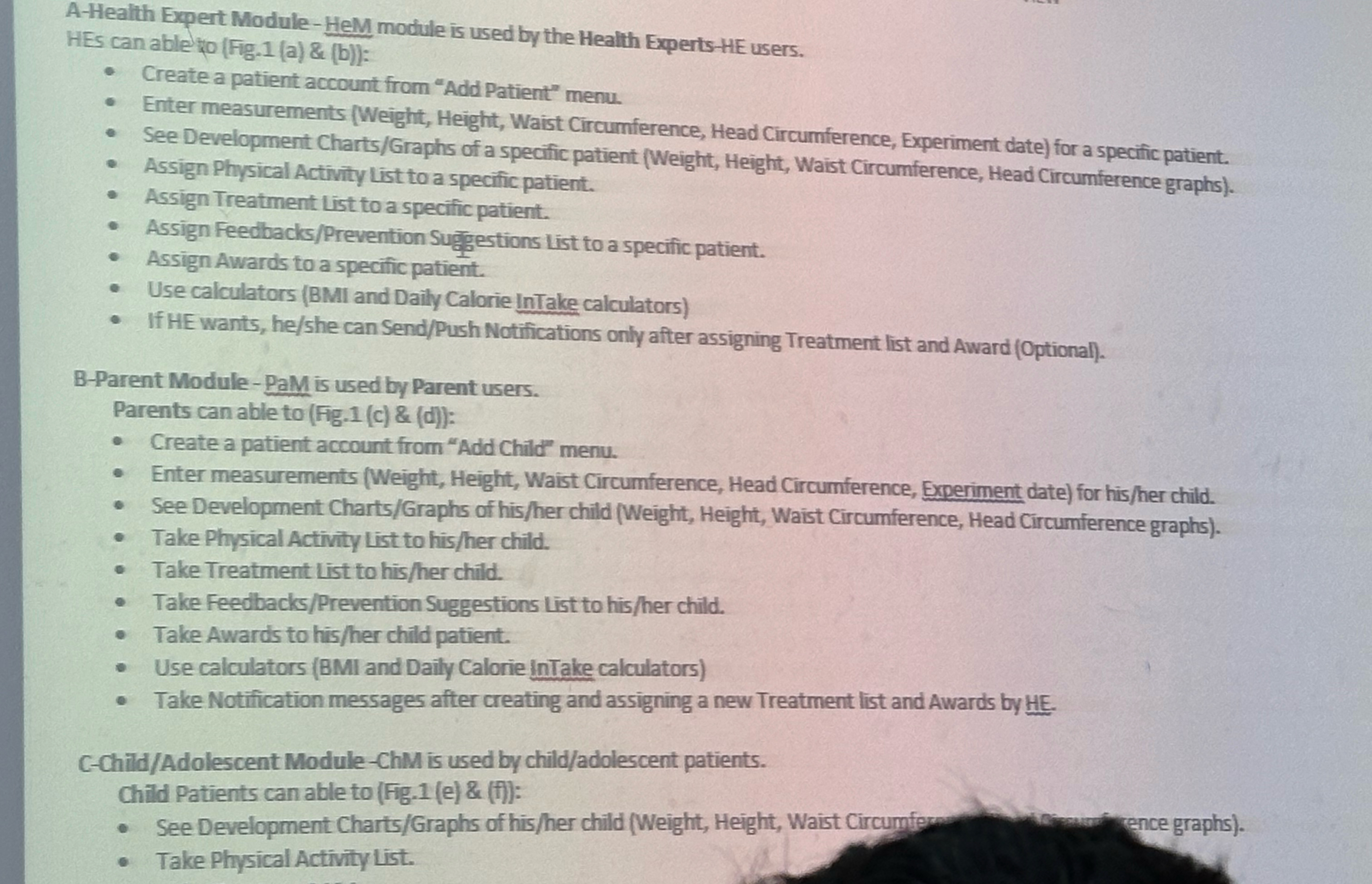
Question: A - Health Expert Module - HeM module is used by the Health Experts - HE users. HEs can able ro ( Fig . 1
AHealth Expert ModuleHeM module is used by the Health ExpertsHE users.
HEs can able ro Figa & b:
Create a patient account from "Add Patient" menu.
Enter measurements Weight Height, Waist Circumference, Head Circumference, Experiment date for a specific patient.
See Development ChartsGraphs of a specific patient Weight Height, Waist Circumference, Head Circumference graphs
Assign Physical Activity List to a specific patient.
Assign Treatment List to a specific patient.
Assign FeedbacksPrevention Sugpestions list to a specific patient.
Assign Awards to a specific patient.
Use calculators BMI and Daily Calorie InTake calculators
If HE wants, heshe can SendPush Notifications only after assigning Treatment list and Award Optional
BParent Module PaM is used by Parent users.
Parents can able to Fgc & d:
Create a patient account from "Add Child" menu.
Enter measurements Weight Height, Waist Circumference, Head Circurnference, Experiment date for hisher child.
See Development ChartsGraphs of hisher child Weight Height, Waist Circumference, Head Circumference graphs
Take Physical Activity List to hisher child.
Take Treatment List to hisher child.
Take FeedbacksPrevention Suggestions List to hisher child.
Take Awards to hisher child patient.
Use calculators BMI and Daily Calorie InTake calculators
Take Notification messages after creating and assigning a new Treatment list and Awards by HE
CChildAdolescent ModuleChM is used by childadolescent patients.
Child Patients can able to Fge & f:
See Development ChartsGraphs of hisher child Weight Height, Waist Circumfern vimenen vence graphs
Take Physical Activity List.
Step by Step Solution
There are 3 Steps involved in it
1 Expert Approved Answer
Step: 1 Unlock

Question Has Been Solved by an Expert!
Get step-by-step solutions from verified subject matter experts
Step: 2 Unlock
Step: 3 Unlock
 Study Help