







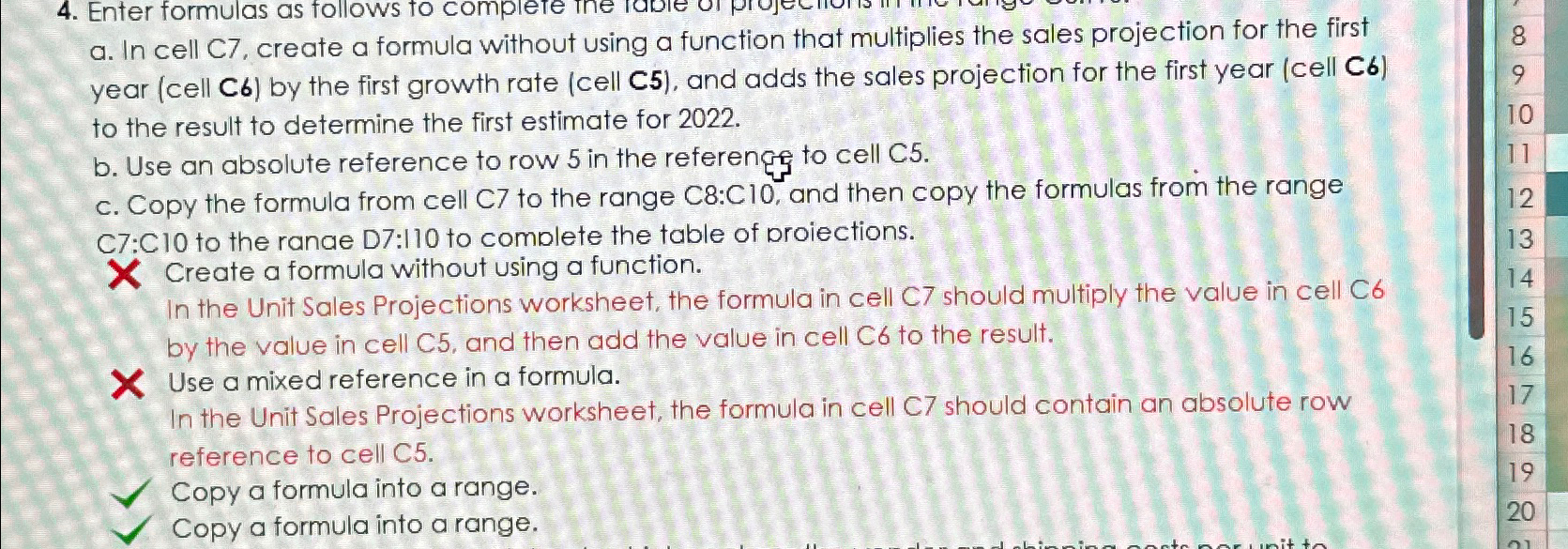
Question: a . In cell C 7 , create a formula without using a function that multiplies the sales projection for the first year ( cell
a In cell C create a formula without using a function that multiplies the sales projection for the first year cell by the first growth rate cell C and adds the sales projection for the first year cell C to the result to determine the first estimate for
b Use an absolute reference to row in the referengs to cell
c Copy the formula from cell to the range : and then copy the formulas from the range C:C to the ranae D: to complete the table of proiections.
Create a formula without using a function.
In the Unit Sales Projections worksheet, the formula in cell C should multiply the value in cell C by the value in cell and then add the value in cell to the result.
Use a mixed reference in a formula.
In the Unit Sales Projections worksheet, the formula in cell C should contain an absolute row reference to cell C
Copy a formula into a range.
Copy a formula into a range.
Step by Step Solution
There are 3 Steps involved in it
1 Expert Approved Answer
Step: 1 Unlock

Question Has Been Solved by an Expert!
Get step-by-step solutions from verified subject matter experts
Step: 2 Unlock
Step: 3 Unlock
 Study Help