



Question: a . In Cell H 3 , calculate the hours worked by Benishay on Monday using the NUMBERVALUE ( ) function with the HOUR (
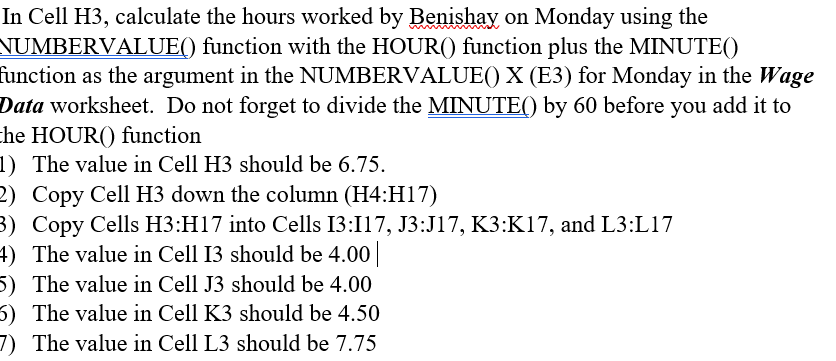
aIn Cell H calculate the hours worked by Benishay on Monday using the NUMBERVALUE function with the HOUR function plus the MINUTE function as the argument in the NUMBERVALUE X E for Monday in the Wage Data worksheet. Do not forget to divide the MINUTE by before you add it to the HOUR function
The value in Cell H should be
what should the formula look like In Cell H calculate the hours worked by Benishay on Monday using the NUMBERVALUE function with the operatornameHOUR function plus the MINUTE function as the argument in the NUMBERVALUE X E for Monday in the Wage Data worksheet. Do not forget to divide the MINUTE by before you add it to he operatornameHOUR function
The value in Cell H should be
Copy Cell H down the column H:H
Copy Cells H:H into Cells I:I J:J K:K and L:L
The value in Cell I should be
The value in Cell J should be
The value in Cell K should be
The value in Cell L should be
Step by Step Solution
There are 3 Steps involved in it
1 Expert Approved Answer
Step: 1 Unlock

Question Has Been Solved by an Expert!
Get step-by-step solutions from verified subject matter experts
Step: 2 Unlock
Step: 3 Unlock