







Question: 1. Create a class called SecretDecoder 2. Create a main method in SecretDecoder 3. In the main method do the following: 4. Create a
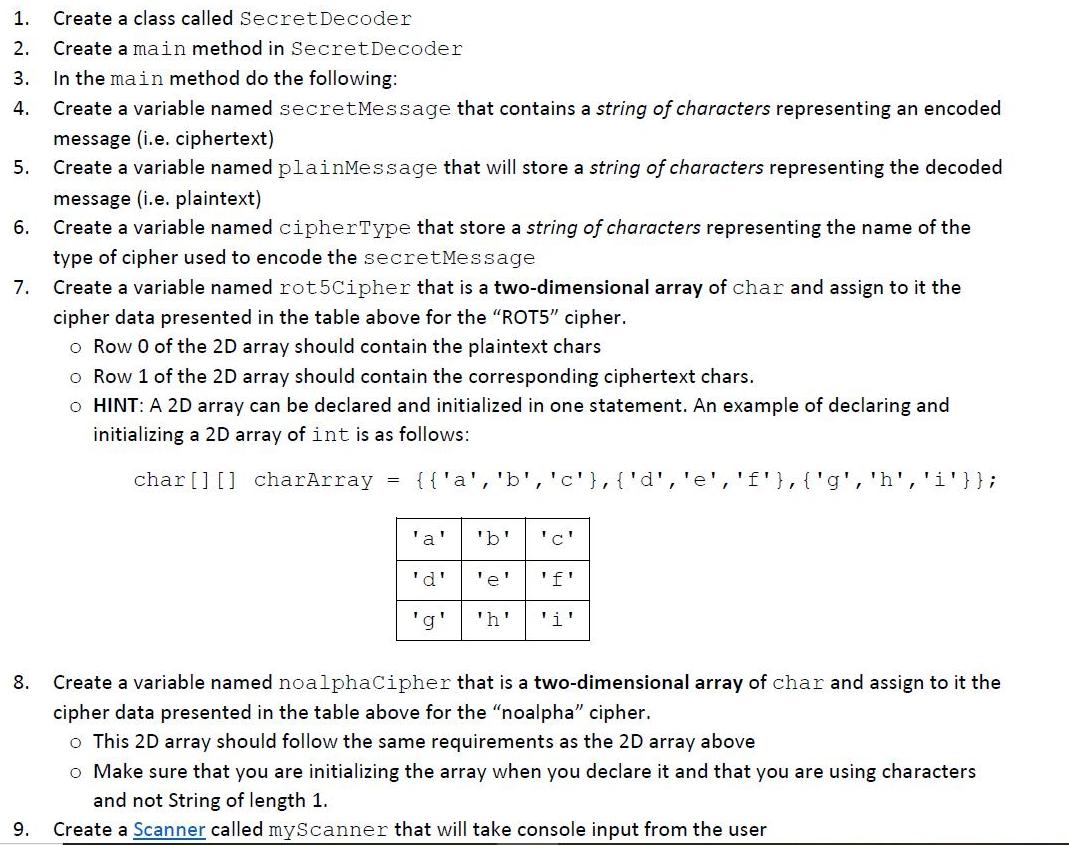
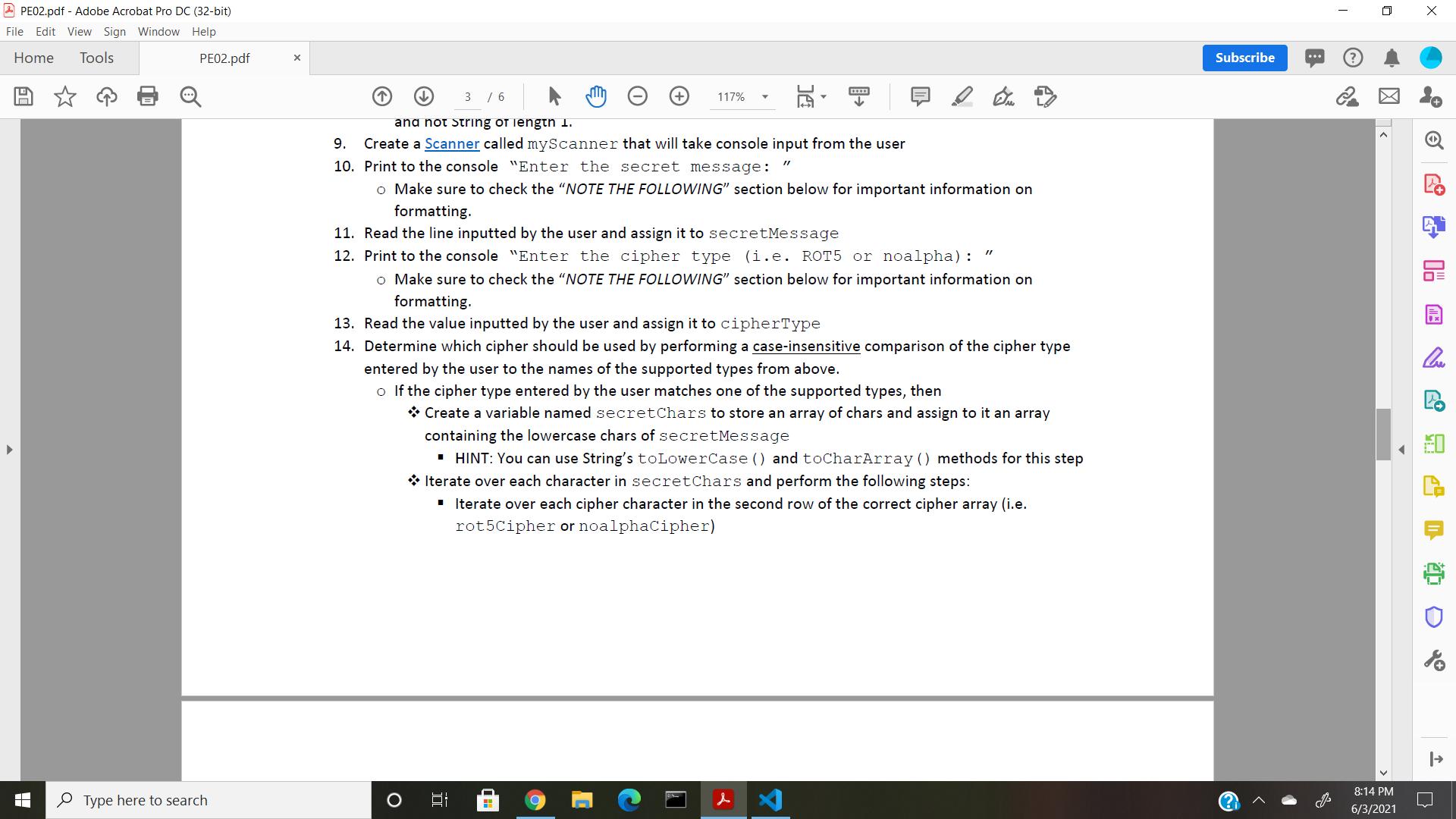
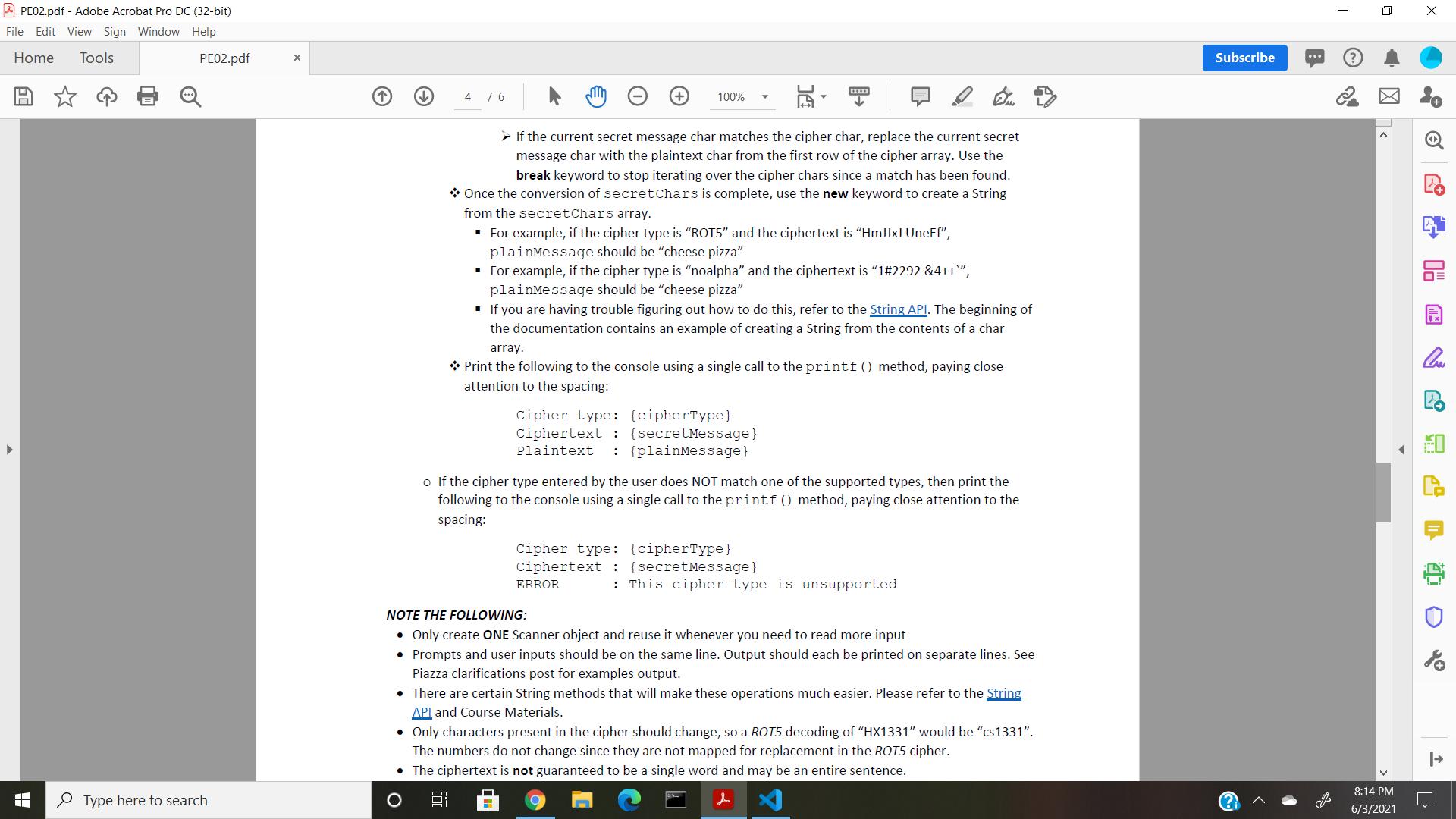
1. Create a class called SecretDecoder 2. Create a main method in SecretDecoder 3. In the main method do the following: 4. Create a variable named secretMessage that contains a string of characters representing an encoded message (i.e. ciphertext) Create a variable named plainMessage that will store a string of characters representing the decoded 5. message (i.e. plaintext) 6. Create a variable named cipherType that store a string of characters representing the name of the type of cipher used to encode the secretMessage 7. Create a variable named rot5Cipher that is a two-dimensional array of char and assign to it the cipher data presented in the table above for the "ROT5" cipher. o Row 0 of the 2D array should contain the plaintext chars o Row 1 of the 2D array should contain the corresponding ciphertext chars. o HINT: A 2D array can be declared and initialized in one statement. An example of declaring and initializing a 2D array of int is as follows: char[] [] charArray {{'a', 'b','c'},{'d','e','f'},{'g', 'h', 'i'}}; 'a' 'b' 'c' 'd' 'e' 'f' 'g' 'h' 'i' 8. Create a variable named noalphaCipher that is a two-dimensional array of char and assign to it the cipher data presented in the table above for the "noalpha" cipher. o This 2D array should follow the same requirements as the 2D array above o Make sure that you are initializing the array when you declare it and that you are using characters and not String of length 1. 9. Create a Scanner called myScanner that will take console input from the user A PE02.pdf - Adobe Acrobat Pro DC (32-bit) File Edit View Sign Window Help Home Tools PE02.pdf Subscribe 3 / 6 117% ana not String of iengtn 1. 9. Create a Scanner called myScanner that will take console input from the user 10. Print to the console "Enter the secret message: o Make sure to check the "NOTE THE FOLLOWING" section below for important information on formatting. 11. Read the line inputted by the user and assign it to secretMessage 12. Print to the console "Enter the cipher type (i.e. ROT5 or noalpha) : o Make sure to check the "NOTE THE FOLLOWING" section below for important information on formatting. 13. Read the value inputted by the user and assign it to cipherType 14. Determine which cipher should be used by performing a case-insensitive comparison of the cipher type entered by the user to the names of the supported types from above. o If the cipher type entered by the user matches one of the supported types, then * Create a variable named secretChars to store an array of chars and assign to it an array containing the lowercase chars of secretMessage HINT: You can use String's toLowerCase () and toCharArray () methods for this step * Iterate over each character in secretChars and perform the following steps: I Iterate over each cipher character in the second row of the correct cipher array (i.e. rot5Cipher or noalphaCipher) 8:14 PM P Type here to search 6/3/2021 2 PE02.pdf - Adobe Acrobat Pro DC (32-bit) File Edit View Sign Window Help Home Tools PE02.pdf Subscribe 4 / 6 100% > If the current secret message char matches the cipher char, replace the current secret message char with the plaintext char from the first row of the cipher array. Use the break keyword to stop iterating over the cipher chars since a match has been found. * Once the conversion of secretChars is complete, use the new keyword to create a String from the secretChars array. For example, if the cipher type is "ROT5" and the ciphertext is "HMJJXJ UneEf", plainMessage should be "cheese pizza" For example, if the cipher type is "noalpha" and the ciphertext is "1#2292 &4++", plainMessage should be "cheese pizza" . If you are having trouble figuring out how to do this, refer to the String API. The beginning of the documentation contains an example of creating a String from the contents of a char array. * Print the following to the console using a single call to the printf () method, paying close attention to the spacing: cipher type: (cipherType} ciphertext : {secretMessage} : {plainMessage} Plaintext o If the cipher type entered by the user does NOT match one of the supported types, then print the following to the console using a single call to the printf () method, paying close attention to the spacing: cipher type: (cipherType} ciphertext : {secretMessage} ERROR : This cipher type is unsupported NOTE THE FOLLOWING: Only create ONE Scanner object and reuse it whenever you need to read more input Prompts and user inputs should be on the same line. Output should each be printed on separate lines. See Piazza clarifications post for examples output. There are certain String methods that will make these operations much easier. Please refer to the String API and Course Materials. Only characters present in the cipher should change, so a ROT5 decoding of "HX1331" would be "cs1331". The numbers do not change since they are not mapped for replacement in the ROT5 cipher. The ciphertext is not guaranteed to be a single word and may be an entire sentence. 8:14 PM P Type here to search 6/3/2021
Step by Step Solution
3.46 Rating (149 Votes )
There are 3 Steps involved in it
package Security import javautilScanner Defines class SecretDecode public class SecretDecode main method definition public static void mainString s To store secret message String secretMessage To stor... View full answer

Get step-by-step solutions from verified subject matter experts
 Study Help