







Question: a . Start Excel, create a new blank workbook, then save the workbook in the location where you store your Data Files as IL _
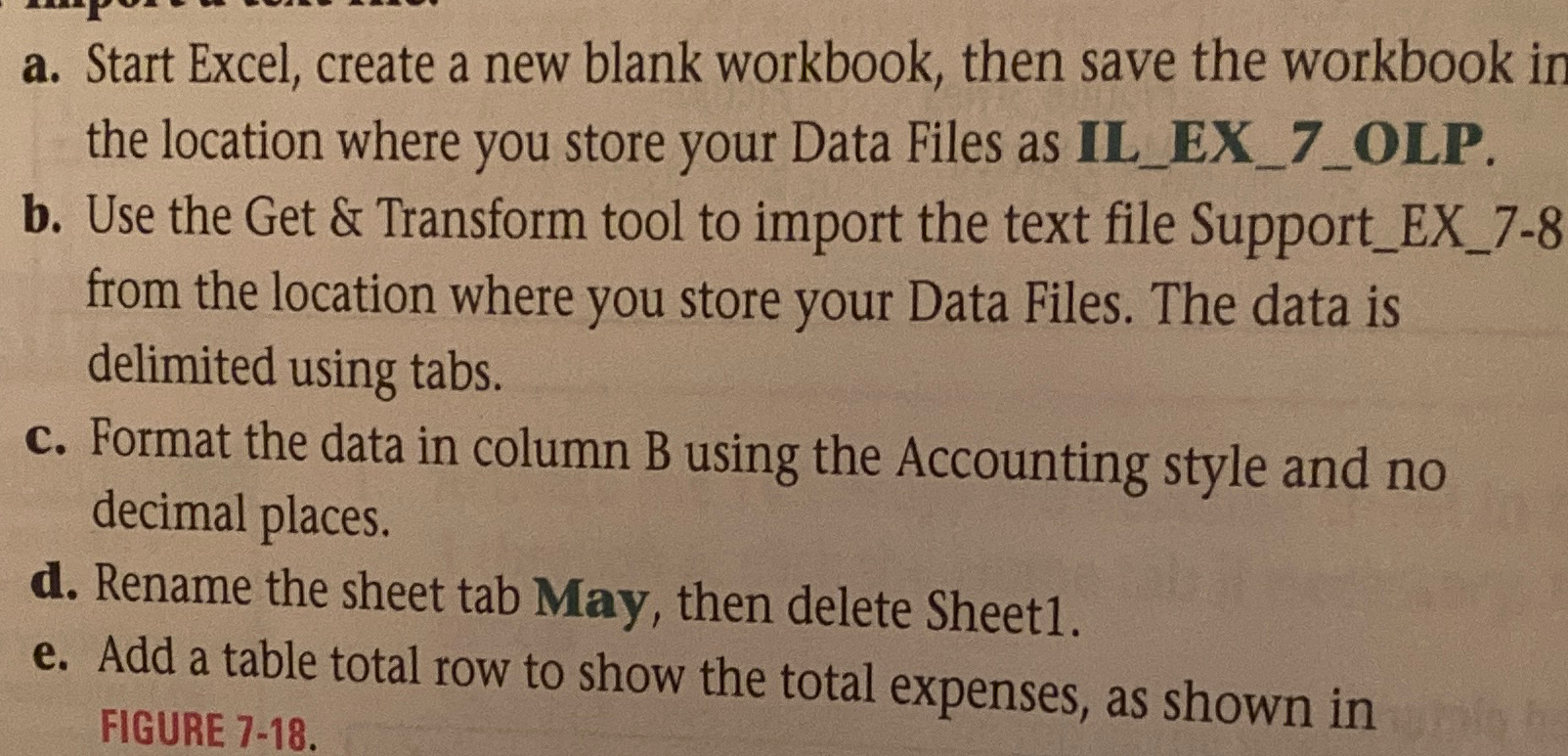
a Start Excel, create a new blank workbook, then save the workbook in the location where you store your Data Files as ILEXOLP.
b Use the Get & Transform tool to import the text file SupportEX from the location where you store your Data Files. The data is delimited using tabs
c Format the data in column B using the Accounting style and no decimal places.
d Rename the sheet tab May, then delete Sheet
e Add a table total row to show the total expenses, as shown in FIGURE
Step by Step Solution
There are 3 Steps involved in it
1 Expert Approved Answer
Step: 1 Unlock

Question Has Been Solved by an Expert!
Get step-by-step solutions from verified subject matter experts
Step: 2 Unlock
Step: 3 Unlock
 Study Help