



Question: A. Step One: Complete the July Journal Entries tab in your workbook using the Step One data in the appendix. B. Step Two: Complete the
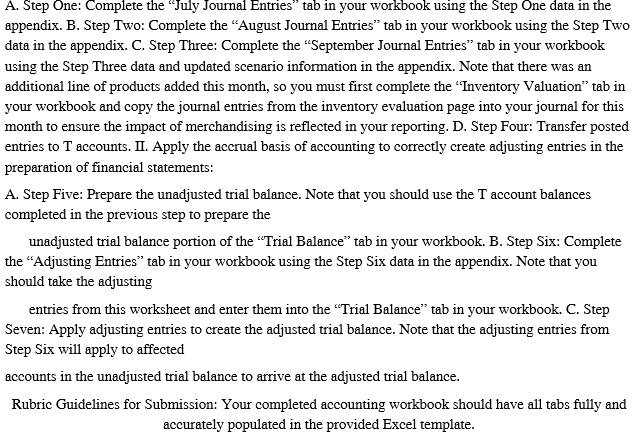
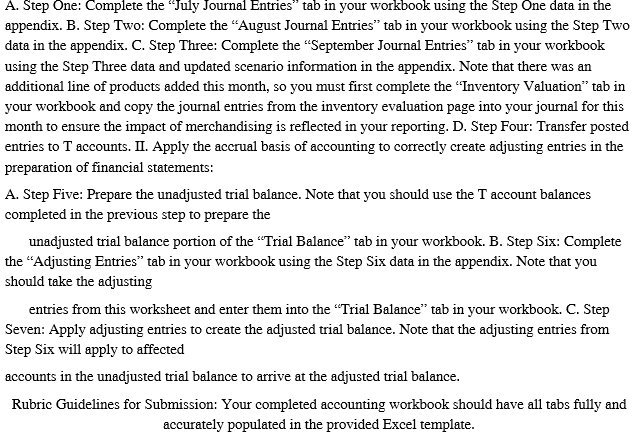
A. Step One: Complete the "July Journal Entries" tab in your workbook using the Step One data in the appendix. B. Step Two: Complete the "August Journal Entries" tab in your workbook using the Step Two data in the appendix. C. Step Three: Complete the "September Journal Entries" tab in your workbook using the Step Three data and updated scenario information in the appendix. Note that there was an additional line of products added this month, so you must first complete the "Inventory Valuation" tab in your workbook and copy the journal entries from the inventory evaluation page into your journal for this month to ensure the impact of merchandising is reflected in your reporting. D. Step Four: Transfer posted entries to T accounts. II. Apply the accrual basis of accounting to correctly create adjusting entries in the preparation of financial statements: A. Step Five: Prepare the unadjusted trial balance. Note that you should use the T account balances completed in the previous step to prepare the unadjusted trial balance portion of the "Trial Balance" tab in your workbook. B. Step Six: Complete the "Adjusting Entries" tab in your workbook using the Step Six data in the appendix. Note that you should take the adjusting entries from this worksheet and enter them into the "Trial Balance" tab in your workbook. C. Step Seven: Apply adjusting entries to create the adjusted trial balance. Note that the adjusting entries from Step Six will apply to affected accounts in the unadjusted trial balance to arrive at the adjusted trial balance. Rubric Guidelines for Submission: Your completed accounting workbook should have all tabs fully and accurately populated in the provided Excel template
Step by Step Solution
There are 3 Steps involved in it

Get step-by-step solutions from verified subject matter experts