







Question: A user must provide read access to a specific file within a Windows 1 0 computer's directory tree. The file is located as below: C:IUsers
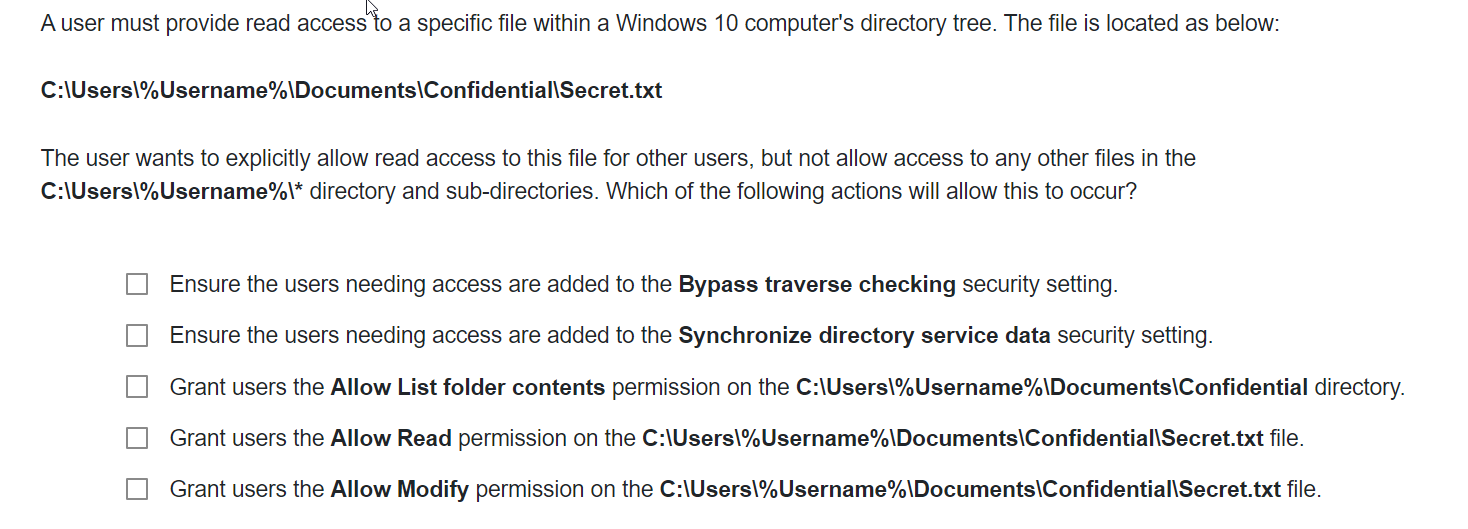
A user must provide read access to a specific file within a Windows computer's directory tree. The file is located as below:
C:IUsersUsernamelDocumentsConfidentiallSecrettxt
The user wants to explicitly allow read access to this file for other users, but not allow access to any other files in the
C:IUsersUsernamel directory and subdirectories. Which of the following actions will allow this to occur?
Ensure the users needing access are added to the Bypass traverse checking security setting.
Ensure the users needing access are added to the Synchronize directory service data security setting.
Grant users the Allow List folder contents permission on the C:IUsersUsernamelDocumentsConfidential directory.
Grant users the Allow Read permission on the C:IUserslUsernameIDocumentsConfidentiallSecrettxt file.
Grant users the Allow Modify permission on the C:IUsersUsernamelDocumentsConfidentiallSecrettxt file.
Step by Step Solution
There are 3 Steps involved in it
1 Expert Approved Answer
Step: 1 Unlock

Question Has Been Solved by an Expert!
Get step-by-step solutions from verified subject matter experts
Step: 2 Unlock
Step: 3 Unlock
 Study Help