







Question: A user's Windows 1 0 laptop appears to randomly shut down when running on battery power. Which of the following actions will be performed to
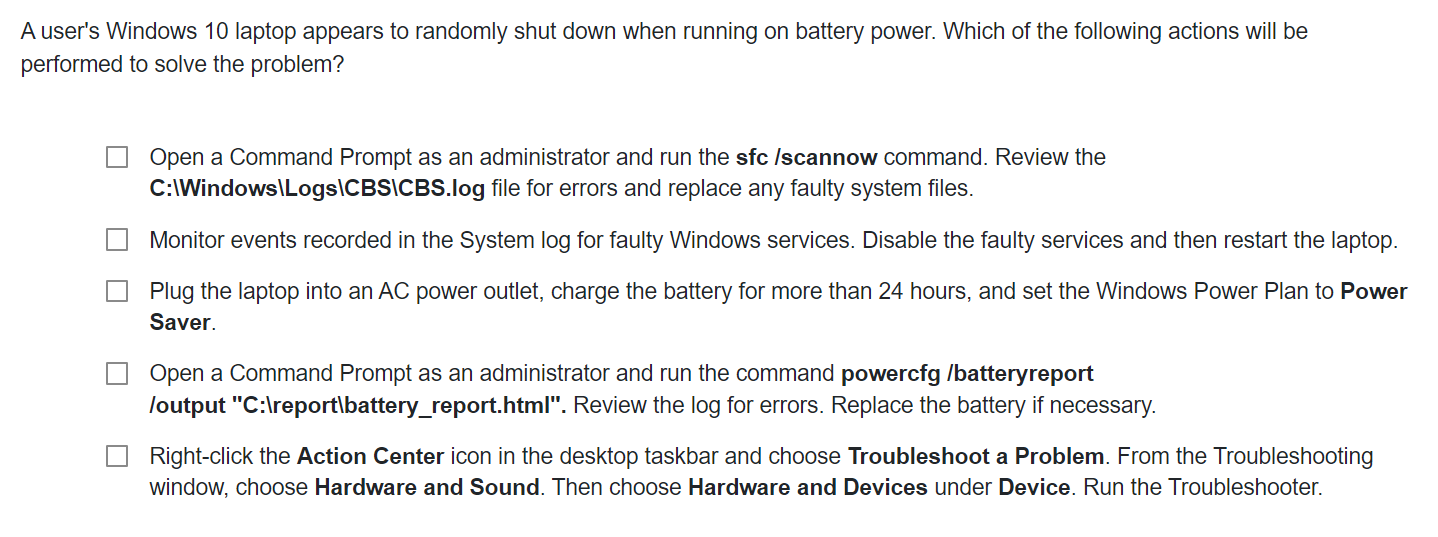
A user's Windows laptop appears to randomly shut down when running on battery power. Which of the following actions will be
performed to solve the problem?
Open a Command Prompt as an administrator and run the sfc scannow command. Review the
C:IWindowsLogsCBSICBSlog file for errors and replace any faulty system files.
Monitor events recorded in the System log for faulty Windows services. Disable the faulty services and then restart the laptop.
Plug the laptop into an AC power outlet, charge the battery for more than hours, and set the Windows Power Plan to Power
Saver.
Open a Command Prompt as an administrator and run the command powercfg batteryreport
loutput C:Ireportlbatteryreport.html Review the log for errors. Replace the battery if necessary.
Rightclick the Action Center icon in the desktop taskbar and choose Troubleshoot a Problem. From the Troubleshooting
window, choose Hardware and Sound. Then choose Hardware and Devices under Device. Run the Troubleshooter.
Step by Step Solution
There are 3 Steps involved in it
1 Expert Approved Answer
Step: 1 Unlock

Question Has Been Solved by an Expert!
Get step-by-step solutions from verified subject matter experts
Step: 2 Unlock
Step: 3 Unlock
 Study Help