







Question: a ) Write a MARIE assembly program that performs the following tasks: 1 . Input a number from the user and store it in a
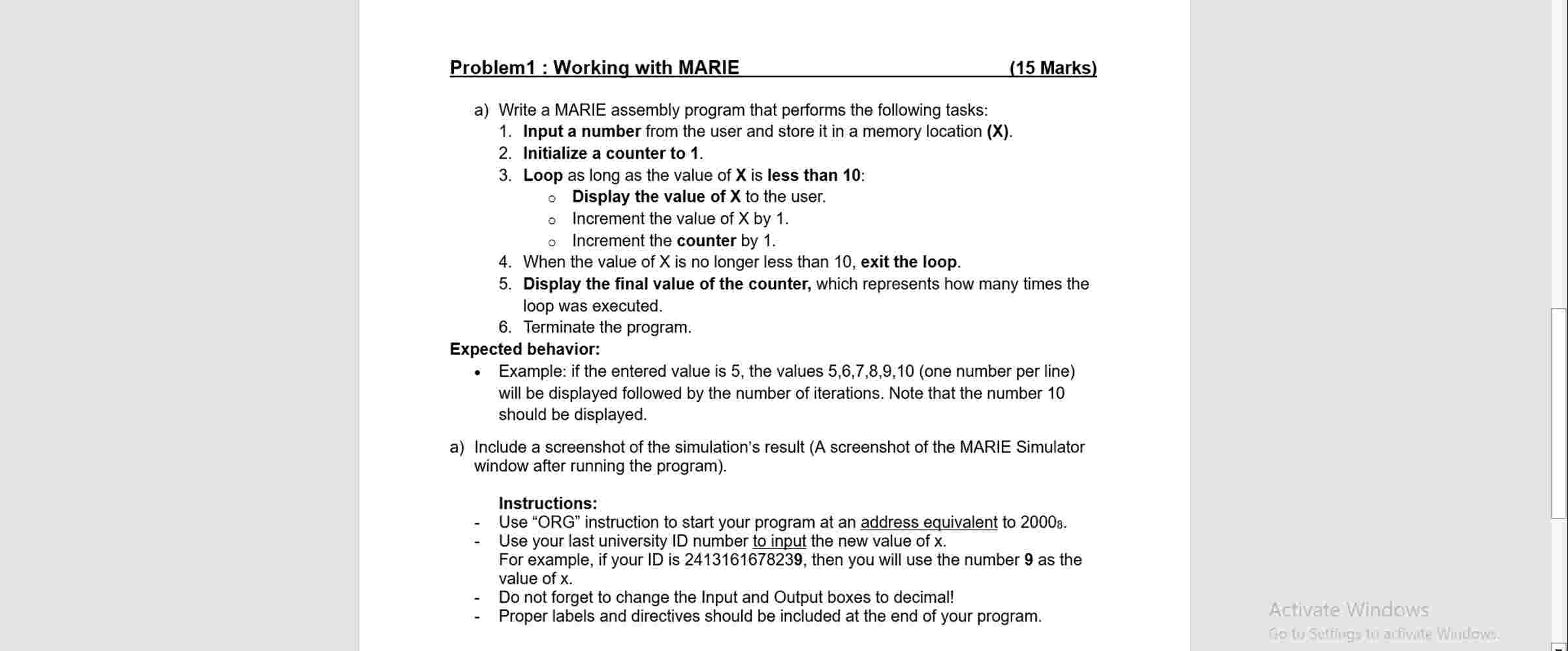
a Write a MARIE assembly program that performs the following tasks:
Input a number from the user and store it in a memory location X
Initialize a counter to
Loop as long as the value of X is less than :
Display the value of mathbfX to the user.
Increment the value of X by
Increment the counter by
When the value of X is no longer less than exit the loop.
Display the final value of the counter, which represents how many times the loop was executed.
Terminate the program.
Expected behavior:
Example: if the entered value is the values one number per line will be displayed followed by the number of iterations. Note that the number should be displayed.
a Include a screenshot of the simulation's result A screenshot of the MARIE Simulator window after running the program
Instructions:
Use "ORG" instruction to start your program at an address equivalent to
Use your last university ID number to input the new value of x For example, if your ID is then you will use the number as the value of x
Do not forget to change the Input and Output boxes to decimal!
Proper labels and directives should be included at the end of your program.
Activate Windows
Step by Step Solution
There are 3 Steps involved in it
1 Expert Approved Answer
Step: 1 Unlock

Question Has Been Solved by an Expert!
Get step-by-step solutions from verified subject matter experts
Step: 2 Unlock
Step: 3 Unlock
 Study Help