







Question: A03. Create an Infographic for browsing a secure web page Create an Infographic that shows what happens when user requests a secure page (e.g https//www.google.com)
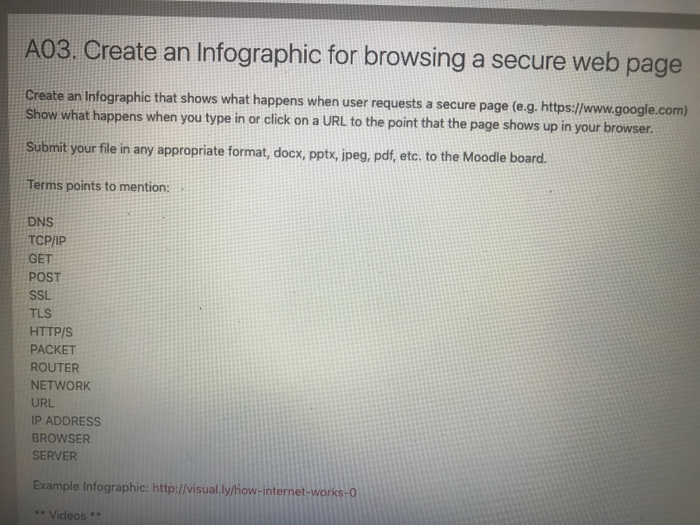
A03. Create an Infographic for browsing a secure web page Create an Infographic that shows what happens when user requests a secure page (e.g https//www.google.com) Show what happens when you type in or cick on a URL to the point that the page shows up in your browser. Submit your file in any appropriate format, docx, ppts, ipeg, pdf, etc. to the Moodie board. Terms points to mention: DNS TCP/IP GET POST SSL TLS HTTP/S PACKET ROUTER NETWORK URL IP ADDRESs BROWSER SERVER Example Infographic: http://visual.ly/how-internet-works-0 Videos**
Step by Step Solution
There are 3 Steps involved in it
1 Expert Approved Answer
Step: 1 Unlock

Question Has Been Solved by an Expert!
Get step-by-step solutions from verified subject matter experts
Step: 2 Unlock
Step: 3 Unlock
 Study Help