



Question: Accuracy 1 point possible (graded) We have supplied you with an accuracy function: def accuracy (preds, targets): Given length-N vectors containing predicted and target labels,
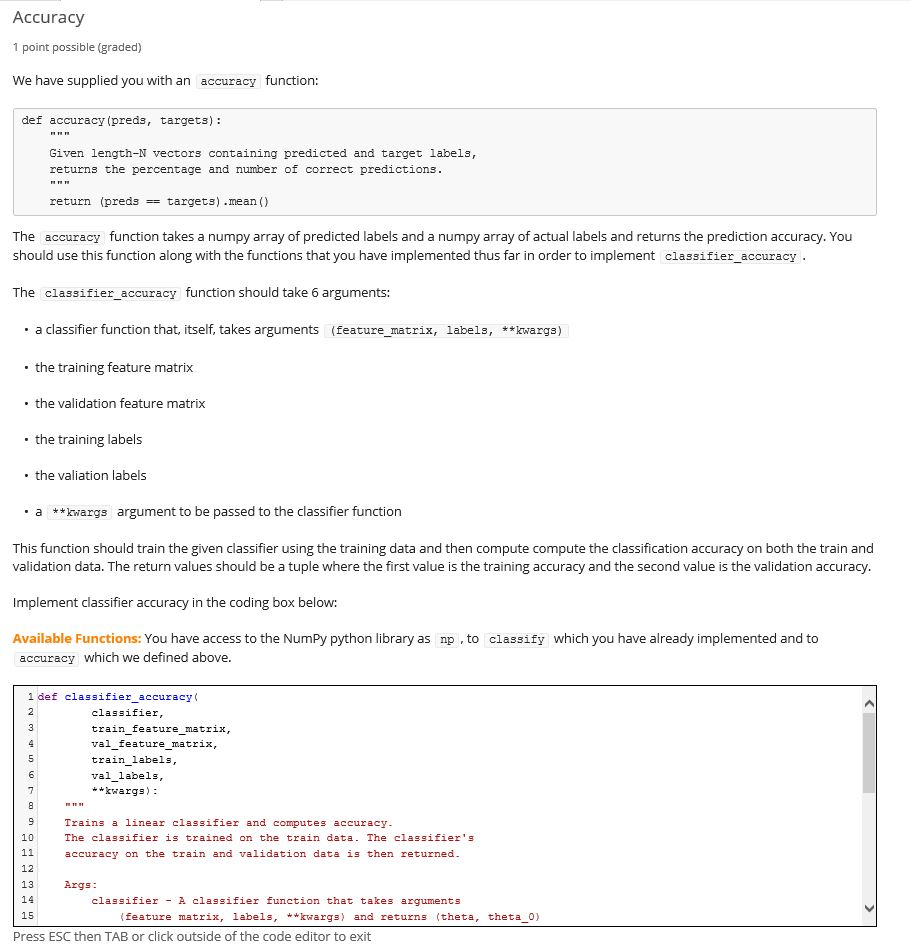
Accuracy 1 point possible (graded) We have supplied you with an accuracy function: def accuracy (preds, targets): Given length-N vectors containing predicted and target labels, returns the percentage and number of correct predictions. return (preds == targets) .mean() The accuracy function takes a numpy array of predicted labels and a numpy array of actual labels and returns the prediction accuracy. You should use this function along with the functions that you have implemented thus far in order to implement classifier_accuracy. The classifier_accuracy function should take 6 arguments: . a classifier function that, itself, takes arguments (feature_matrix, labels, **kwargs) the training feature matrix the validation feature matrix . the training labels the valiation labels . a **kwargs argument to be passed to the classifier function This function should train the given classifier using the training data and then compute compute the classification accuracy on both the train and validation data. The return values should be a tuple where the first value is the training accuracy and the second value is the validation accuracy. Implement classifier accuracy in the coding box below: Available Functions: You have access to the Numpy python library as np , to classify which you have already implemented and to accuracy which we defined above. 1 def classifier accuracy classifier, train_feature_matrix, val_feature_matrix, train_labels, val_labels, **kwargs) : Trains a linear classifier and computes accuracy. The classifier is trained on the train data. The classifier's accuracy on the train and validation data is then returned. Args: classifier - A classifier function that takes arguments (feature matrix, labels, **kwargs) and returns (theta, theta_0) Press ESC then TAB or click outside of the code editor to exit
Step by Step Solution
There are 3 Steps involved in it

Get step-by-step solutions from verified subject matter experts