







Question: Activity 0 6 : Using a standard FOR loop, create a code that creates a table - alike output in the terminal window that shows
Activity :
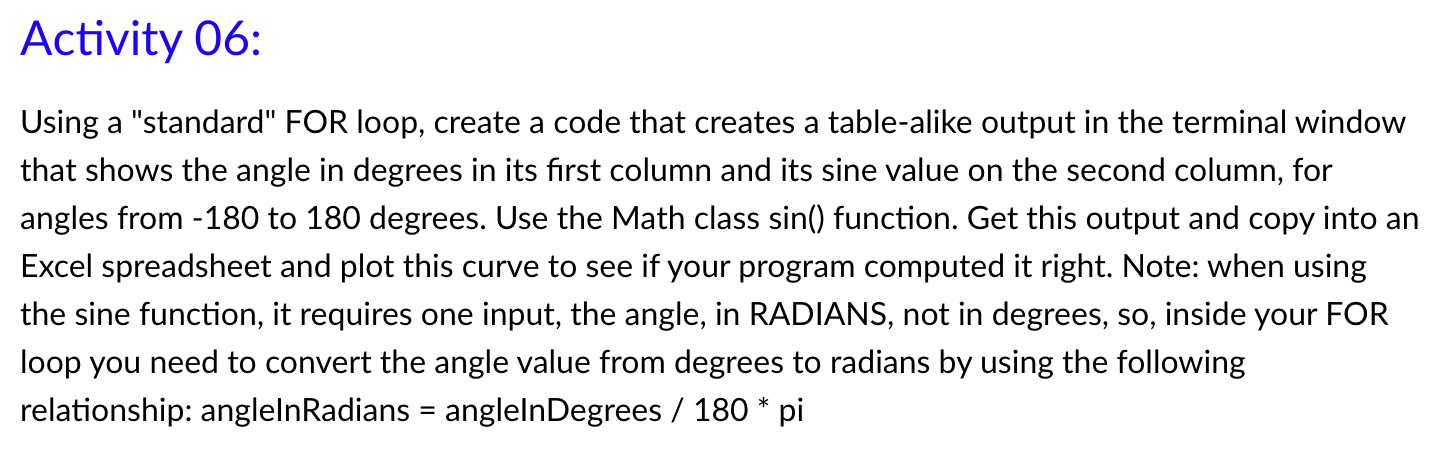
Using a "standard" FOR loop, create a code that creates a tablealike output in the terminal window
that shows the angle in degrees in its first column and its sine value on the second column, for
angles from to degrees. Use the Math class sin function. Get this output and copy into an
Excel spreadsheet and plot this curve to see if your program computed it right. Note: when using
the sine function, it requires one input, the angle, in RADIANS, not in degrees, so inside your FOR
loop you need to convert the angle value from degrees to radians by using the following
relationship: anglelnRadians anglelnDegrees pi
Step by Step Solution
There are 3 Steps involved in it
1 Expert Approved Answer
Step: 1 Unlock

Question Has Been Solved by an Expert!
Get step-by-step solutions from verified subject matter experts
Step: 2 Unlock
Step: 3 Unlock
 Study Help