







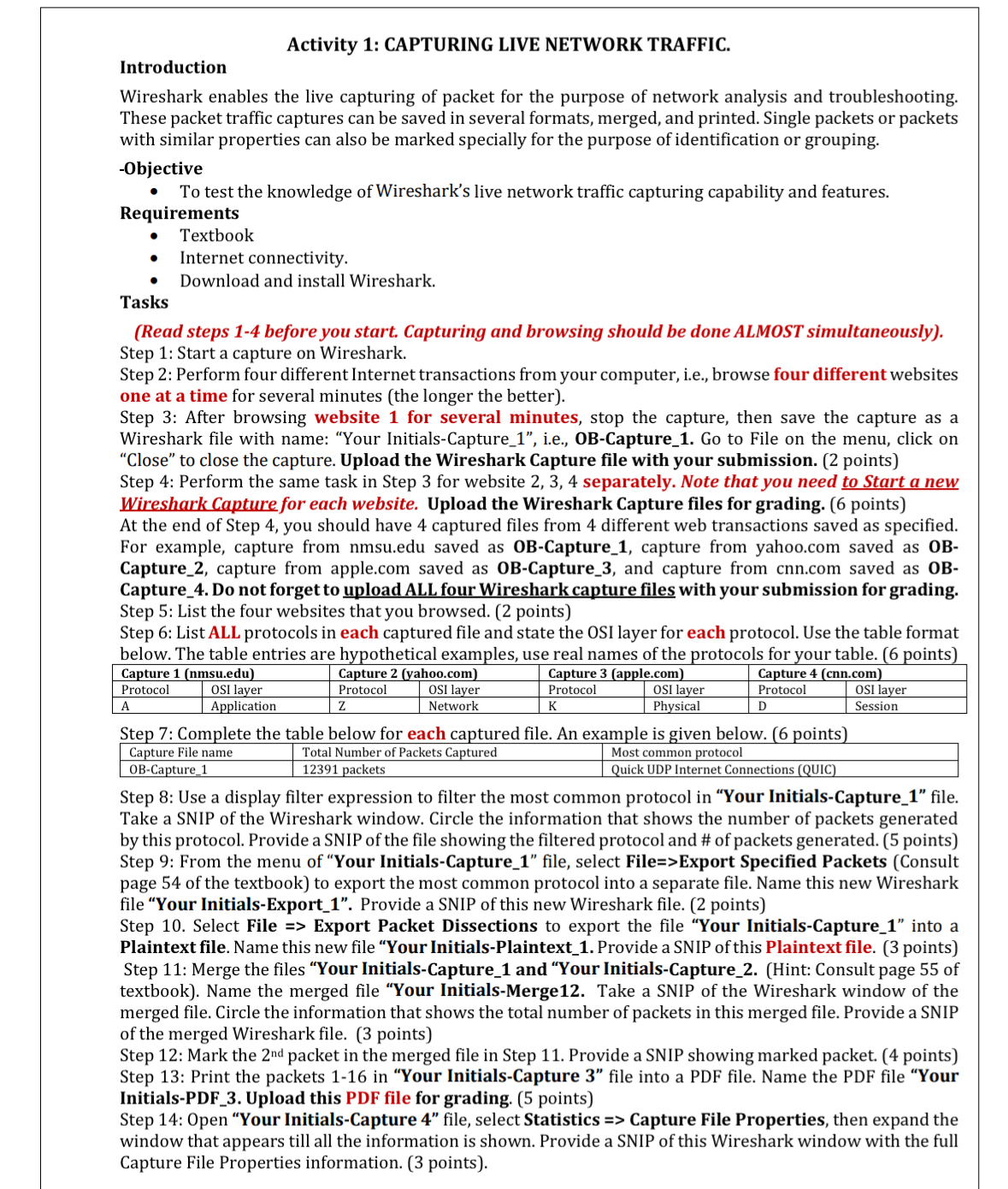
Question: Activity 1 : CAPTURING LIVE NETWORK TRAFFIC. Introduction Wireshark enables the live capturing of packet for the purpose of network analysis and troubleshooting. These packet
Activity : CAPTURING LIVE NETWORK TRAFFIC.
Introduction
Wireshark enables the live capturing of packet for the purpose of network analysis and troubleshooting. These packet traffic captures can be saved in several formats, merged, and printed. Single packets or packets with similar properties can also be marked specially for the purpose of identification or grouping.
objective
To test the knowledge of Wireshark's live network traffic capturing capability and features.
Requirements
Textbook
Internet connectivity.
Download and install Wireshark.
Tasks
Read steps before you start. Capturing and browsing should be done ALMOST simultaneously
Step : Start a capture on Wireshark.
Step : Perform four different Internet transactions from your computer, ie browse four different websites one at a time for several minutes the longer the better
Step : After browsing website for several minutes, stop the capture, then save the capture as a Wireshark file with name: "Your InitialsCapture ie OBCapture Go to File on the menu, click on "Close" to close the capture. Upload the Wireshark Capture file with your submission. points
Step : Perform the same task in Step for website separately. Note that you need to Start a new Wireshark Capture for each website. Upload the Wireshark Capture files for grading. points
At the end of Step you should have captured files from different web transactions saved as specified. For example, capture from
nmsu.edu saved as OBCapture capture from
yahoo.com saved as OBCapture capture from
apple.com saved as OBCapture and capture from
cnncom saved as OBCapture Do not forget to upload ALL four Wireshark capture files with your submission for grading. Step : List the four websites that you browsed. points
Step : List ALL protocols in each captured file and state the OSI layer for each protocol. Use the table format below. The table entries are hypothetical examples, use real names of the protocols for your table. points
tableCapture nmsueduCapture yahoocomCapture applecomCapture cnncomProtocolOSI layer,Protocol,OSI layer,Protocol,OSI layer,Protocol,OSI layerAApplication,ZNetwork,KPhysical,DSession
Step : Complete the table below for each captured file. An example is given below. points
tableCapture File name,Total Number of Packets Captured,Most common protocolOBCapture packets,Quick UDP Internet Connections QUIC
Step : Use a display filter expression to filter the most common protocol in "Your InitialsCapture file. Take a SNIP of the Wireshark window. Circle the information that shows the number of packets generated by this protocol. Provide a SNIP of the file showing the filtered protocol and # of packets generated. points Step : From the menu of "Your InitialsCapture file, select FileExport Specified Packets Consult page of the textbook to export the most common protocol into a separate file. Name this new Wireshark file "Your InitialsExport Provide a SNIP of this new Wireshark file. points
Step Select File Export Packet Dissections to export the file "Your InitialsCapture into a Plaintext file. Name this new file "Your InitialsPlaintext Provide a SNIP of this Plaintext file. points Step : Merge the files "Your InitialsCapture and "Your InitialsCaptureHint: Consult page of textbook Name the merged file "Your InitialsMerge Take a SNIP of the Wireshark window of the merged file. Circle the information that shows the total number of packets in this merged file. Provide a SNIP of the merged Wireshark file. points
Step : Mark the nd packet in the merged file in Step Provide a SNIP showing marked packet. points Step : Print the packets in "Your InitialsCapture file into a PDF file. Name the PDF file "Your InitialsPDF Upload this PDF file for grading. points
Step : Open "Your InitialsCapture file, select Statistics Capture File Properties, then expand the window that appears till all the information is shown. Provide a SNIP of this Wireshark window with the full Capture File Properties information. points
Step by Step Solution
There are 3 Steps involved in it
1 Expert Approved Answer
Step: 1 Unlock

Question Has Been Solved by an Expert!
Get step-by-step solutions from verified subject matter experts
Step: 2 Unlock
Step: 3 Unlock
 Study Help