







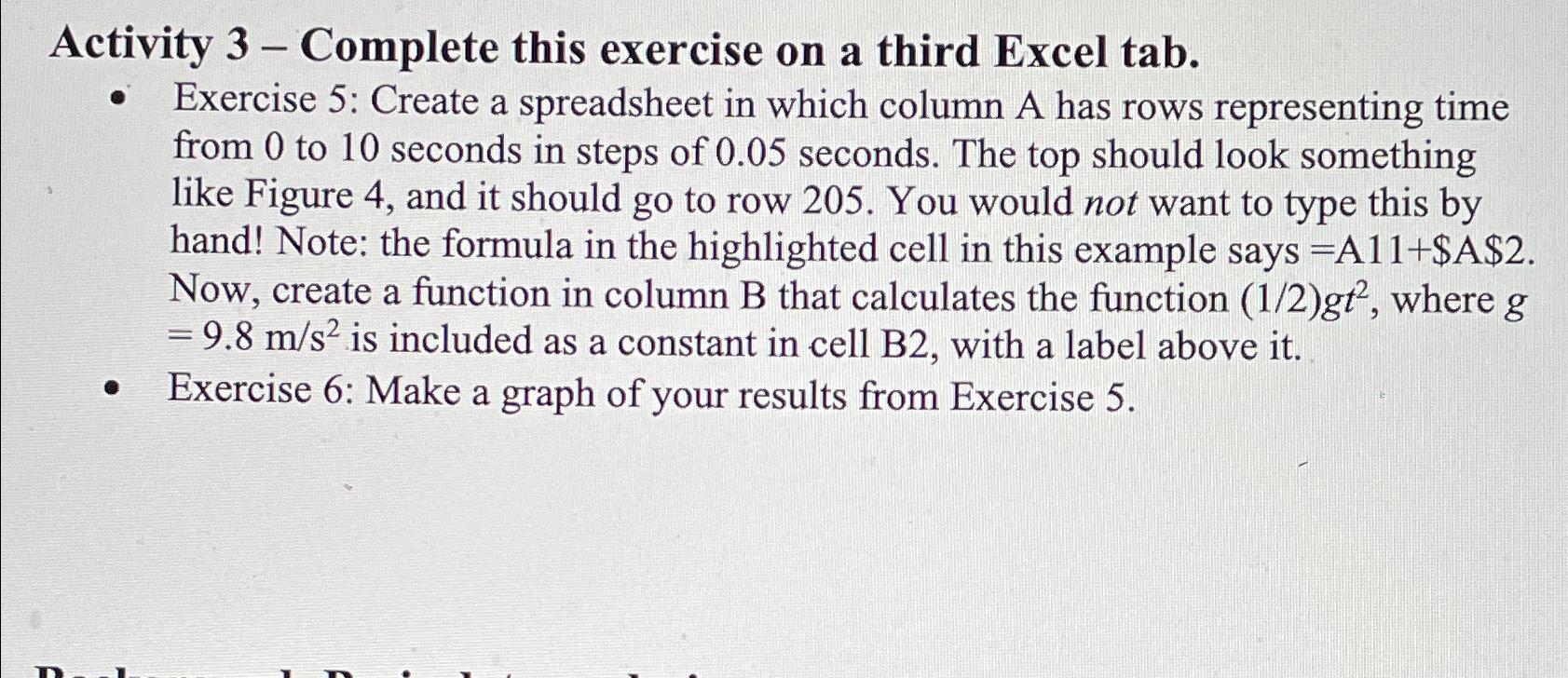
Question: Activity 3 - Complete this exercise on a third Excel tab. Exercise 5 : Create a spreadsheet in which column A has rows representing time
Activity Complete this exercise on a third Excel tab.
Exercise : Create a spreadsheet in which column A has rows representing time from to seconds in steps of seconds. The top should look something like Figure and it should go to row You would not want to type this by hand! Note: the formula in the highlighted cell in this example says $ Now, create a function in column B that calculates the function where is included as a constant in cell B with a label above it
Exercise : Make a graph of your results from Exercise
Step by Step Solution
There are 3 Steps involved in it
1 Expert Approved Answer
Step: 1 Unlock

Question Has Been Solved by an Expert!
Get step-by-step solutions from verified subject matter experts
Step: 2 Unlock
Step: 3 Unlock
 Study Help