







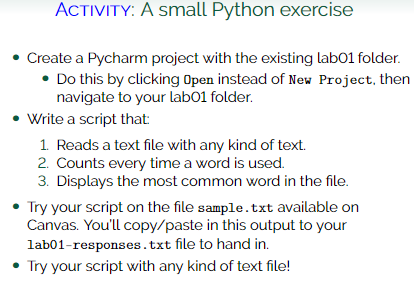
Question: ACTIVITY: A small Python exercise Create a Pycharm project with the existing labO 1 folder. Do this by clicking Open instead of New Project, then
ACTIVITY: A small Python exercise
Create a Pycharm project with the existing labO folder.
Do this by clicking Open instead of New Project, then
navigate to your labO folder.
Write a script that:
Reads a text file with any kind of text.
Counts every time a word is used.
Displays the most common word in the file.
Try your script on the file sample txt available on
Canvas. You'll copypaste in this output to your
labresponses.txt file to hand in
Try your script with any kind of text file!
Step by Step Solution
There are 3 Steps involved in it
1 Expert Approved Answer
Step: 1 Unlock

Question Has Been Solved by an Expert!
Get step-by-step solutions from verified subject matter experts
Step: 2 Unlock
Step: 3 Unlock
 Study Help