



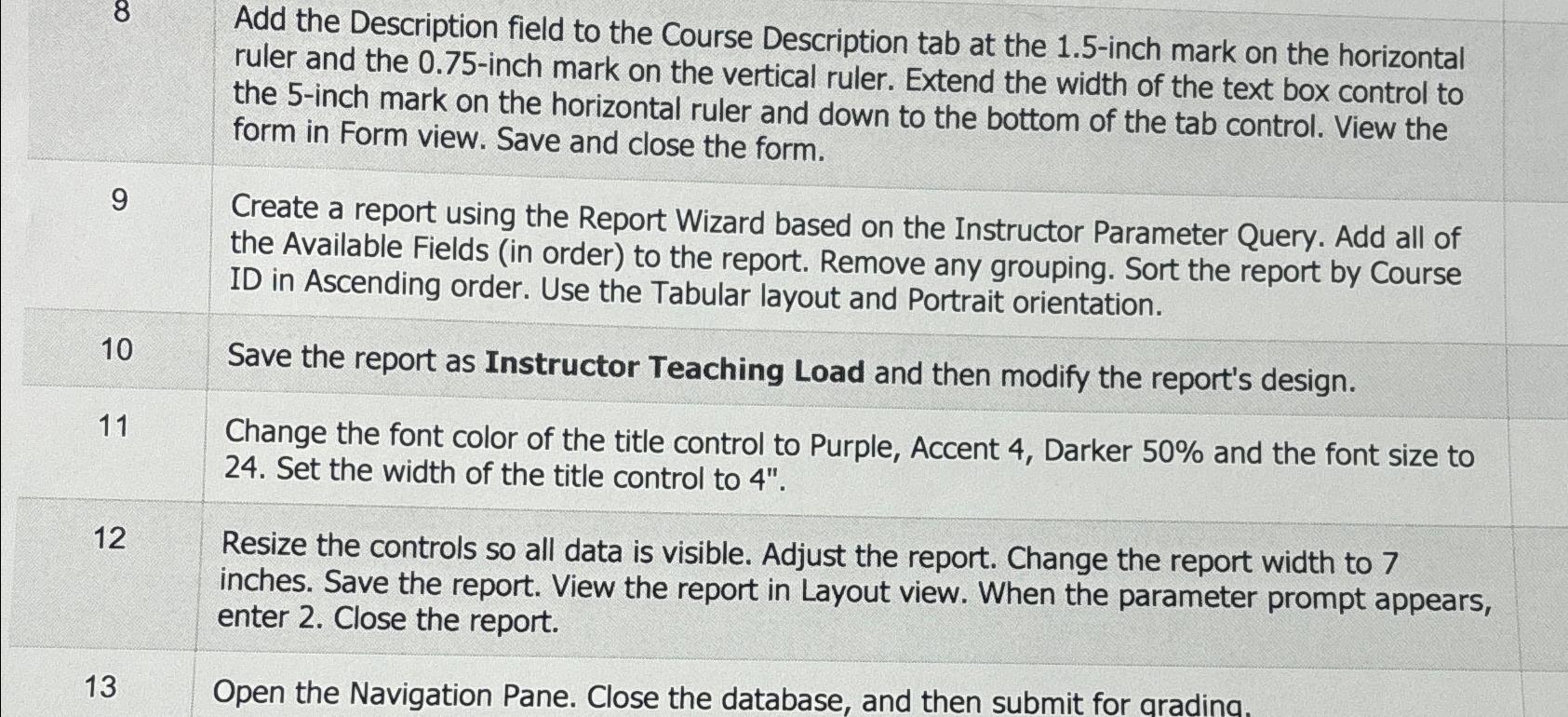
Question: Add the Description field to the Course Description tab at the 1 . 5 - inch mark on the horizontal ruler and the 0 .
Add the Description field to the Course Description tab at the inch mark on the horizontal ruler and the inch mark on the vertical ruler. Extend the width of the text box control to the inch mark on the horizontal ruler and down to the bottom of the tab control. View the form in Form view. Save and close the form.
Create a report using the Report Wizard based on the Instructor Parameter Query. Add all of the Available Fields in order to the report. Remove any grouping. Sort the report by Course ID in Ascending order. Use the Tabular layout and Portrait orientation.
Save the report as Instructor Teaching Load and then modify the report's design.
Change the font color of the title control to Purple, Accent Darker and the font size to Set the width of the title control to
Resize the controls so all data is visible. Adjust the report. Change the report width to inches. Save the report. View the report in Layout view. When the parameter prompt appears, enter Close the report.
Open the Navigation Pane. Close the database, and then submit for aradina.
Step by Step Solution
There are 3 Steps involved in it
1 Expert Approved Answer
Step: 1 Unlock

Question Has Been Solved by an Expert!
Get step-by-step solutions from verified subject matter experts
Step: 2 Unlock
Step: 3 Unlock