







Question: After completing Win 1 0 IOT installation with the OSRI USB key, select the correct sequence that is applicable to activate Windows: Log in as
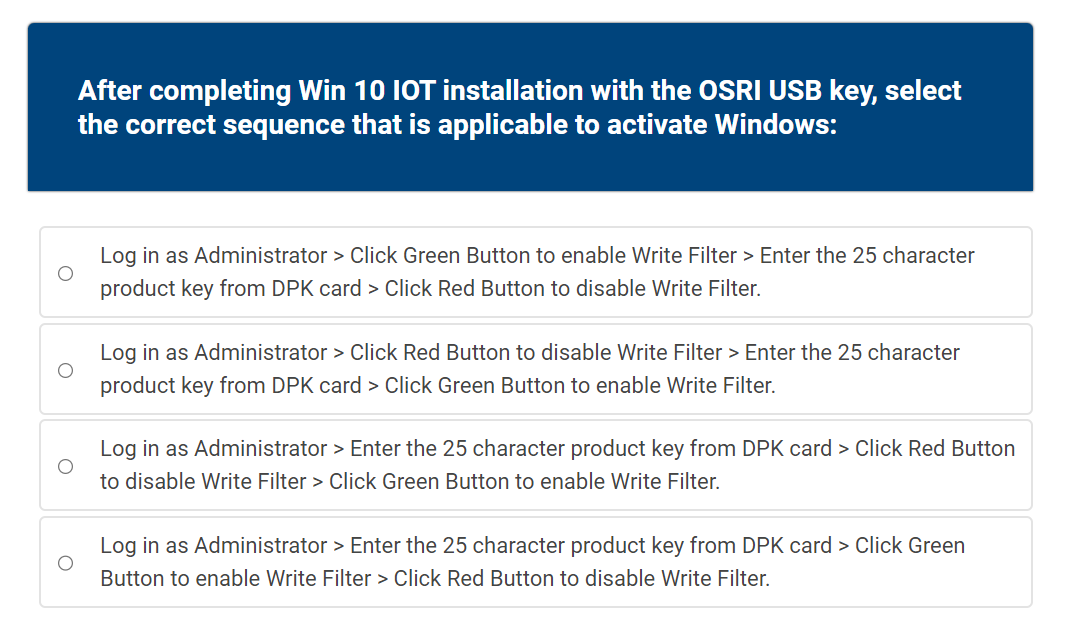
After completing Win IOT installation with the OSRI USB key, select the correct sequence that is applicable to activate Windows:
Log in as Administrator Click Green Button to enable Write Filter Enter the character product key from DPK card Click Red Button to disable Write Filter.
Log in as Administrator Click Red Button to disable Write Filter Enter the character product key from DPK card Click Green Button to enable Write Filter.
Log in as Administrator Enter the character product key from DPK card Click Red Button to disable Write Filter Click Green Button to enable Write Filter.
Log in as Administrator Enter the character product key from DPK card Click Green Button to enable Write Filter Click Red Button to disable Write Filter.
Step by Step Solution
There are 3 Steps involved in it
1 Expert Approved Answer
Step: 1 Unlock

Question Has Been Solved by an Expert!
Get step-by-step solutions from verified subject matter experts
Step: 2 Unlock
Step: 3 Unlock
 Study Help