







Question: After following Week 1 5 Lesson ( Databases and SQL ) , go to SQL Play.ground to practice your SQL Skills. Click on each one
After following Week Lesson Databases and SQL go to SQL Play.ground to practice your SQL Skills. Click on
each one of tables to get familiar with its structure and the data:
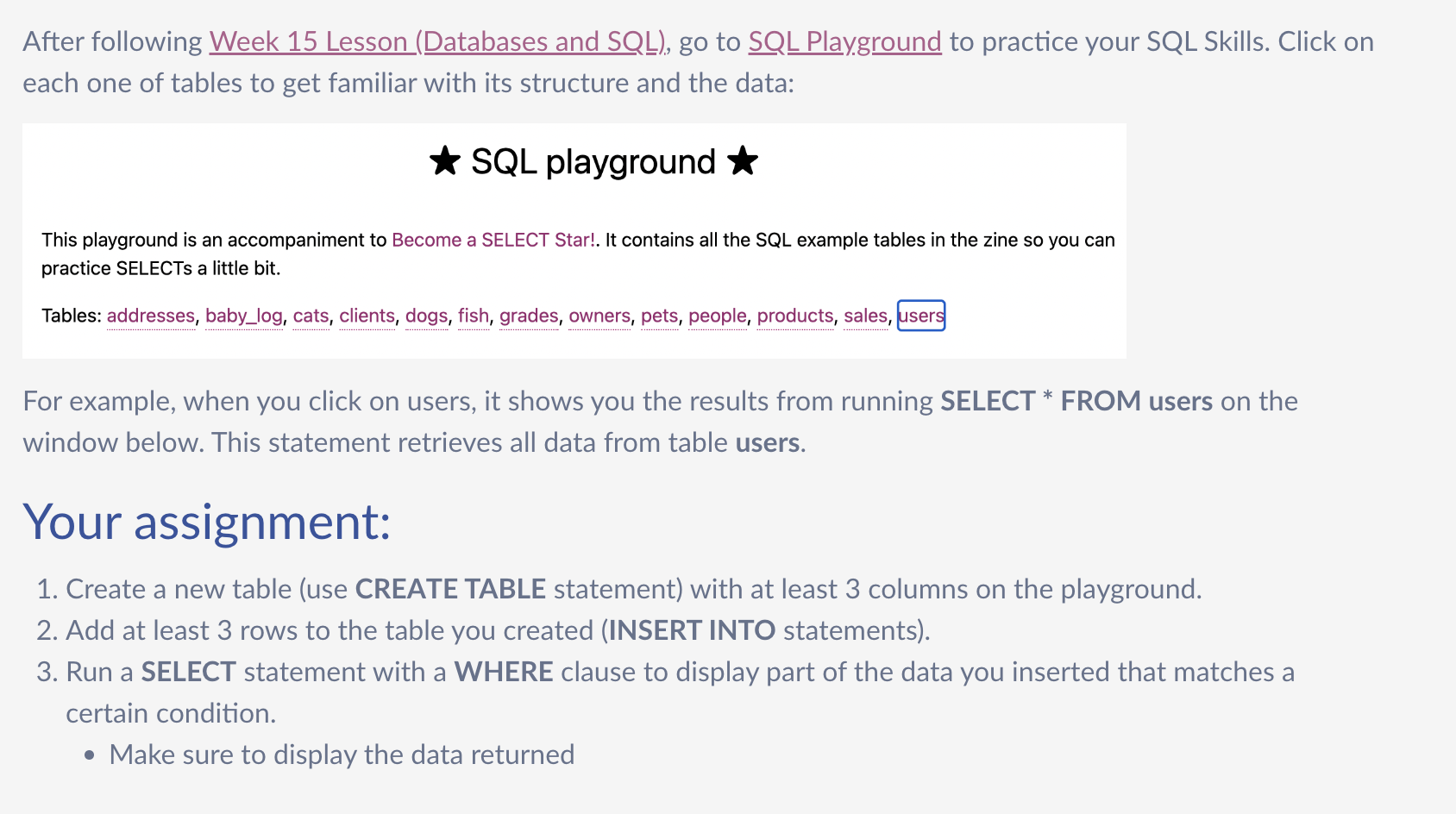
SQL playground
This playground is an accompaniment to Become a SELECT Star!. It contains all the SQL example tables in the zine so you can
practice SELECTs a little bit.
Tables: addresses, babylog cats, clients, dogs, fish, grades, owners, pets, people, products, sales,
For example, when you click on users, it shows you the results from running SELECT FROM users on the
window below. This statement retrieves all data from table users.
Your assignment:
Create a new table use CREATE TABLE statement with at least columns on the playground.
Add at least rows to the table you created INSERT INTO statements
Run a SELECT statement with a WHERE clause to display part of the data you inserted that matches a
certain condition.
Make sure to display the data returned
Step by Step Solution
There are 3 Steps involved in it
1 Expert Approved Answer
Step: 1 Unlock

Question Has Been Solved by an Expert!
Get step-by-step solutions from verified subject matter experts
Step: 2 Unlock
Step: 3 Unlock
 Study Help