Question: After you've done some processing, you find that your task reminders list is growing very large. What might this mean? : You're likely to end
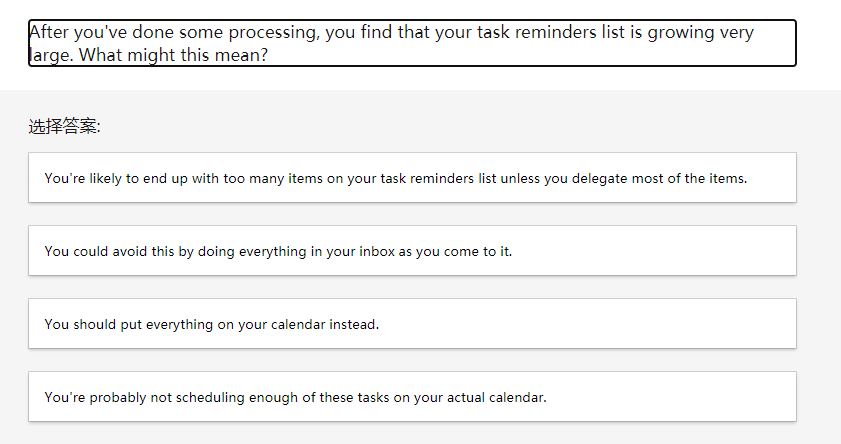
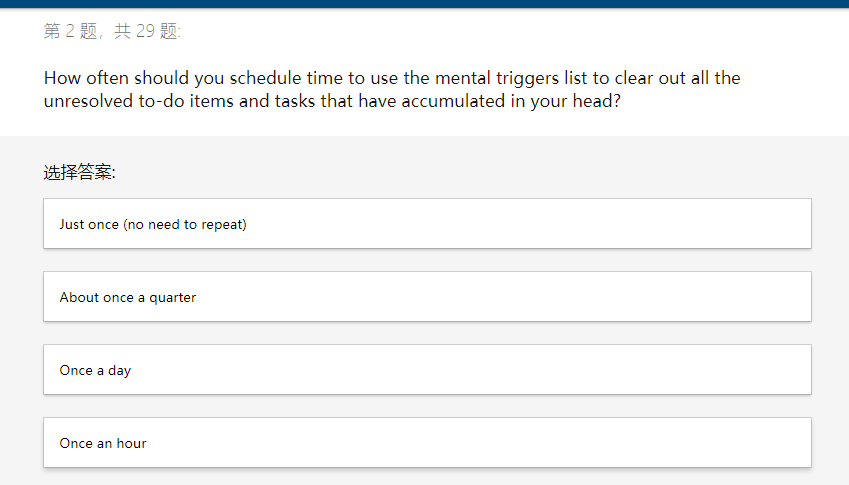
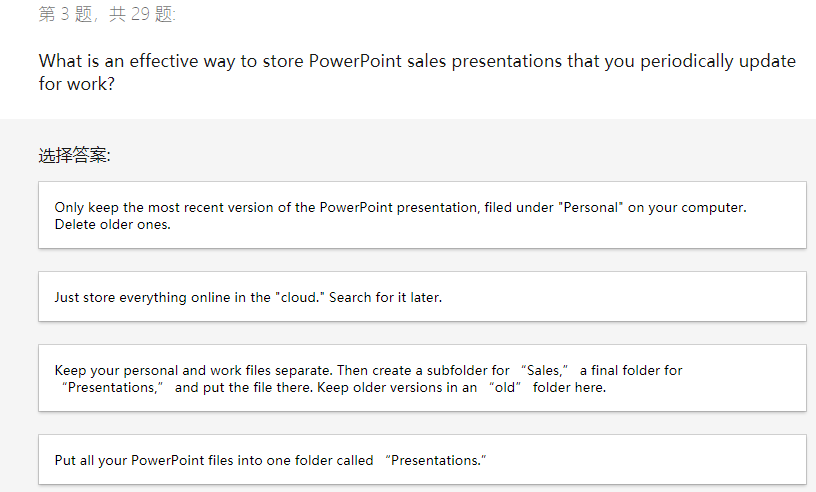
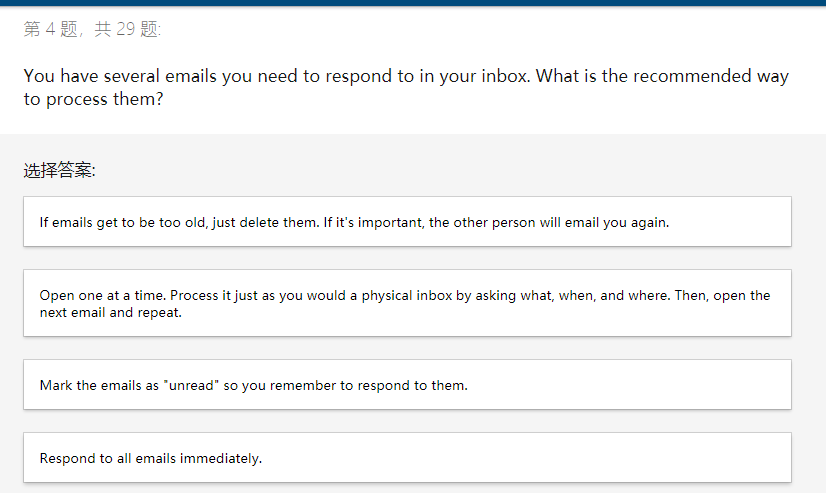
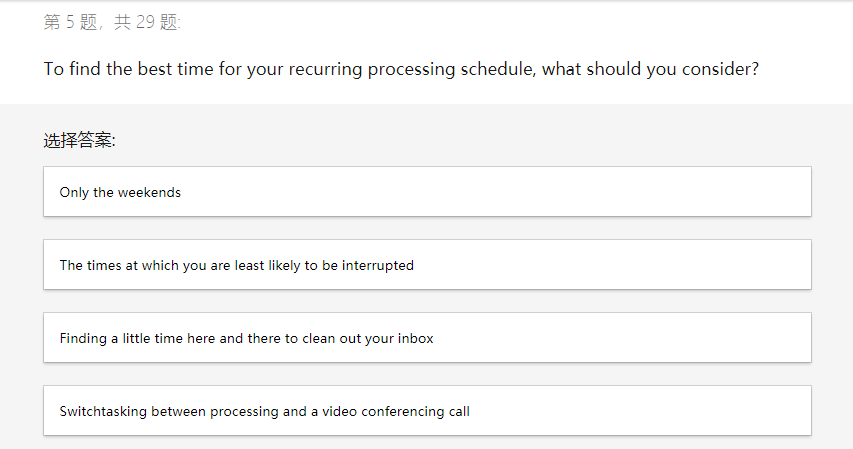
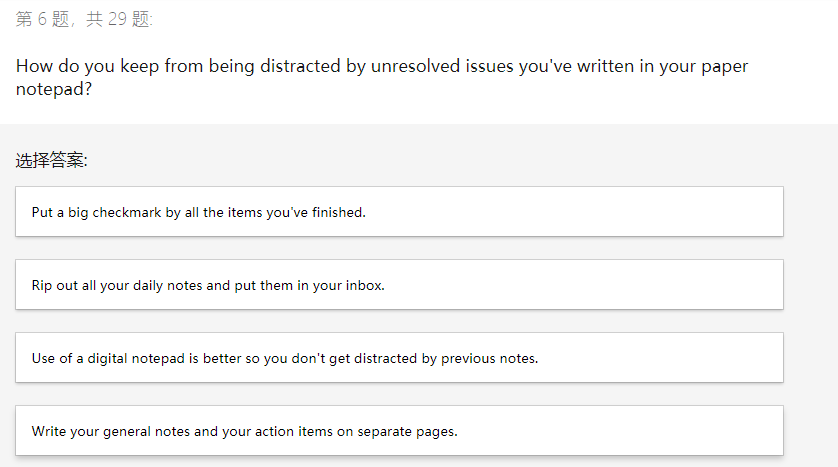
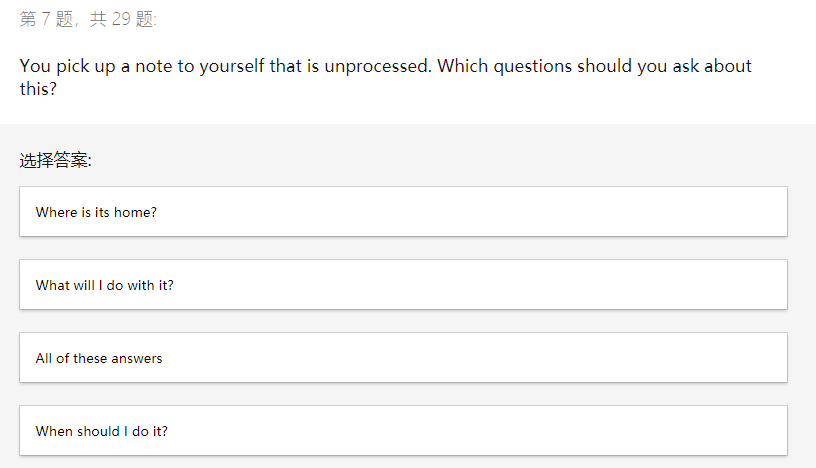
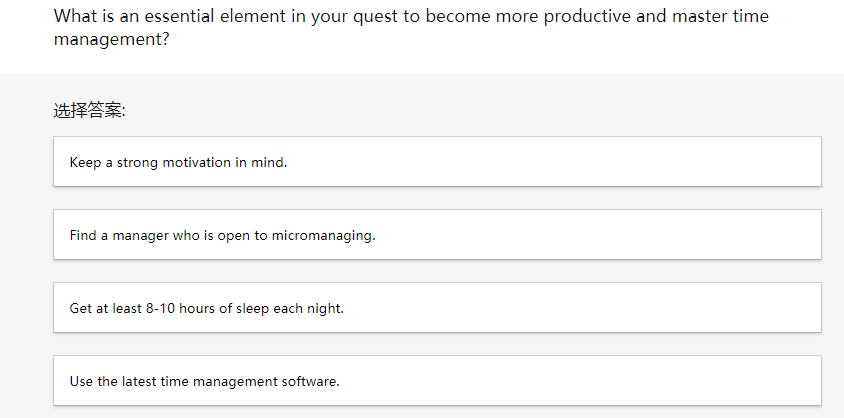
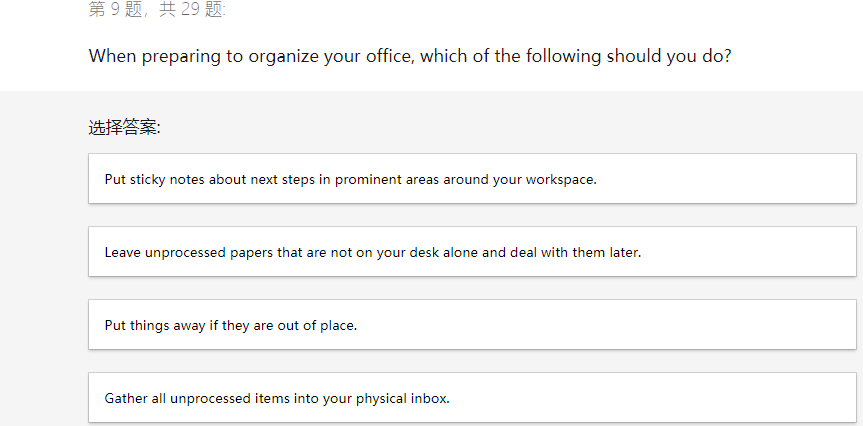
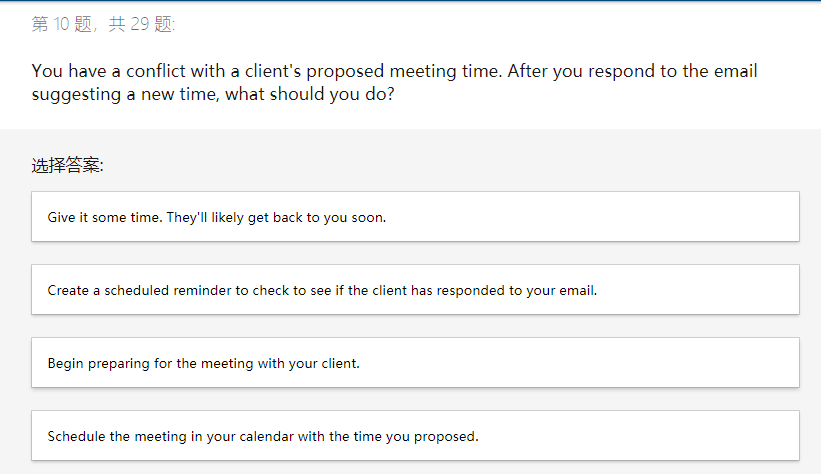
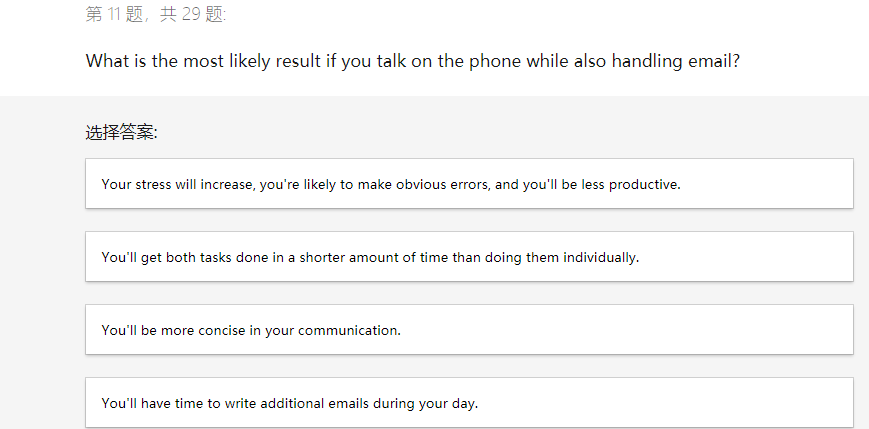
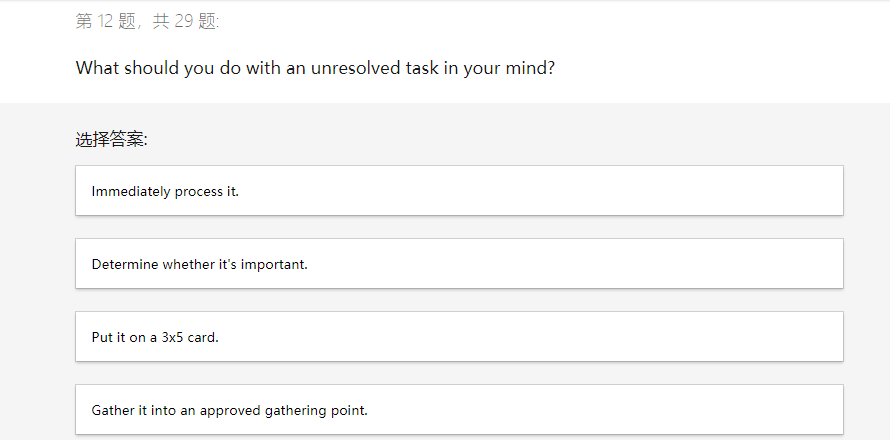
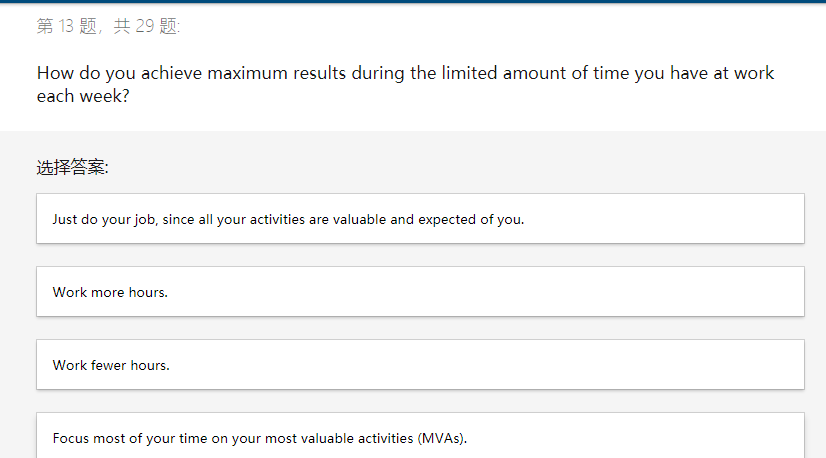
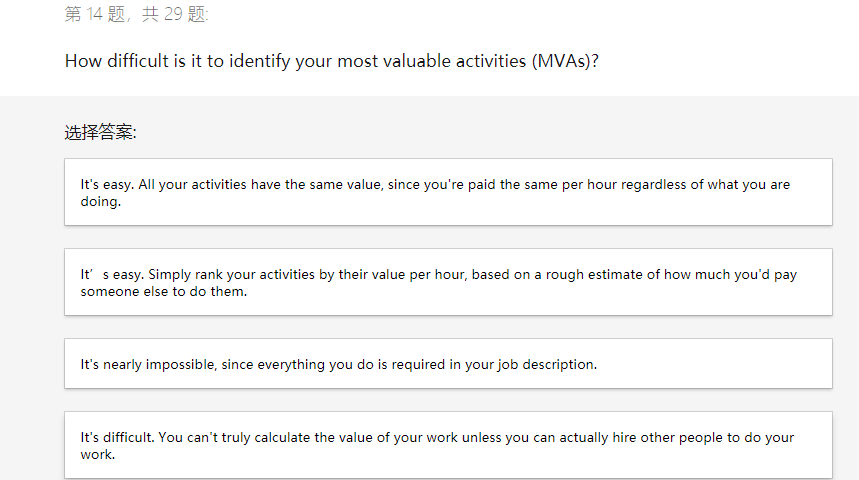
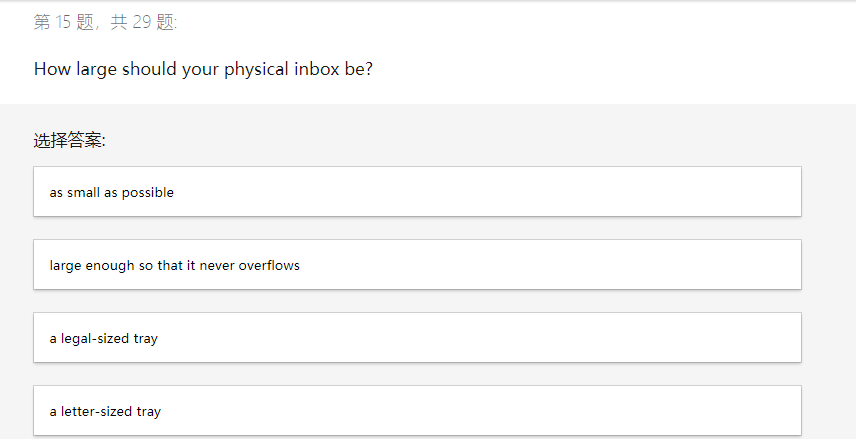
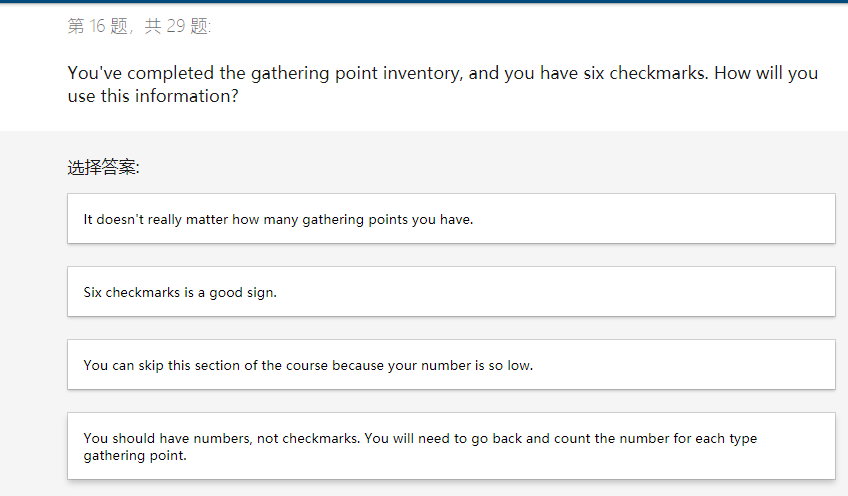
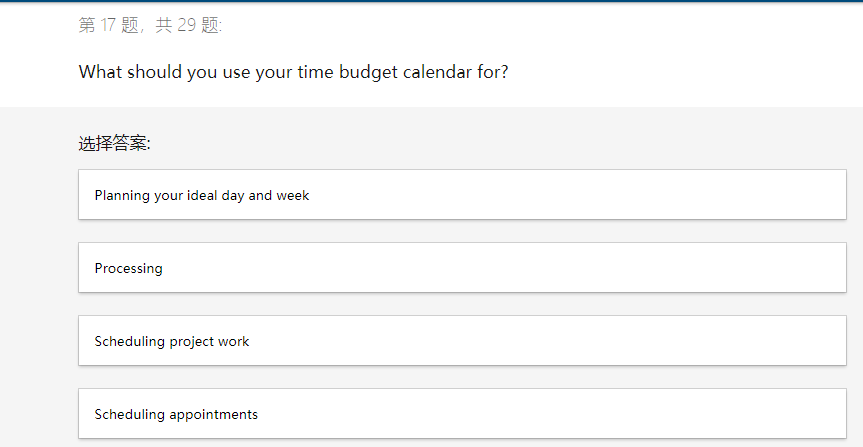
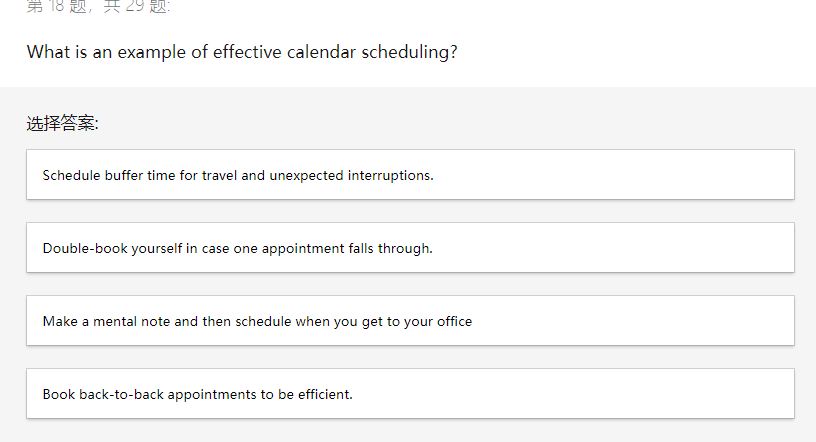
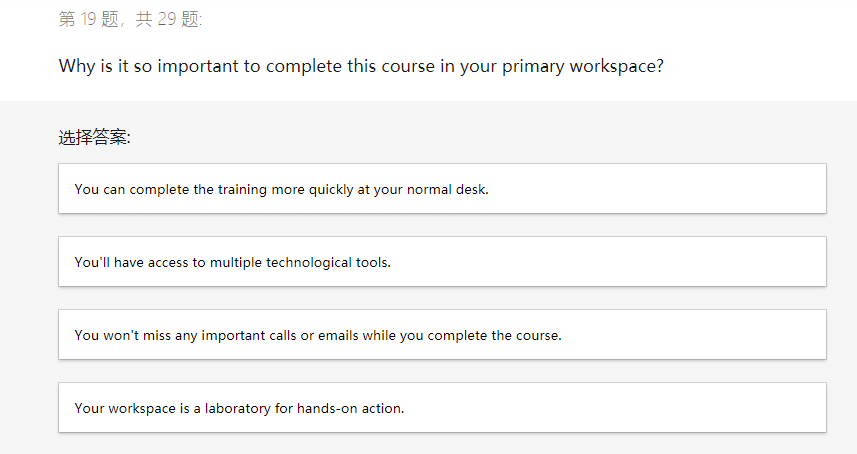
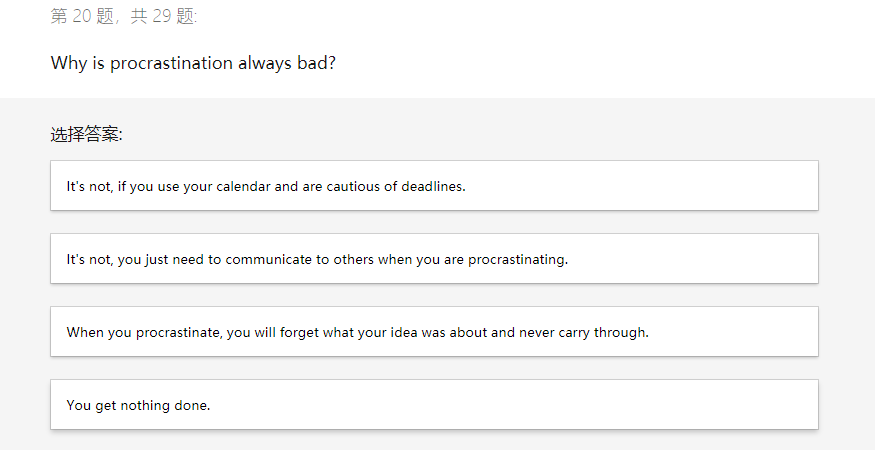
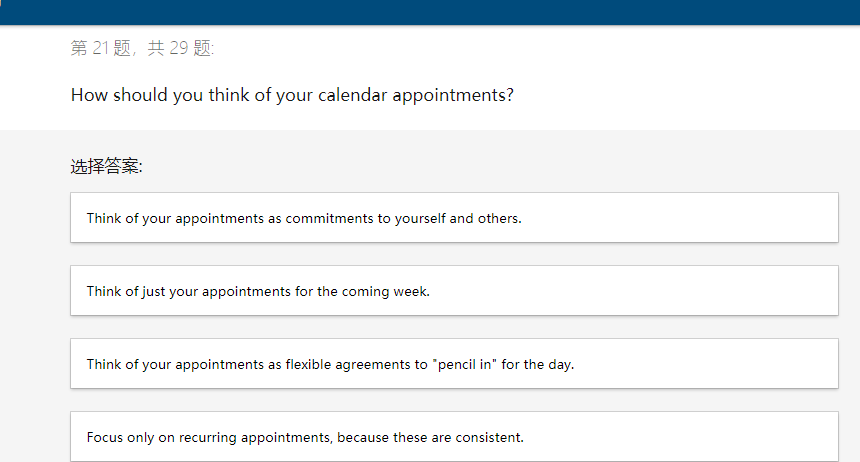
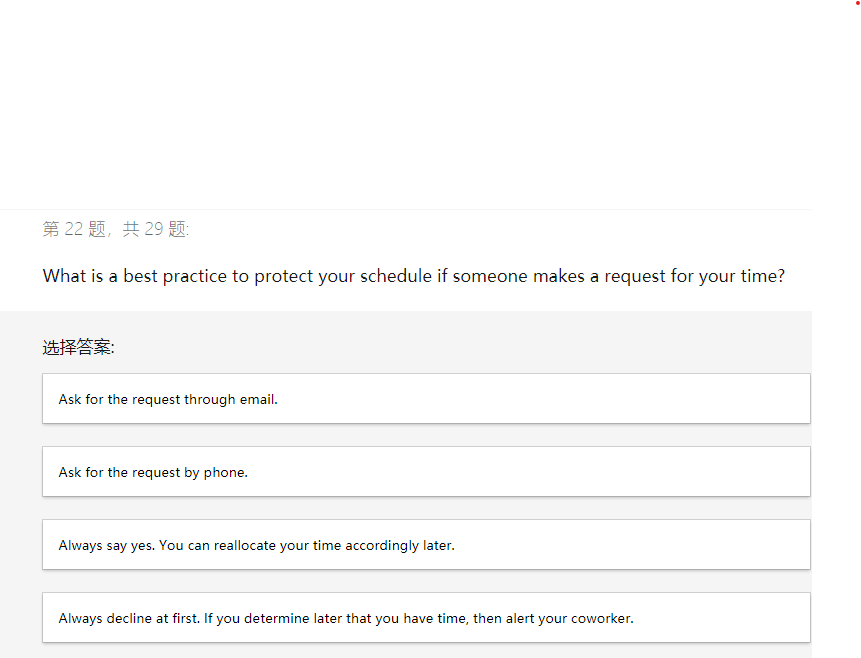
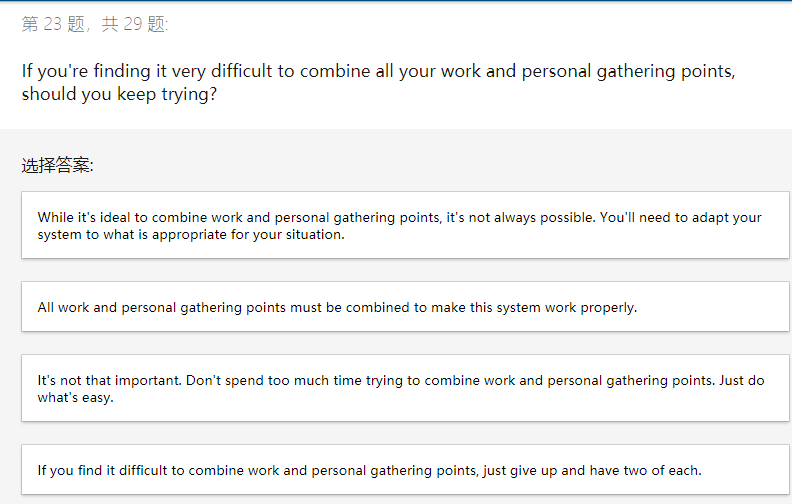
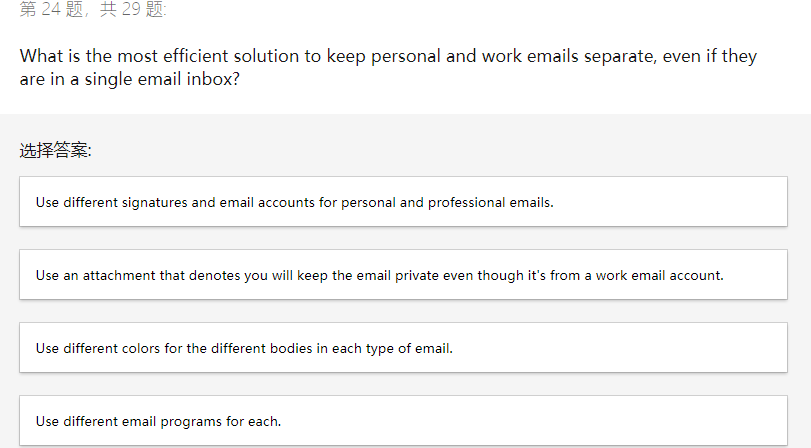
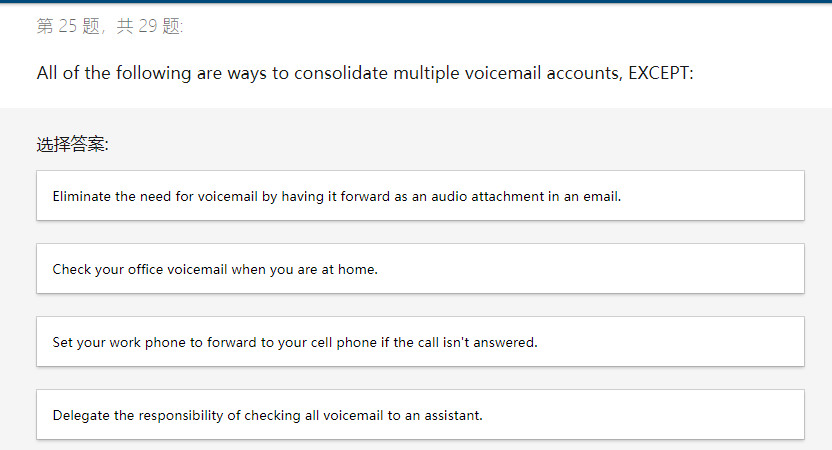
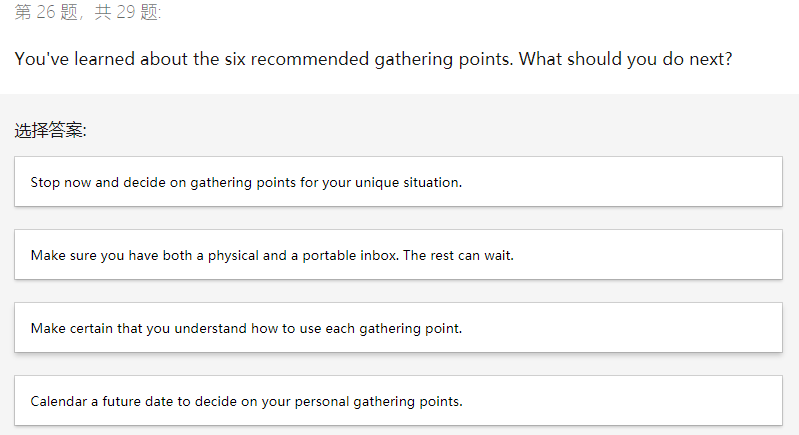
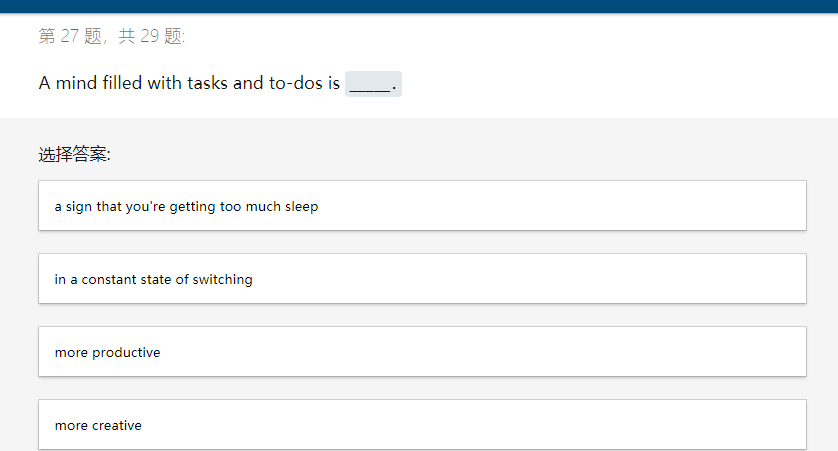
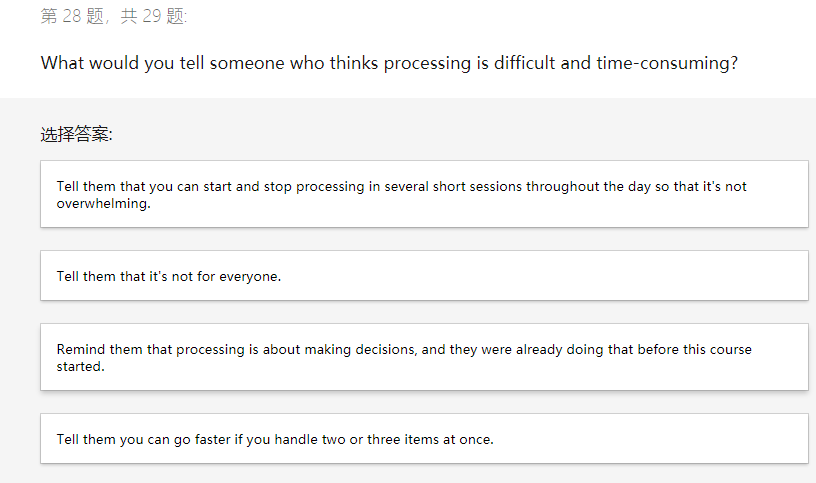
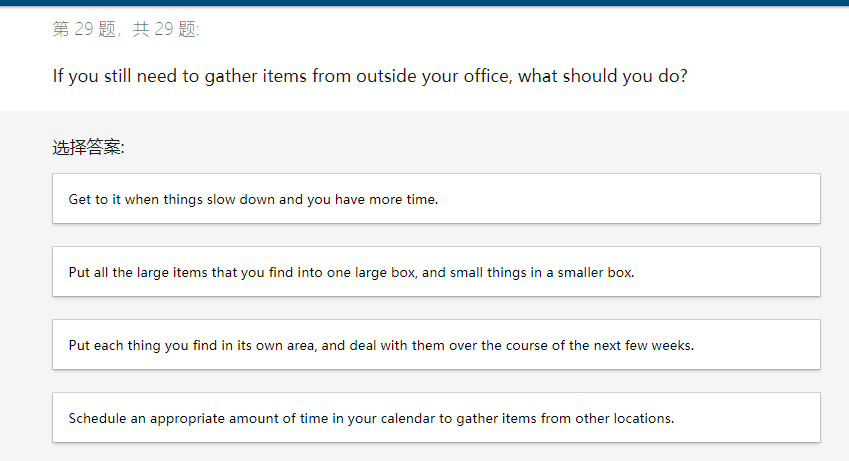
After you've done some processing, you find that your task reminders list is growing very large. What might this mean? : You're likely to end up with too many items on your task reminders list unless you delegate most of the items. You could avoid this by doing everything in your inbox as you come to it. You should put everything on your calendar instead. You're probably not scheduling enough of these tasks on your actual calendar. 2,29 : How often should you schedule time to use the mental triggers list to clear out all the unresolved to-do items and tasks that have accumulated in your head? : Just once (no need to repeat) About once a quarter Once a day Once an hour 3,29 : What is an effective way to store PowerPoint sales presentations that you periodically update for work? : Only keep the most recent version of the PowerPoint presentation, filed under "Personal' on your computer. Delete older ones. Just store everything online in the "cloud." Search for it later. Keep your personal and work files separate. Then create a subfolder for "Sales," a final folder for "Presentations," and put the file there. Keep older versions in an "old" folder here. Put all your PowerPoint files into one folder called "Presentations." 4,29 : You have several emails you need to respond to in your inbox. What is the recommended way to process them? : If emails get to be too old, just delete them. If it's important, the other person will email you again. Open one at a time. Process it just as you would a physical inbox by asking what, when, and where. Then, open the next email and repeat. Mark the emails as 'unread" so you remember to respond to them. Respond to all emails immediately. 5,29 : To find the best time for your recurring processing schedule, what should you consider? : : Only the weekends The times at which you are least likely to be interrupted Finding a little time here and there to clean out your inbox Switchtasking between processing and a video conferencing call 6,29 : How do you keep from being distracted by unresolved issues you've written in your paper notepad? : Put a big checkmark by all the items you've finished. Rip out all your daily notes and put them in your inbox. Use of a digital notepad is better so you don't get distracted by previous notes. Write your general notes and your action items on separate pages. 7,29 You pick up a note to yourself that is unprocessed. Which questions should you ask about this? : Where is its home? What will I do with it? All of these answers When should I do it? What is an essential element in your quest to become more productive and master time management? : Keep a strong motivation in mind. Find a manager who is open to micromanaging. Get at least 8-10 hours of sleep each night. Use the latest time management software. 9,29 : When preparing to organize your office, which of the following should you do? : Put sticky notes about next steps in prominent areas around your workspace. Leave unprocessed papers that are not on your desk alone and deal with them later. Put things away if they are out of place. Gather all unprocessed items into your physical inbox. 10 ,29 You have a conflict with a client's proposed meeting time. After you respond to the email suggesting a new time, what should you do? Give it some time. They'll likely get back to you soon. Create a scheduled reminder to check to see if the client has responded to your email. Begin preparing for the meeting with your client. Schedule the meeting in your calendar with the time you proposed. 1,29 What is the most likely result if you talk on the phone while also handling email? : Your stress will increase, you're likely to make obvious errors, and you'll be less productive. You'll get both tasks done in a shorter amount of time than doing them individually. You'll be more concise in your communication. You'll have time to write additional emails during your day. 2,29 : What should you do with an unresolved task in your mind? : Immediately process it. Determine whether it's important. Put it on a 3x5 card. Gather it into an approved gathering point. 13,29 How do you achieve maximum results during the limited amount of time you have at work each week? : : Just do your job, since all your activities are valuable and expected of you. Work more hours. Work fewer hours. Focus most of your time on your most valuable activities (MVAs). 4,29 : How difficult is it to identify your most valuable activities (MVAs)? : It's easy. All your activities have the same value, since you're paid the same per hour regardless of what you are doing. It's easy. Simply rank your activities by their value per hour, based on a rough estimate of how much you'd pay someone else to do them. It's nearly impossible, since everything you do is required in your job description. of your work unless you can actually other people to do your It's difficult. You can't truly calculate the valu work. 5,29 : How large should your physical inbox be? : as small as possible large enough so that it never overflows a legal-sized tray a letter-sized tray 6,29 : You've completed the gathering point inventory, and you have six checkmarks. How will you use this information? : It doesn't really matter how many gathering points you have. Six checkmarks is a good sign. You can skip this section of the course because your number is so low. You should have numbers, not checkmarks. You will need to go back and count the number for each type gathering point 17,29 What should you use your time budget calendar for? Planning your ideal day and week Processing Scheduling project work Scheduling appointments F 18 29 What is an example of effective calendar scheduling? : Schedule buffer time for travel and unexpected interruptions. Double-book yourself in case one appointment falls through. Make a mental note and then schedule when you get to your office Book back-to-back appointments to be efficient. 9,29 : Why is it so important to complete this course in your primary workspace? : You can complete the training more quickly at your normal desk. You'll have access to multiple technological tools. You won't miss any important calls or emails while you complete the course. Your workspace is a laboratory for hands-on action. 20 ,29 Why is procrastination always bad? : It's not, if you use your calendar and are cautious of deadlines. It's not, you just need to communicate to others when you are procrastinating. When you procrastinate, you will forget what your idea was about and never carry through. You get nothing done. 21,29 : How should you think of your calendar appointments? Think of your appointments as commitments to yourself and others. Think of just your appointments for the coming week. Think of your appointments as flexible agreements to "pencil in" for the day. Focus only on recurring appointments, because these are consistent. 22 ,29 What is a best practice to protect your schedule if someone makes a request for your time? : Ask for the request through email. Ask for the request by phone. Always say yes. You can reallocate your time accordingly later. Always decline at first. If you determine later that you have time, then alert your coworker. 23,29 If you're finding it very difficult to combine all your work and personal gathering points, should you keep trying? While it's ideal to combine work and personal gathering points, it's not always possible. You'll need to adapt your system to what is appropriate for your situation. All work and personal gathering points must be combined to make this system work properly. It's not that important. Don't spend too much time trying to combine work and personal gathering points. Just do what's easy. If you find it difficult to combine work and personal gathering points, just give up and have two of each. 24,29 : What is the most efficient solution to keep personal and work emails separate, even if they are in a single email inbox? : Use different signatures and email accounts for personal and professional emails. Use an attachment that denotes you will keep the email private even though it's from a work email account. Use different colors for the different bodies in each type of email. Use different email programs for each. 25,29 : All of the following are ways to consolidate multiple voicemail accounts, EXCEPT: Eliminate the need for voicemail by having it forward as an audio attachment in an email. Check your office voicemail when you are at home. Set your work phone to forward to your cell phone if the call isn't answered. Delegate the responsibility of checking all voicemail to an assistant. 26,29 : You've learned about the six recommended gathering points. What should you do next? : Stop now and decide on gathering points for your unique situation. Make sure you have both a physical and a portable inbox. The rest can wait. Make certain that you understand how to use each gathering point. Calendar a future date to decide on your personal gathering points. 27,29 : A mind filled with tasks and to-dos is : a sign that you're getting too much sleep in a constant state of switching more productive more creative 28,29 : What would you tell someone who thinks processing is difficult and time-consuming? : Tell them that you can start and stop processing in several short sessions throughout the day so that it's not overwhelming. Tell them that it's not for everyone. Remind them that processing is about making decisions, and they were already doing that before this course started. Tell them you can go faster if you handle two or three items at once. 29,29 : If you still need to gather items from outside your office, what should you do? Get to it when things slow down and you have more time. Put all the large items that you find into one large box, and small things in a smaller box. Put each thing you find in its own area, and deal with them over the course of the next few weeks. Schedule an appropriate amount of time in your calendar to gather items from other locations









 Study Help