







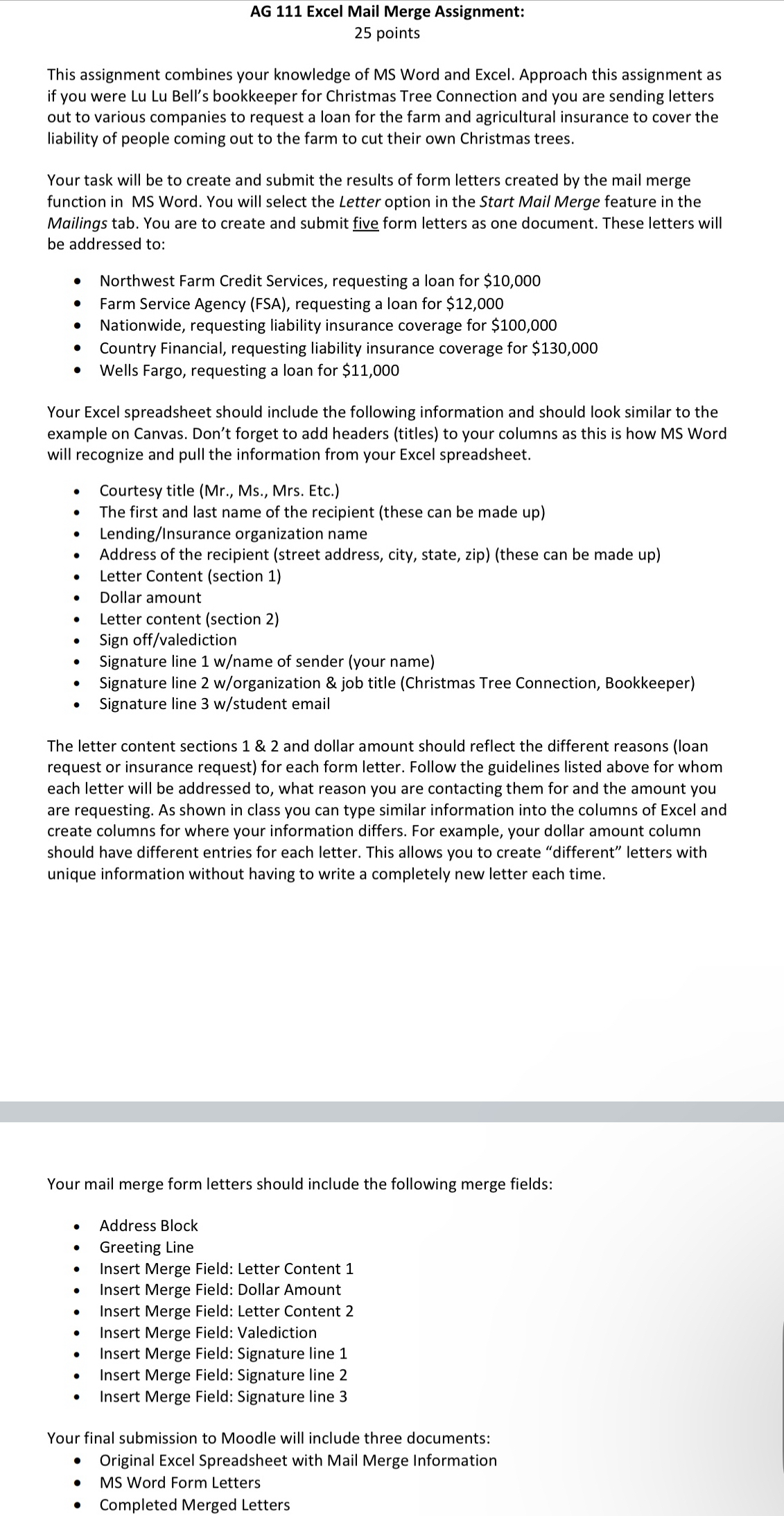
Question: AG 1 1 1 Excel Mail Merge Assignment: 2 5 points This assignment combines your knowledge of MS Word and Excel. Approach this assignment as
AG Excel Mail Merge Assignment:
points
This assignment combines your knowledge of MS Word and Excel. Approach this assignment as if you were Lu Lu Bell's bookkeeper for Christmas Tree Connection and you are sending letters out to various companies to request a loan for the farm and agricultural insurance to cover the liability of people coming out to the farm to cut their own Christmas trees.
Your task will be to create and submit the results of form letters created by the mail merge function in MS Word. You will select the Letter option in the Start Mail Merge feature in the Mailings tab. You are to create and submit five form letters as one document. These letters will be addressed to:
Northwest Farm Credit Services, requesting a loan for $
Farm Service Agency FSA requesting a loan for $
Nationwide, requesting liability insurance coverage for $
Country Financial, requesting liability insurance coverage for $
Wells Fargo, requesting a loan for $
Your Excel spreadsheet should include the following information and should look similar to the example on Canvas. Don't forget to add headers titles to your columns as this is how MS Word will recognize and pull the information from your Excel spreadsheet.
Courtesy title Mr Ms Mrs Etc.
The first and last name of the recipient these can be made up
LendingInsurance organization name
Address of the recipient street address, city, state, zipthese can be made up
Letter Content section
Dollar amount
Letter content section
Sign offvalediction
Signature line name of sender your name
Signature line worganization & job title Christmas Tree Connection, Bookkeeper
Signature line student email
The letter content sections & and dollar amount should reflect the different reasons loan request or insurance request for each form letter. Follow the guidelines listed above for whom each letter will be addressed to what reason you are contacting them for and the amount you are requesting. As shown in class you can type similar information into the columns of Excel and create columns for where your information differs. For example, your dollar amount column should have different entries for each letter. This allows you to create "different" letters with unique information without having to write a completely new letter each time.
Your mail merge form letters should include the following merge fields:
Address Block
Greeting Line
Insert Merge Field: Letter Content
Insert Merge Field: Dollar Amount
Insert Merge Field: Letter Content
Insert Merge Field: Valediction
Insert Merge Field: Signature line
Insert Merge Field: Signature line
Insert Merge Field: Signature line
Your final submission to Moodle will include three documents:
Original Excel Spreadsheet with Mail Merge Information
MS Word Form Letters
Completed Merged Letters
Step by Step Solution
There are 3 Steps involved in it
1 Expert Approved Answer
Step: 1 Unlock

Question Has Been Solved by an Expert!
Get step-by-step solutions from verified subject matter experts
Step: 2 Unlock
Step: 3 Unlock
 Study Help