







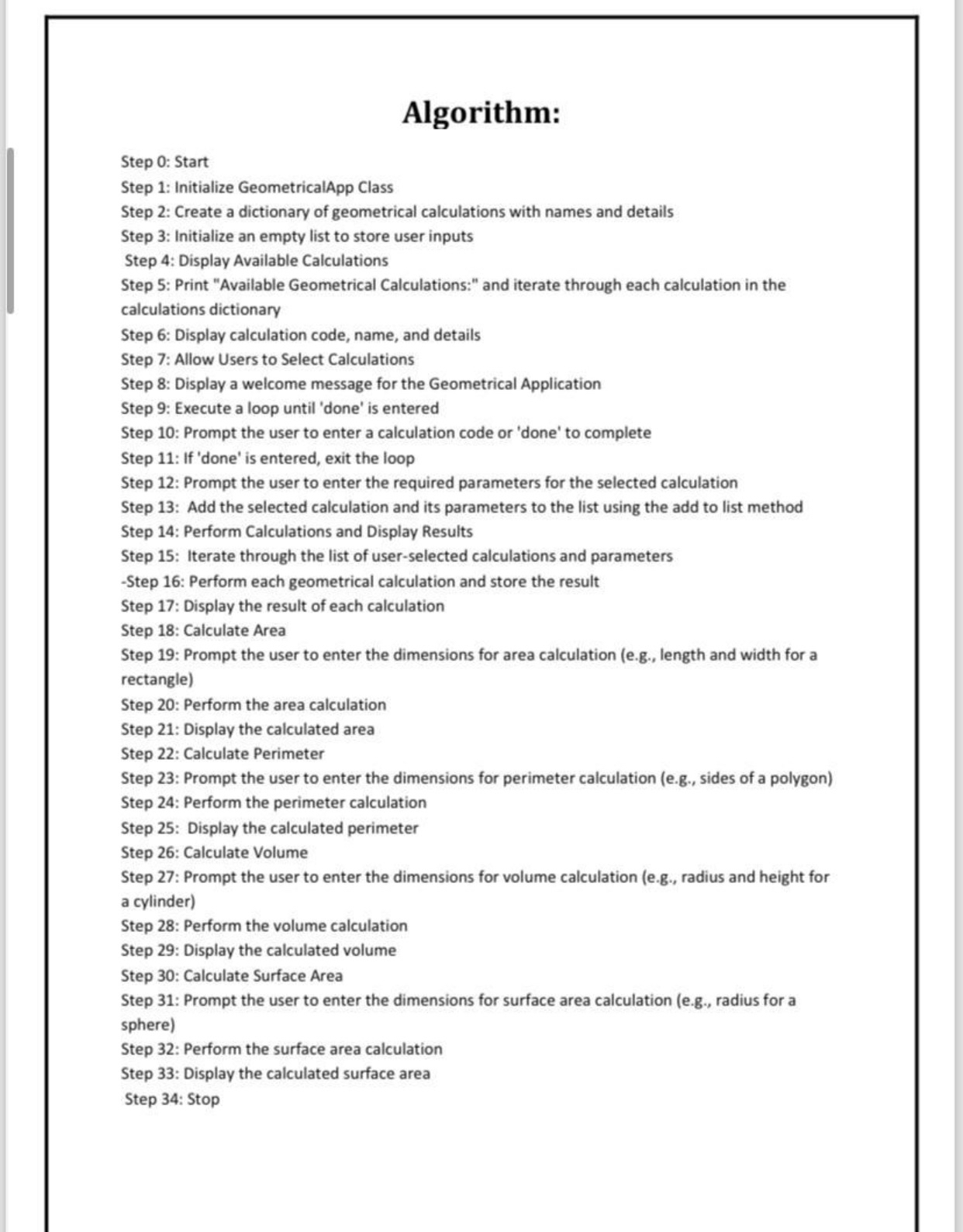
Question: Algorithm: Step 0 : Start Step 1 : Initialize GeometricalApp Class Step 2 : Create a dictionary of geometrical calculations with names and details Step
Algorithm:
Step : Start
Step : Initialize GeometricalApp Class
Step : Create a dictionary of geometrical calculations with names and details
Step : Initialize an empty list to store user inputs
Step : Display Available Calculations
Step : Print "Available Geometrical Calculations:" and iterate through each calculation in the calculations dictionary
Step : Display calculation code, name, and details
Step : Allow Users to Select Calculations
Step : Display a welcome message for the Geometrical Application
Step : Execute a loop until 'done' is entered
Step : Prompt the user to enter a calculation code or 'done' to complete
Step : If 'done' is entered, exit the loop
Step : Prompt the user to enter the required parameters for the selected calculation
Step : Add the selected calculation and its parameters to the list using the add to list method
Step : Perform Calculations and Display Results
Step : Iterate through the list of userselected calculations and parameters
Step : Perform each geometrical calculation and store the result
Step : Display the result of each calculation
Step : Calculate Area
Step : Prompt the user to enter the dimensions for area calculation eg length and width for a rectangle
Step : Perform the area calculation
Step : Display the calculated area
Step : Calculate Perimeter
Step : Prompt the user to enter the dimensions for perimeter calculation eg sides of a polygon
Step : Perform the perimeter calculation
Step : Display the calculated perimeter
Step : Calculate Volume
Step : Prompt the user to enter the dimensions for volume calculation eg radius and height for a cylinder
Step : Perform the volume calculation
Step : Display the calculated volume
Step : Calculate Surface Area
Step : Prompt the user to enter the dimensions for surface area calculation eg radius for a sphere
Step : Perform the surface area calculation
Step : Display the calculated surface area
Step : Stop
What is the flowchart?
Step by Step Solution
There are 3 Steps involved in it
1 Expert Approved Answer
Step: 1 Unlock

Question Has Been Solved by an Expert!
Get step-by-step solutions from verified subject matter experts
Step: 2 Unlock
Step: 3 Unlock
 Study Help