







Question: Align and space text and content consistently using the arrange options and text options ( e . g . steps alligned within a swim lane,
Align and space text and content consistently using the arrange options and text options eg steps alligned within a swim lane, text and arrows aligned, etc.
Make sure that your diagram is easy to read and professional looking
Save and submit your PDF and document URL
PDF: File Export PDF Document Pages All
URL: Fille Share Document Copy Link paste into Canvas submission text box
Please verify that the URL works from another web browser or a different computer. Working links will have "document" and "wiew" in the URL, rather than "edit"
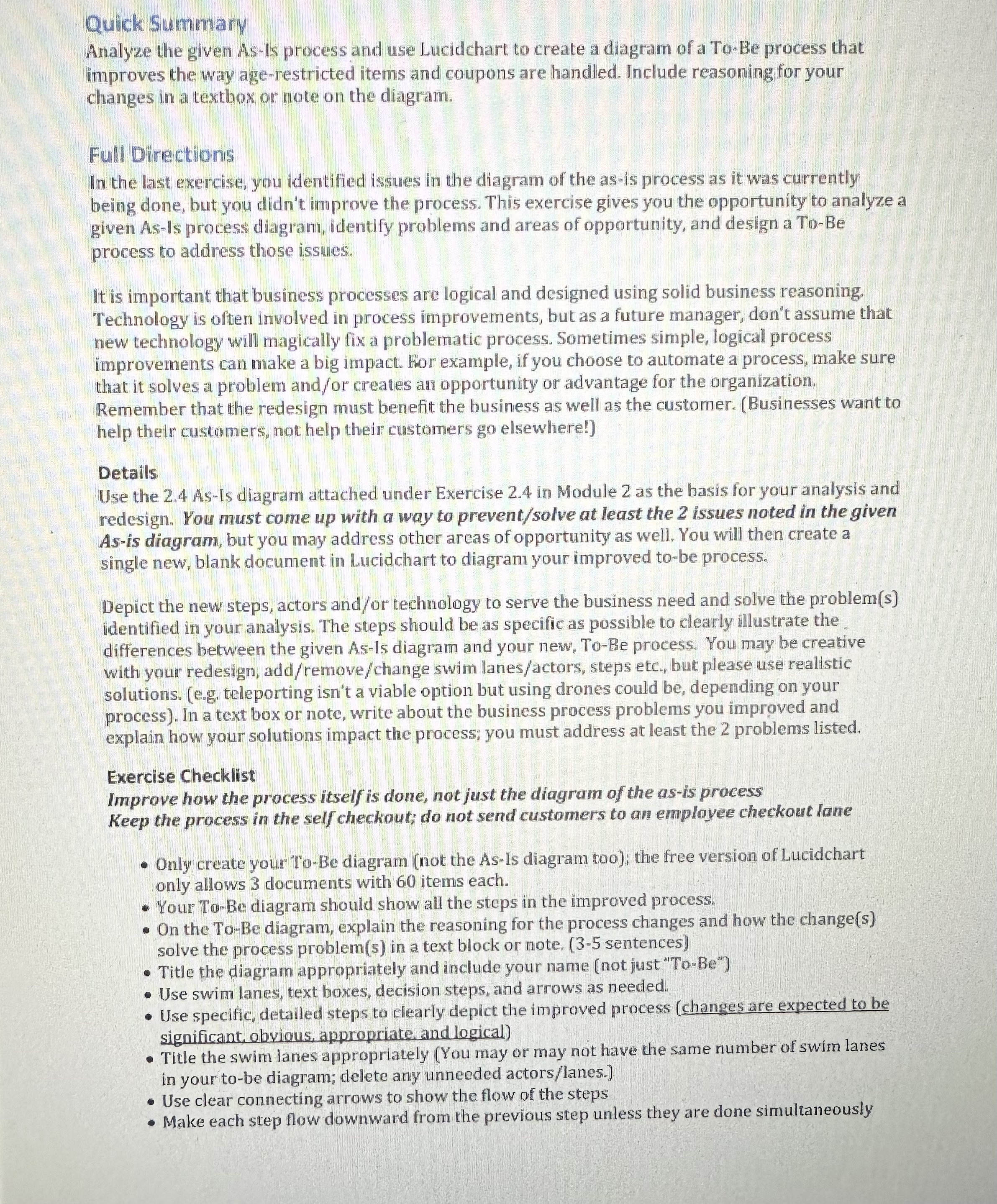
Note: If your only change is deleting a significant number of steps or an entire swim lane as a way to simply "make the process easier," you will not get credit for improving the process. You have to justify the changes in your diagram in your note. Make sure all aspects of the process are still being accomplished.
Diagrams not created in Lucidchart will be deducted half credit.
The details in your model will be different from the example diagrams and pickpack diagrams regarding swim lane actors and stepsactions since your diagram represents a different process. Do not use or copy the steps in ANY of the other examples provided. Use your own redesign of the business process based on the AsIs diagram provided to you. Your diagram steps will likely be different from everyone else's, even though you are depicting the same process.First, read the full assignment directions document
Analyze the given Asls process below and use Lucidchart to create a diagram of a ToBe process that improves the way agerestricted items and coupons are handled. You may improve other aspects as well if you choose.
Include reasoningjustification for your changes in a textbox or note on your ToBe diagram.
As
Checking out at Wobbly Hog's Self Checkout Kiosk Your Mane
AsIs Process Description
In the current checking out using a self checkout kiosk process at The Wobbly Hog, the customer gathers items in their cart and goes to the selfcheckout kiosk to check out. An employee is available to help customers using the selfcheckout lanes.
Customers scanweigh their items on the machine and bag them. As items are scanned, the machine will process the items and summon the clerk to check the customer's ID if agerestricted items are found. Customers can continue scanning items but cannot complete their purchase until agerestricted items are handled by the employee. Employees are also summoned to scan and collect manufacturer coupons if the customer is using them. The self check out machine prompts the customer through the payment process and prints a receipt for the customer. The customer then the receipt bags and leaves.
Step by Step Solution
There are 3 Steps involved in it
1 Expert Approved Answer
Step: 1 Unlock

Question Has Been Solved by an Expert!
Get step-by-step solutions from verified subject matter experts
Step: 2 Unlock
Step: 3 Unlock
 Study Help