







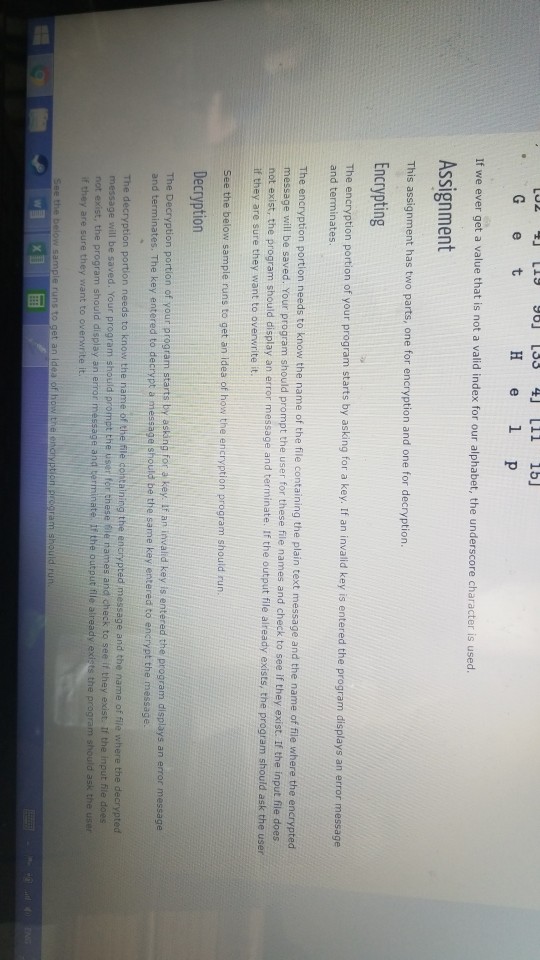
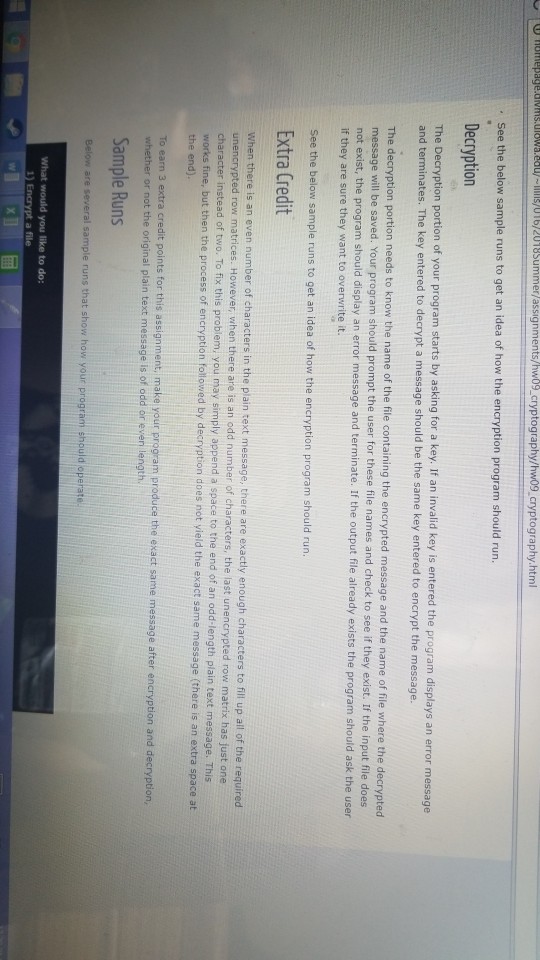
Question: All code should be in Python 3. Encryption Step 1 -Assign a Number to Each Letter First assign a number to each character that you
All code should be in Python 3.
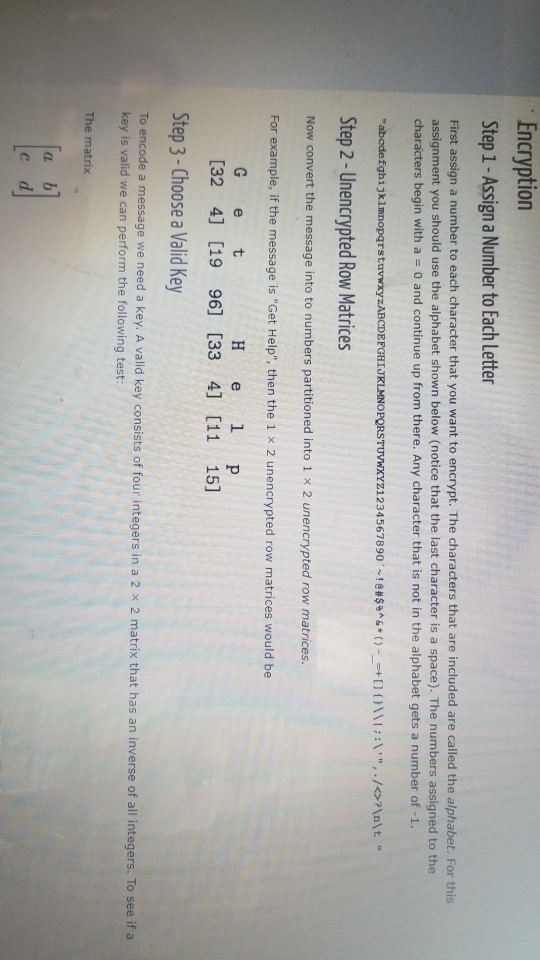
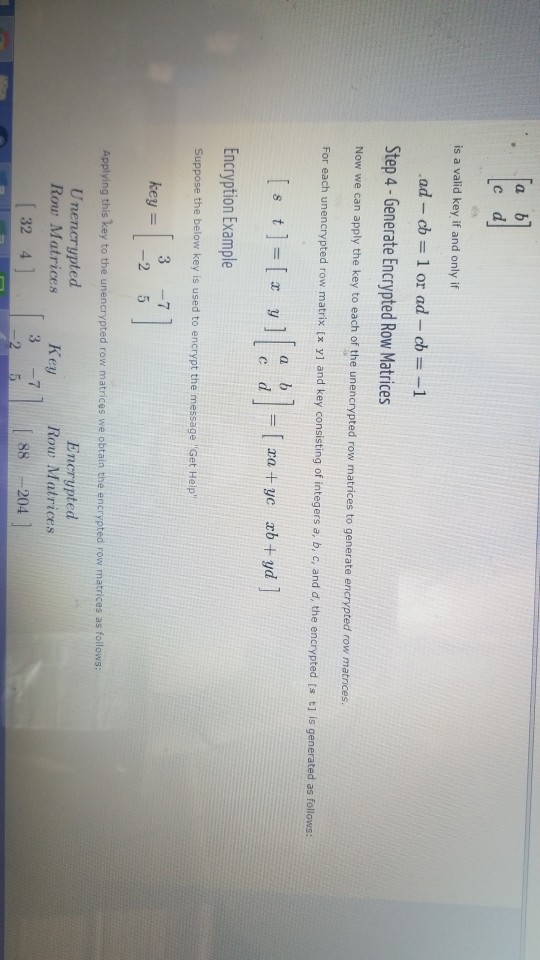
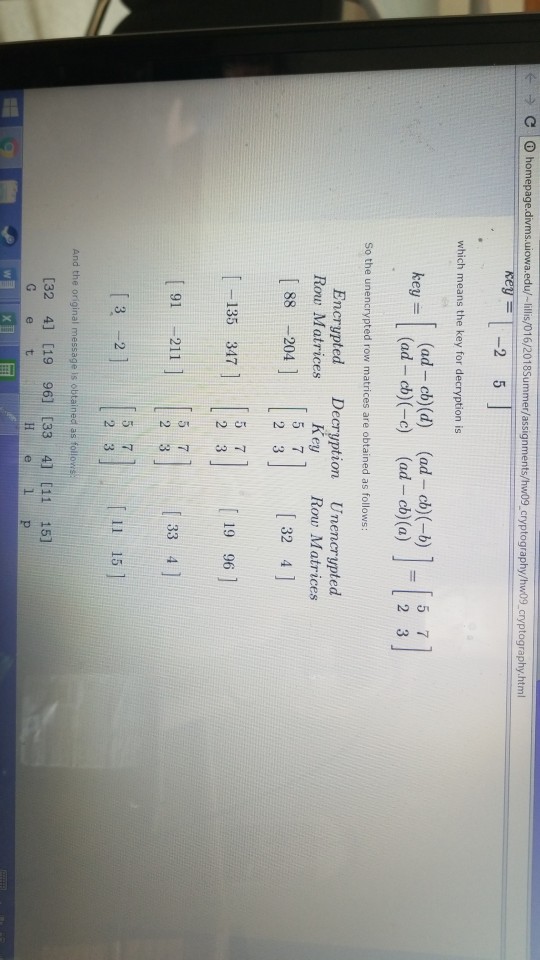
Encryption Step 1 -Assign a Number to Each Letter First assign a number to each character that you want to encrypt. The characters that are included are called the alphabet. For this assignment you should use the alphabet shown below (notice that the last character is a space). The numbers assigned to the characters begin with a 0 and continue up from there. Any character that is not in the alphabet gets a number of -1. "abodefghjkinnopqrstuvwxyzABCDEFGHlJRLMNOPgRSTUVWXYZ1234567890%'e#8%^&*()--+ [ ] {}\\I ;:\"",./? \t " Step 2-Unencrypted Row Matrices Now convert the message into to numbers partitioned into 1 x 2 unencrypted row matrices For example, if the message is "Get Help", then the 1 x 2 unencrypted row matrices would be G e t [32 4] [19 96] [33 4] [11 15] Step 3-Choose a Valid Key a message we need a key. A valid key consists of four integers in a 2 x 2 matrix that has an inverse of all integers. To see if a key is valid we can perform the following test: The matrix
Step by Step Solution
There are 3 Steps involved in it

Get step-by-step solutions from verified subject matter experts
 Study Help