







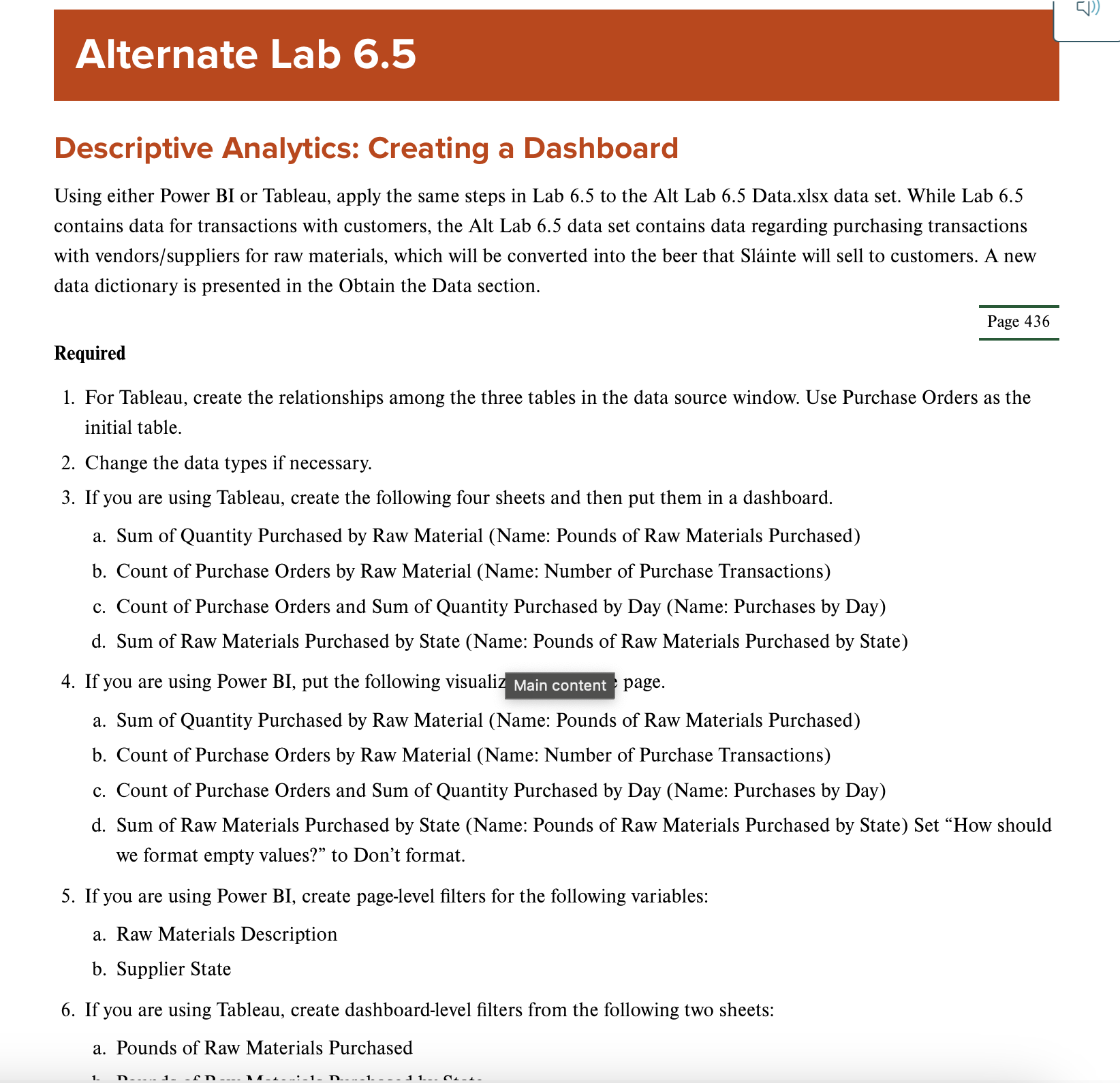
Question: Alternate Lab 6 . 5 Descriptive Analytics: Creating a Dashboard Using either Power BI or Tableau, apply the same steps in Lab 6 . 5
Alternate Lab
Descriptive Analytics: Creating a Dashboard
Using either Power BI or Tableau, apply the same steps in Lab to the Alt Lab Data.xlsx data set. While Lab
contains data for transactions with customers, the Alt Lab data set contains data regarding purchasing transactions
with vendorssuppliers for raw materials, which will be converted into the beer that Slinte will sell to customers. A new
data dictionary is presented in the Obtain the Data section.
Required
For Tableau, create the relationships among the three tables in the data source window. Use Purchase Orders as the
initial table.
Change the data types if necessary.
If you are using Tableau, create the following four sheets and then put them in a dashboard.
a Sum of Quantity Purchased by Raw Material Name: Pounds of Raw Materials Purchased
b Count of Purchase Orders by Raw Material Name: Number of Purchase Transactions
c Count of Purchase Orders and Sum of Quantity Purchased by Day Name: Purchases by Day
d Sum of Raw Materials Purchased by State Name: Pounds of Raw Materials Purchased by State
If you are using Power BI put the following visualiz Main content page.
a Sum of Quantity Purchased by Raw Material Name: Pounds of Raw Materials Purchased
b Count of Purchase Orders by Raw Material Name: Number of Purchase Transactions
c Count of Purchase Orders and Sum of Quantity Purchased by Day Name: Purchases by Day
d Sum of Raw Materials Purchased by State Name: Pounds of Raw Materials Purchased by State Set "How should
we format empty values?" to Don't format.
If you are using Power BI create pagelevel filters for the following variables:
a Raw Materials Description
b Supplier State
If you are using Tableau, create dashboardlevel filters from the following two sheets:
a Pounds of Raw Materials Purchased
Step by Step Solution
There are 3 Steps involved in it
1 Expert Approved Answer
Step: 1 Unlock

Question Has Been Solved by an Expert!
Get step-by-step solutions from verified subject matter experts
Step: 2 Unlock
Step: 3 Unlock
 Study Help