







Question: alysis: Graph the data for your 25 generations and then extend the lines for the next ten generations. Place both the abbit and lynx
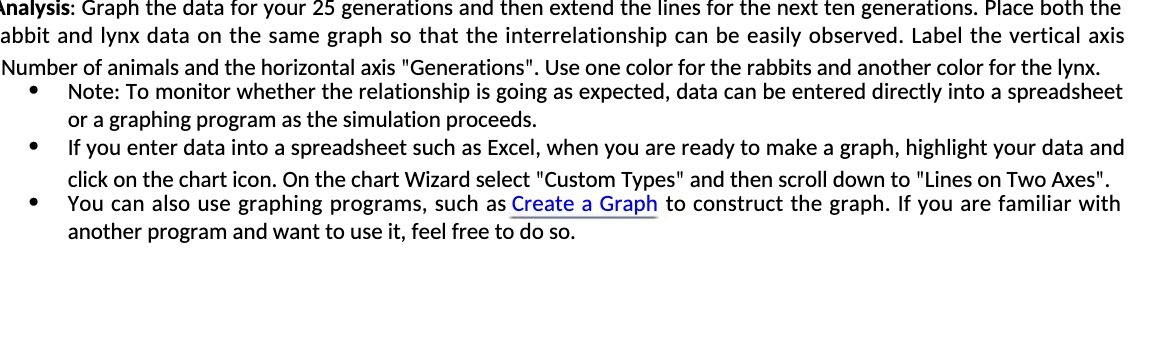
\ alysis: Graph the data for your 25 generations and then extend the lines for the next ten generations. Place both the abbit and lynx data on the same graph so that the interrelationship can be easily observed. Label the vertical axis Number of animals and the horizontal axis "Generations". Use one color for the rabbits and another color for the lynx. ' Note: To monitor whether the relationship is going as expected, data can be entered directly into a spreadsheet or a graphing program as the simulation proceeds. ' If you enter data into a spreadsheet such as Excel, when you are ready to make a graph, highlight your data and click on the chart icon. On the chart Wizard select "Custom Types" and then scroll down to "Lines on Two Axes". ' You can also use graphing programs, such as Create a Graph to construct the graph. If you are familiar with another program and want to use it, feel free to do so
Step by Step Solution
There are 3 Steps involved in it

Get step-by-step solutions from verified subject matter experts
 Study Help