







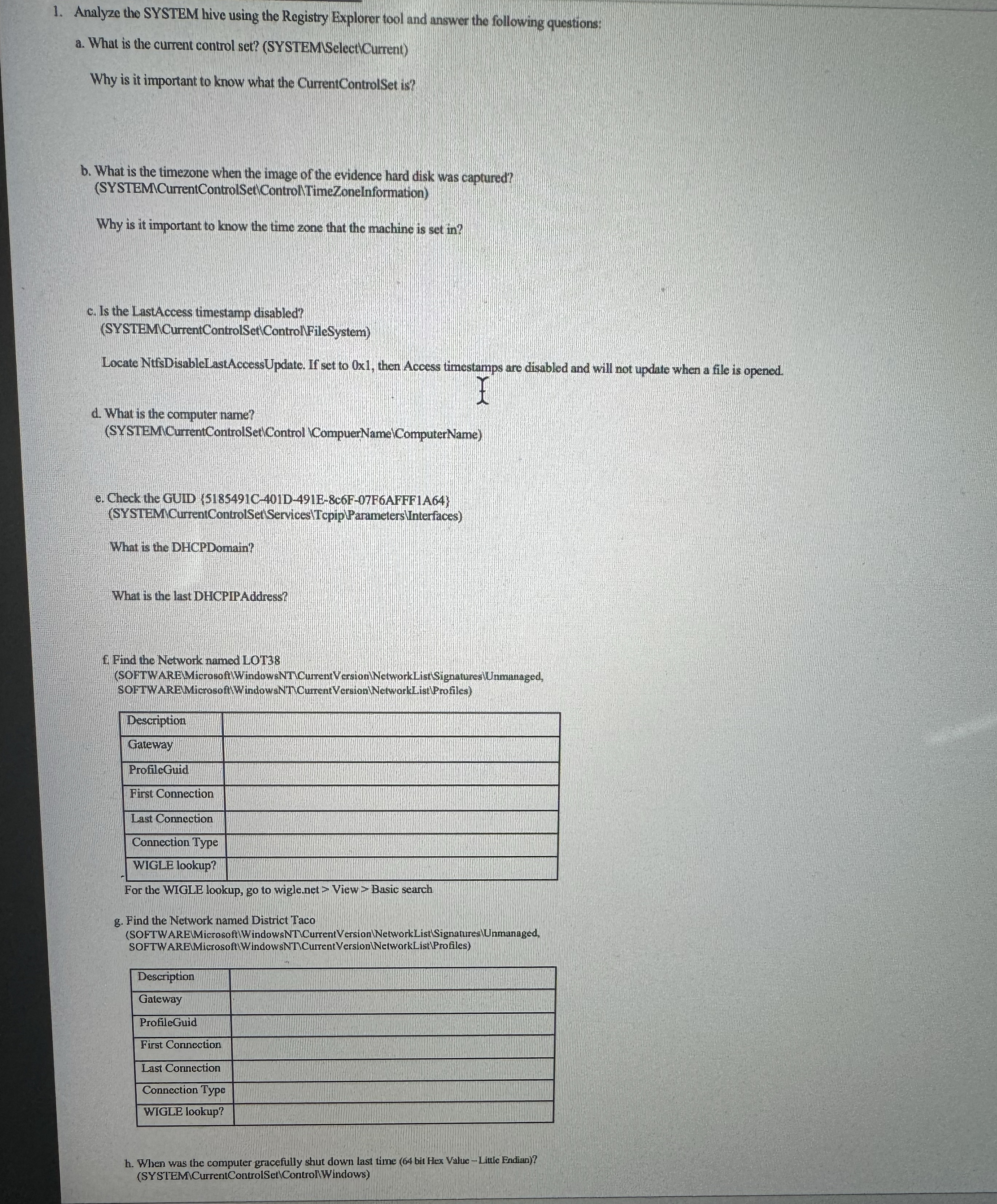
Question: Analyze the SYSTEM hive using the Registry Explorer tool and unswer the following questions: a . What is the current control set? ( SYSTEMSelectCurrent )
Analyze the SYSTEM hive using the Registry Explorer tool and unswer the following questions:
a What is the current control set? SYSTEMSelectCurrent
Why is it important to know what the CurrentControlSet is
b What is the timezone when the image of the evidence hard disk was captured? SYSTEMCurrentControlSetYControllTimeZonelnformation
Why is it important to know the time zone that the machine is set in
c Is the LastAccess timestamp disabled?
SYSTEMCurrentControlSetControlFileSystem
Locate NtfsDisableLastAccessUpdate. If set to Ox then Access timestamps aro disabled and will not update when a file is opened.
d What is the computer name?
SYSTEMYCurrentControlSet Control CompuerNamelComputerName
e Check the GUID CDEcFFAFFF ASYSTEMCurreniControlSet ServicesTcpip YParameters Interfaces
What is the DHCPDomain?
What is the last DHCPIPAddress?
f Find the Network named LOT
SOFTWARETMicrosoft WindowsiNTVCurrent VersionNetworkList Signatures Unmmanaged,
SOFTWAREMierrsoft Window NNTCurrent Version NetworkList Profiles
tableDescriptionGatewayProfiloGuidFirst ConnectionLast ConnectionConnection TypeWIGLE lookup?
For the WIGLE lookup, go to wigle net View Basic search
g Find the Network named District Taco
SOFTWAREMicrosoft WindowsNTVCurent VersionNetworkListSignaturesalUmananaged SOFTWARELMicrosoft WindowsNICursentVerstonWNetwarkListProfiles
tableDescriptionGatewayProfileGuidFirst Conncction,Last Connection,Connoction Typo,WIGLE lookup?,
h When was the computer gracefully shur down last time bit Hes VallueLitule EndinaSYSTEMCurrentControlSetControWindows
Step by Step Solution
There are 3 Steps involved in it
1 Expert Approved Answer
Step: 1 Unlock

Question Has Been Solved by an Expert!
Get step-by-step solutions from verified subject matter experts
Step: 2 Unlock
Step: 3 Unlock
 Study Help