







Question: And here's the code. DebugEmployeeIDException.java public class DebugEmployeeIDException extends Exception { public DebugEmployeeIDException() { super(s); } } DebugTwelve4.java // An employee ID can't be more
 And here's the code.
DebugEmployeeIDException.java
public class DebugEmployeeIDException extends Exception { public DebugEmployeeIDException() { super(s); } }
DebugTwelve4.java
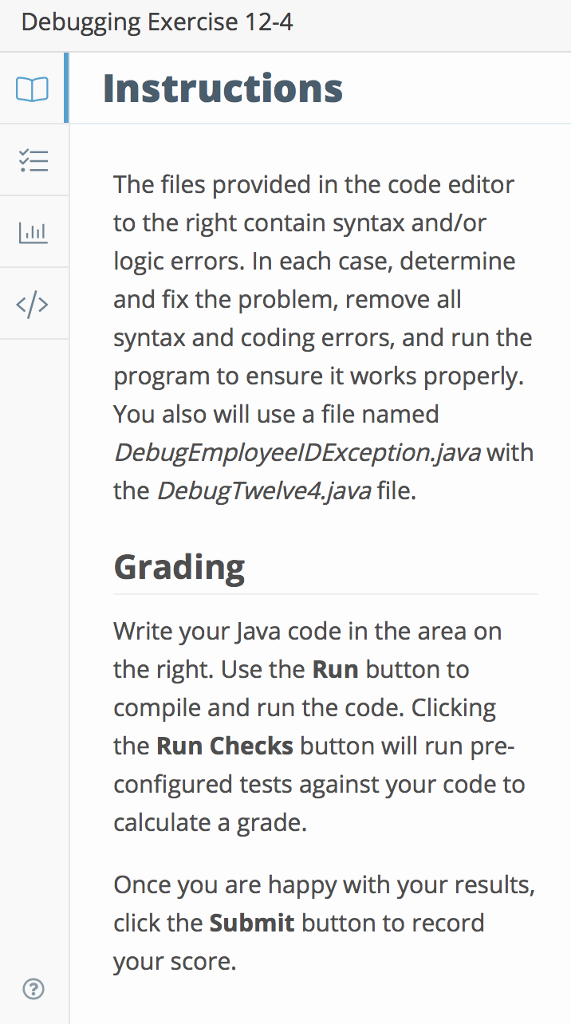
// An employee ID can't be more than 999 // Keep executing until user enters four valid employee IDs // This program throws a FixDebugEmployeeIDException import java.util.*; public class DebugTwelve4 { public static void main(String[] args) { Scanner input = new Scanner(System.in); String inStr, outString = ""; final int MAX = 999; int[] emps = new int[4]; for(x = 0; x MAX) { throw(new FixDebugEmployeeIDException("Number too high " + emp[x])); } } catch(NumberFormatException error) { --x; System.out.println(inStr + " Nonnumeric ID"); } catc(FixDebugEmployeeIDException error) { --x; System.out.println("); } } for(int x = 0; x Debugging Exercise 12 nstructions The files provided in the code editor to the right contain syntax and/or logic errors. In each case, determine and fix the problem, remove all syntax and coding errors, and run the program to ensure it works properly You also will use a file named DebugEmployeelDException.java with the DebugTwelve4.java file. Grading Write your Java code in the area on the right. Use the Run button to compile and run the code. Clicking the Run Checks button will run pre- configured tests against your code to calculate a grade. Once you are happy with your results, click the Submit button to record your score
Step by Step Solution
There are 3 Steps involved in it

Get step-by-step solutions from verified subject matter experts
 Study Help