







Question: and submit] Write a MATLAB function that takes a matrix as an input, rotates it 180 degrees, and then returns the rotated matrix as an
![and submit] Write a MATLAB function that takes a matrix as](https://dsd5zvtm8ll6.cloudfront.net/si.experts.images/questions/2024/09/66f32efb21afb_30666f32efaa1fae.jpg)
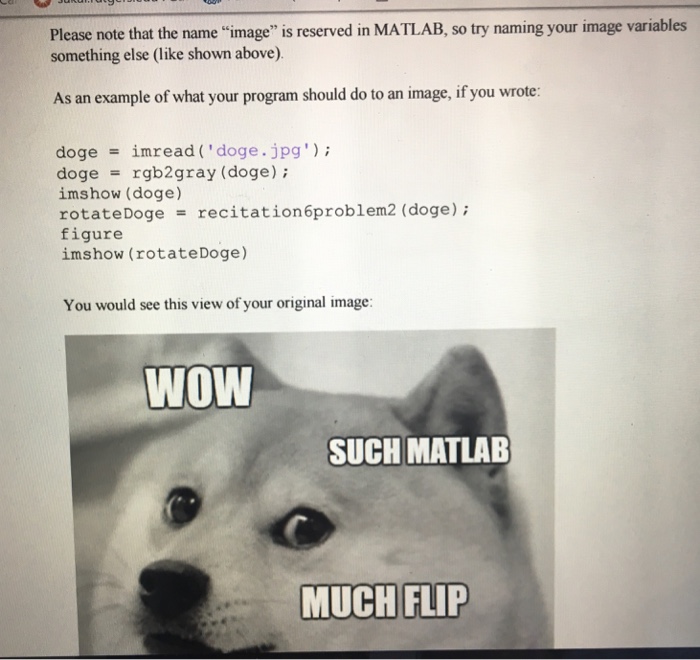

and submit] Write a MATLAB function that takes a matrix as an input, rotates it 180 degrees, and then returns the rotated matrix as an output. As in Problem l, do not any built in functions that rotate matrices (like rot90) or the operator. Instead, use nested loops. Note that, because black and white images are matrices, you can use them as the input to this function, and your function from Problem 1!To read an image into a variable, write the followi code in a separate script or in the command line: img imread(filename); Where "filename" is a string with the location ofan image on your computer. To convert an image from color to black and white, write the following code after using imread: img rgb2 gray (img); You can view an image stored in a variable by writing: imshow (img)
Step by Step Solution
There are 3 Steps involved in it

Get step-by-step solutions from verified subject matter experts
 Study Help