







Question: Answer in matlab, do not need the full function just the skeleton of them. Need the user interface menu using menu function and how each
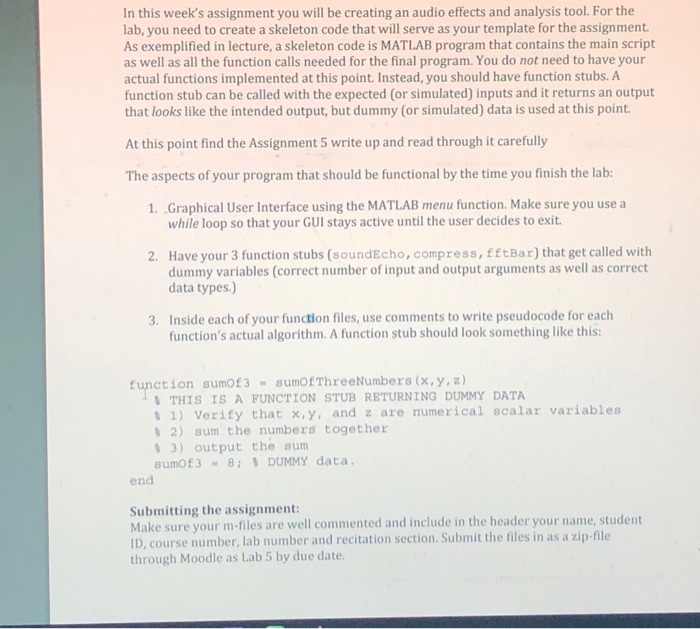
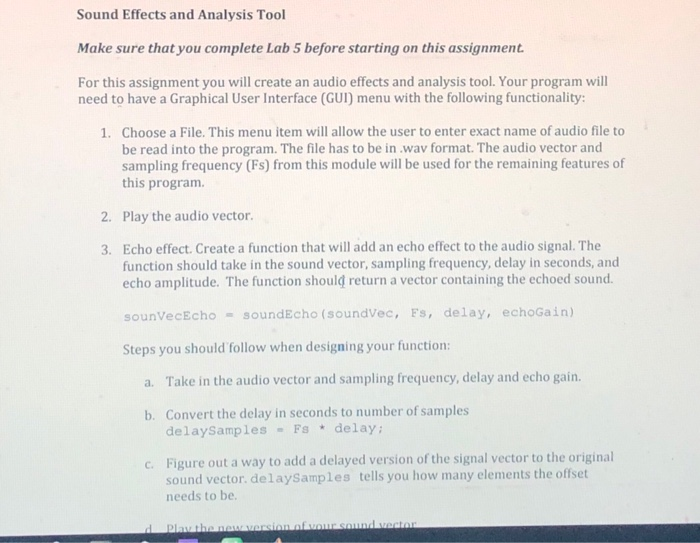
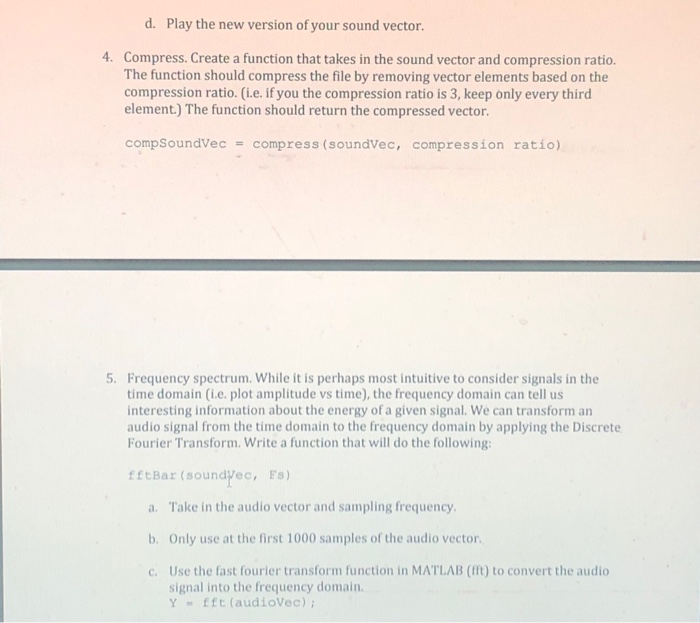
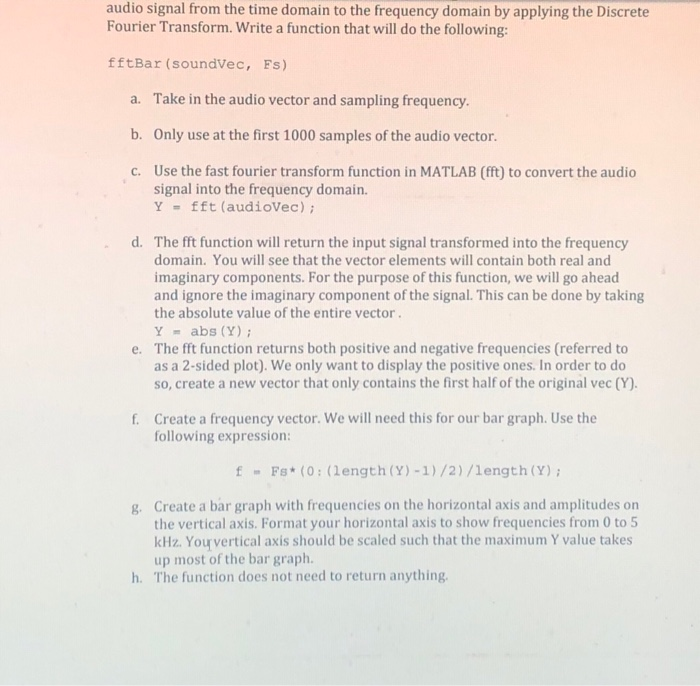
In this week's assignment you will be creating an audio effects and analysis tool. For the lab, you need to create a skeleton code that will serve as your template for the assignment As exemplified in lecture, a skeleton code is MATLAB program that contains the main script as well as all the function calls needed for the final program. You do not need to have your actual functions implemented at this point. Instead, you should have function stubs. A function stub can be called with the expected (or simulated) inputs and it returns an output that looks like the intended output, but dummy (or simulated) data is used at this point. At this point find the Assignment 5 write up and read through it carefully The aspects of your program that should be functional by the time you finish the lab: 1. Graphical User Interface using the MATLAB menu function. Make sure you use a while loop so that your GUI stays active until the user decides to exit Have your 3 function stubs (soundEcho, compress, fftBar) that get called with dummy variables (correct number of input and output arguments as well as correct data types.) 2. 3. Inside each of your function files, use comments to write pseudocode for each function's actual algorithm. A function stub should look something like this: function sumot3 -sumofThreeNumbers (x, y, z) THIS IS A FUNCTION STUB RETURNING DUMMY DATA 1) Verify that x,y, and z are numerical scalar variables 2) sum the numbers together % 3) output the sum sumof3- 8: DUMMY data. end Submitting the assignment: Make sure your m-files are well commented and include in the header your name, student D, course number, lab number and recitation section. Submit the files in as a zip-file through Moodle as Lab 5 by due date
Step by Step Solution
There are 3 Steps involved in it

Get step-by-step solutions from verified subject matter experts
 Study Help