







Question: Answer the questions in bold. Its a Networking Lab. Fun Commands 1. a. What is the netstat command to see what sockets are listening on
Answer the questions in bold. Its a Networking Lab.
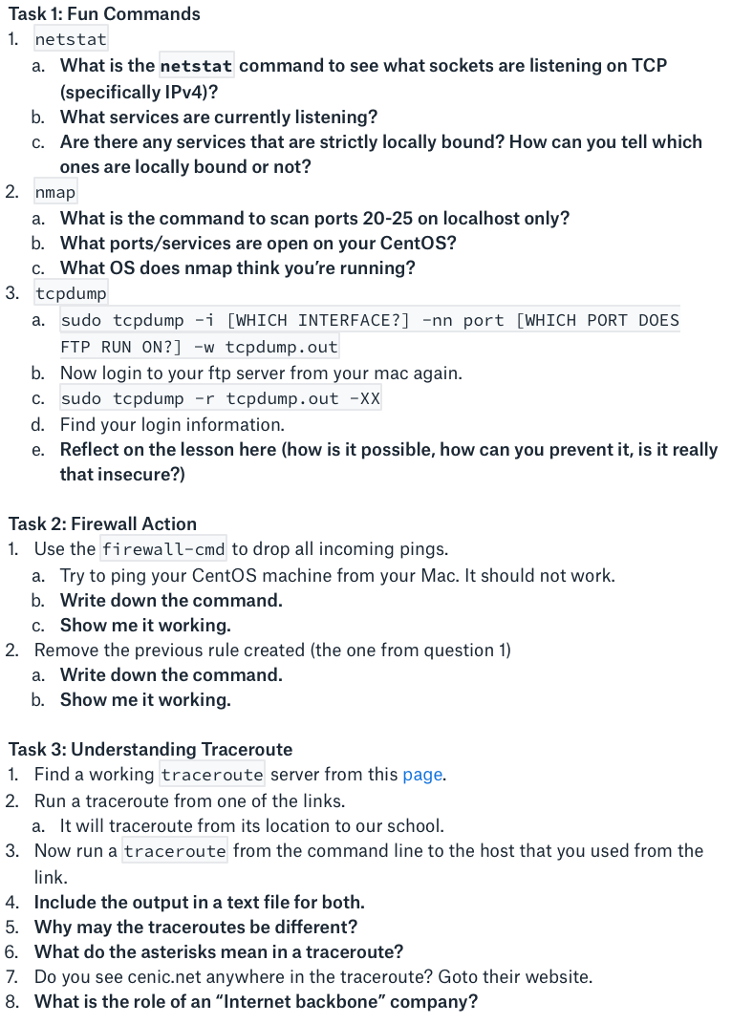
Fun Commands 1. a. What is the netstat command to see what sockets are listening on TCP (specifically IPv4)? b. What services are currently listening? c. Are there any services that are strictly locally bound? How can you tell which ones are locally bound or not? 2. a. What is the command to scan ports 20-25 on localhost only? b. What ports/services are open on your CentOS? c. What OS does nmap think you're running? 3. a. sudo tcpdump -i [WHICH INTERFACE?] -nn port [WHICH PORT DOES FTP RUN ON?] -w tcpdump.out b. Now login to your ftp server from your mac again. c. sudo tcpdump -r tcpdump.out -XX d. Find your login information. e. Reflect on the lesson here (how is it possible, how can you prevent it, is it really that insecure?) Firewall Action 1. Use the firewall-cmd to drop all incoming pings. a. Try to ping your CentOS machine from your Mac. It should not work. b. Write down the command. c. Show me it working. 2. Remove the previous rule created (the one from question 1) a. Write down the command. b. Show me it working. Understanding Traceroute 1. Find a working traceroute server from this page. 2. Run a traceroute from one of the links. a. It will traceroute from its location to our school. 3. Now run a traceroute from the command line to the host that you used from the link. 4. Include the output in a text file for both. 5. Why may the traceroutes be different? 6. What do the asterisks mean in a traceroute? 7. Do you see cenic.net anywhere in the traceroute? Goto their website. 8. What is the role of an "Internet backbone" company
Step by Step Solution
There are 3 Steps involved in it

Get step-by-step solutions from verified subject matter experts
 Study Help