







Question: ANy help would be great! Instruction:s Write down the steps before you start with the Simulator and editor. work. . Start your program at x3000
ANy help would be great!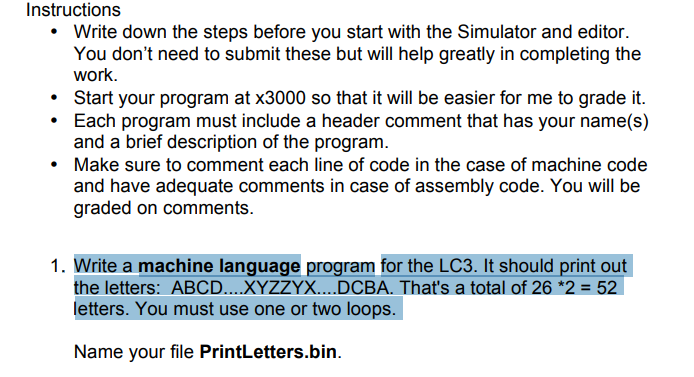
Instruction:s Write down the steps before you start with the Simulator and editor. work. . Start your program at x3000 so that it will be easier for me to grade it. .Each program must include a header comment that has your name(s) and a brief description of the program. Make sure to comment each line of code in the case of machine code and have adequate comments in case of assembly code. You will be graded on comments. 1. Write a machine language program for the LC3. It should print out the letters: ABCD XYZZYX DCBA. That's a total of 26.2=52 letters. You must use one or two loops. Name your file PrintLetters.bin. Instruction:s Write down the steps before you start with the Simulator and editor. work. . Start your program at x3000 so that it will be easier for me to grade it. .Each program must include a header comment that has your name(s) and a brief description of the program. Make sure to comment each line of code in the case of machine code and have adequate comments in case of assembly code. You will be graded on comments. 1. Write a machine language program for the LC3. It should print out the letters: ABCD XYZZYX DCBA. That's a total of 26.2=52 letters. You must use one or two loops. Name your file PrintLetters.bin
Step by Step Solution
There are 3 Steps involved in it

Get step-by-step solutions from verified subject matter experts
 Study Help