







Question: Appendix E: Corrected Manual Forms & ProConnect After receiving feedback from Debbie (your professor) on Appendices A, B, C, and D, make the recommended changes
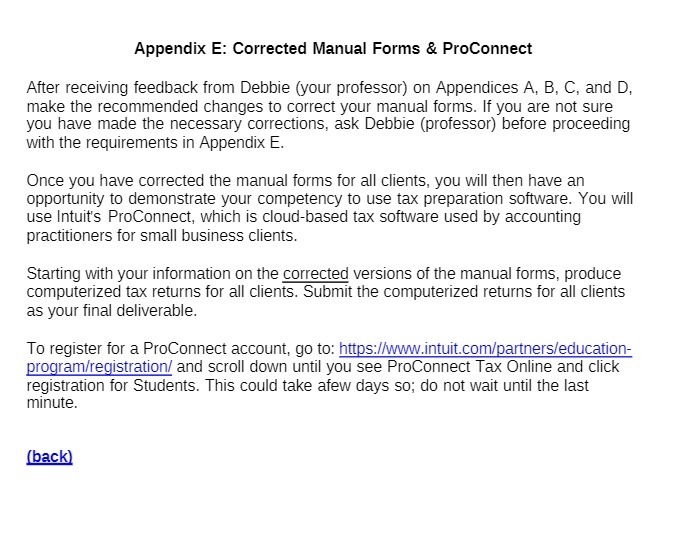
Appendix E: Corrected Manual Forms & ProConnect After receiving feedback from Debbie (your professor) on Appendices A, B, C, and D, make the recommended changes to correct your manual forms. If you are not sure you have made the necessary corrections, ask Debbie (professor) before proceeding with the requirements in Appendix E. Once you have corrected the manual forms for all clients, you will then have an opportunity to demonstrate your competency to use tax preparation software. You will use Intuit's ProConnect, which is cloud-based tax software used by accounting practitioners for small business clients. Starting with your information on the corrected versions of the manual forms, produce computerized tax returns for all clients. Submit the computerized returns for all clients as your final deliverable. To register for a ProConnect account, go to: https://www.intuit.com/partners/education- program/registration/ and scroll down until you see ProConnect Tax Online and click registration for Students. This could take afew days so; do not wait until the last minute. (back)
Step by Step Solution
There are 3 Steps involved in it

Get step-by-step solutions from verified subject matter experts
 Study Help