







Question: Application Layer - HTTP Protocol Do and explain how to do the following tasks by steps or photos: 1. Start up your IE web browser.
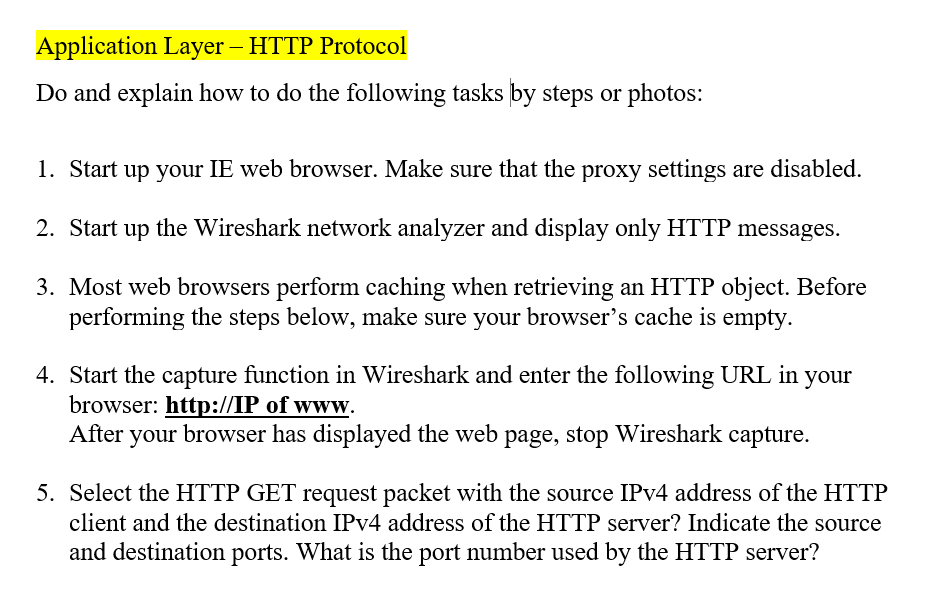
Application Layer - HTTP Protocol Do and explain how to do the following tasks by steps or photos: 1. Start up your IE web browser. Make sure that the proxy settings are disabled. 2. Start up the Wireshark network analyzer and display only HTTP messages. 3. Most web browsers perform caching when retrieving an HTTP object. Before performing the steps below, make sure your browser's cache is empty Sn r aptre fto i irsharkan URI in your browser: http://IP of www. After your browser has displayed the web page, stop Wireshark capture. 5. Select the HTTP GET request packet with the source IPv4 address of the HTTIP client and the destination IPv4 address of the HTTP server? Indicate the source and destination ports. What is the port number used by the HTTP server
Step by Step Solution
There are 3 Steps involved in it

Get step-by-step solutions from verified subject matter experts
 Study Help